10 | Accessories LINXON
82 / 90 LX218-Operating-Manual-en1-04-(1908)
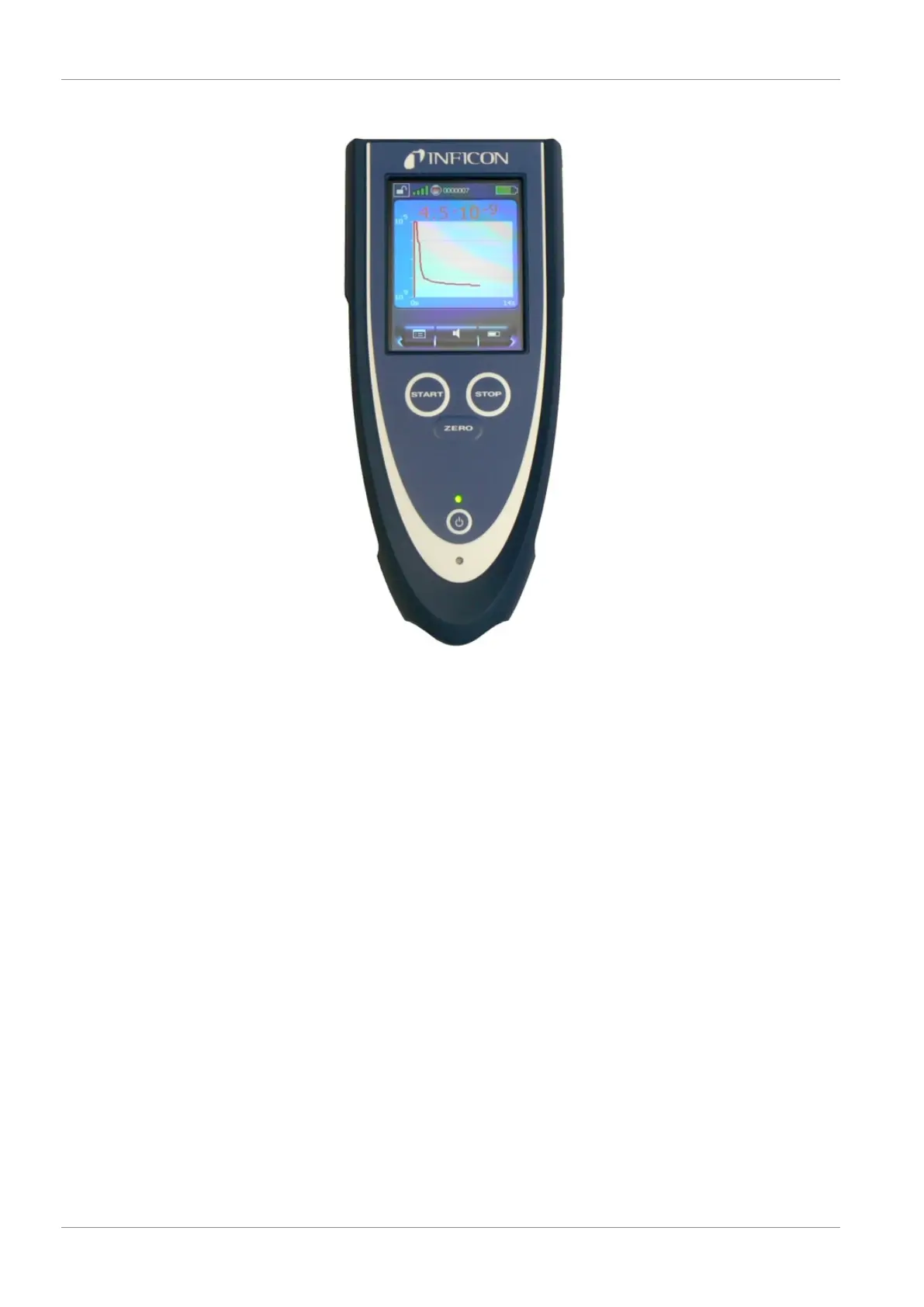
1. POWER button – Switches the RC1000 WL remote control on and off.
2. ZERO button - ZERO activates the background suppression in the measuring
mode. Pressing the button for more than 3 seconds deactivates the background
suppression.
3. Touch display - The touch display offers extensive functions for visualization,
operation and configuration. Measured values can be displayed numerically or as
a curve. The functions are easy to operate with the soft buttons.
4. START button, STOP button – The measurement operation of the leak detector is
started with the START button and stopped with the STOP button.
5. LED operation – Signals operation of the remote control by flashing.
6. LED charge indicator – Lights up while the battery is being charged.
The remote control is an optional accessory, therefore it is not part of the standard
scope of delivery.


 To Next Page