Operating manual and inspection booklet
Camping
122 3435216
6.1.5 Emptying the waste water tank
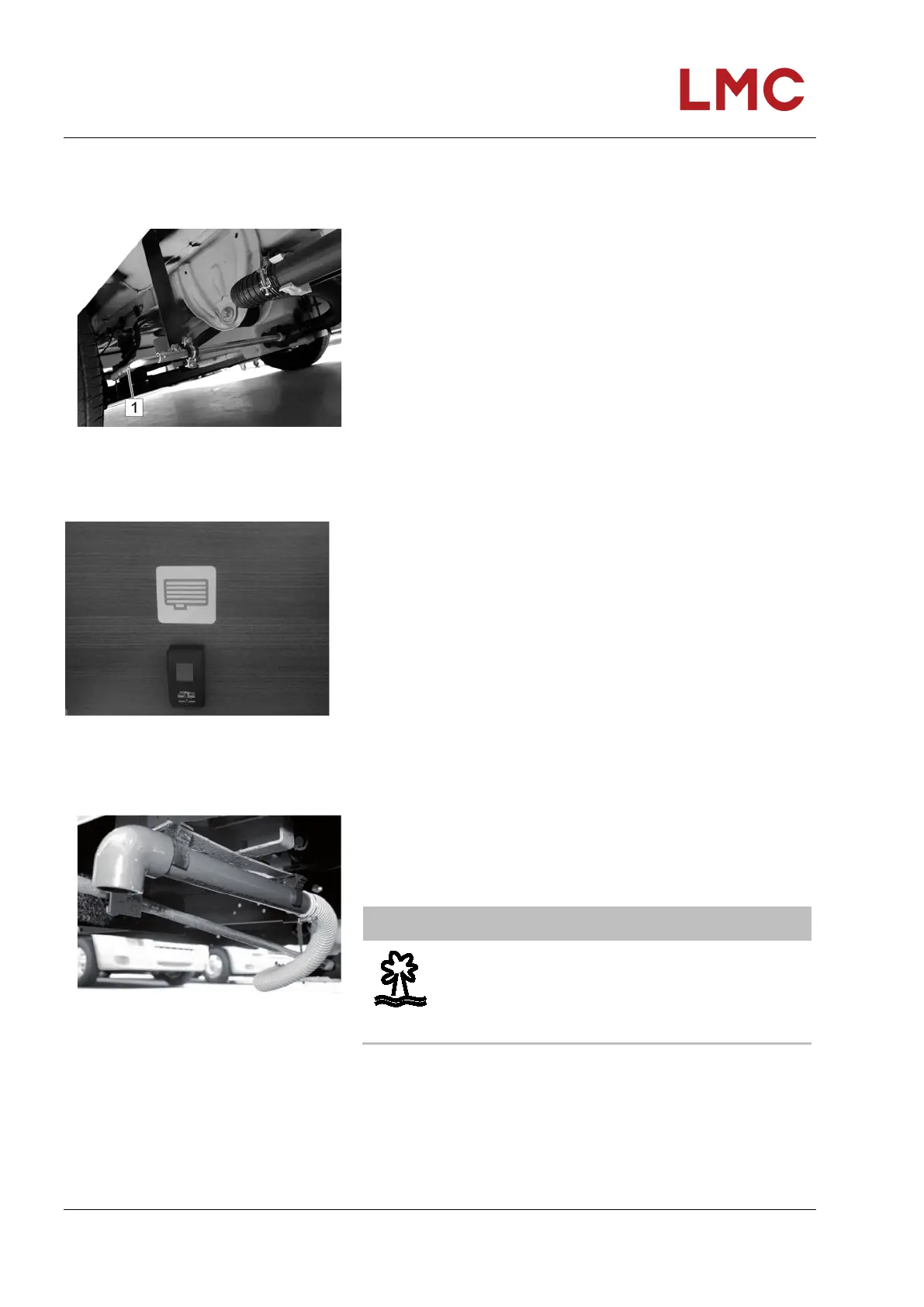
Open the grey water valve of the LMC Tourer
Fig. 102: Linkage assembly for drain valve
Insert handle (1) and activate swivel lever.
Open the grey water valve of the LMC Cruiser
Fig. 103: Drain valve toggle switch
The filling level can be read on the display of the operating
unit.
Press toggle switch to drain.
• Toggling upwards = open = red LED comes on
• Toggling downwards = closed = red LED off
Waste water drain pipe
Fig. 104: Drain pipe
The waste water drain pipe can be found underneath the
vehicle's floor. The pipe is clamped into a plastic bracket.
To drain the waste water, remove the drainpipe from the
bracket and rotate it towards the canalisation.
NOTE
Cleaning agents, soaps and cosmetics contaminate
the environment and ground water.
• Never drain waste water in free nature, dispose
only at the designated disposal points.



 To Next Page