Operating manual and inspection booklet
Camping
3435216 141
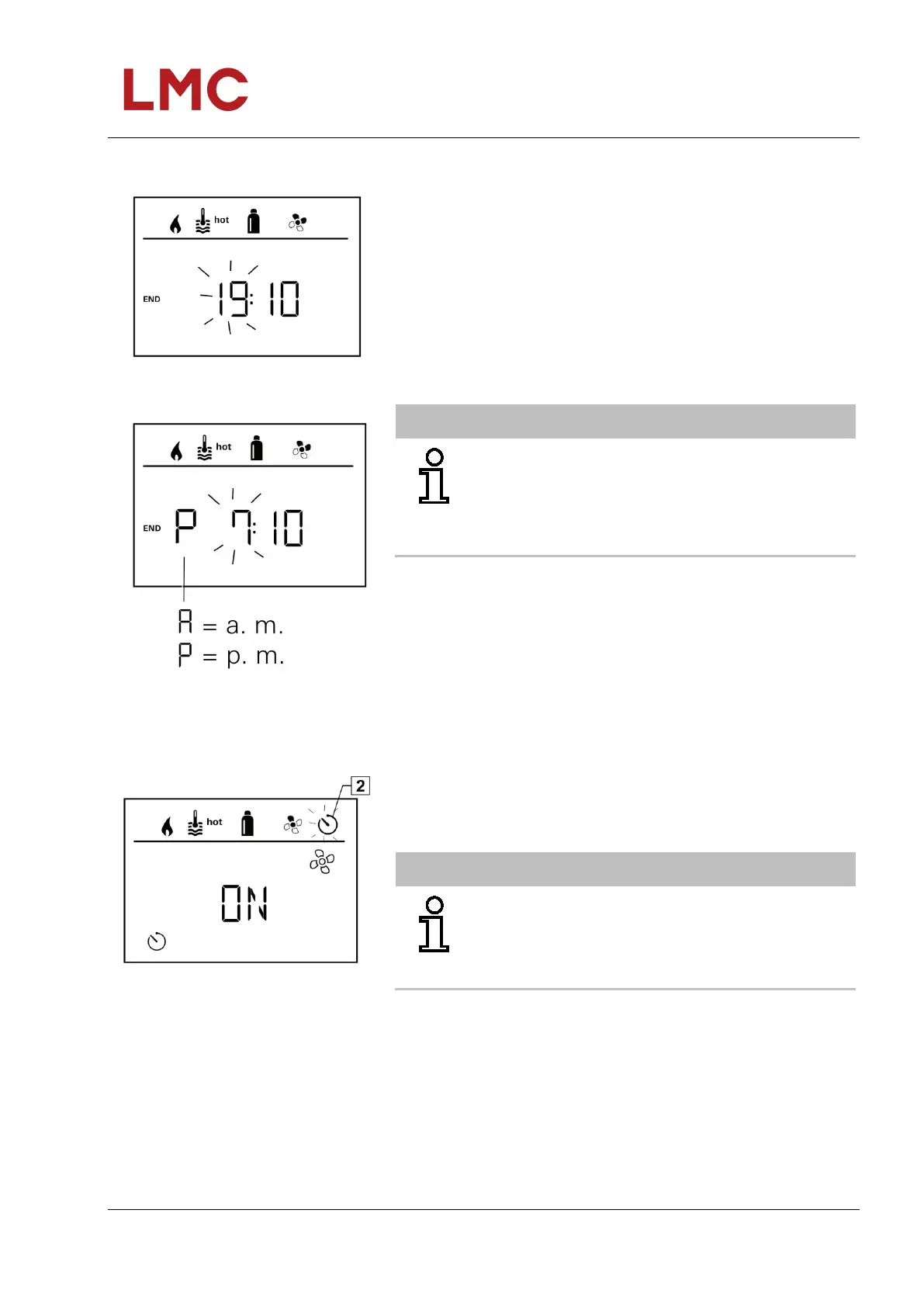
Enter the end time
Fig. 132: 24 h mode display
Using the rotary/push-button, set the hours then the minutes.
Fig. 133: 12 h mode display
NOTICE
If the start/end time is exceeded upon entry, the
operating parameters are only considered once the
next start/end time is reached. Until then, the
operating parameters set external to the timer remain
valid.
Activating the timer (ON)
Fig. 134: Timer display
Use the rotary/push-button to activate the timer (ON)
Tap rotary/push-button to confirm the value.
NOTICE
The timer remains active, including over a number of
days, until it is deactivated (OFF).
If the timer is programmed and active, the timer
symbol flashes.



 To Next Page