Operating manual and inspection booklet
Camping
166 3435216
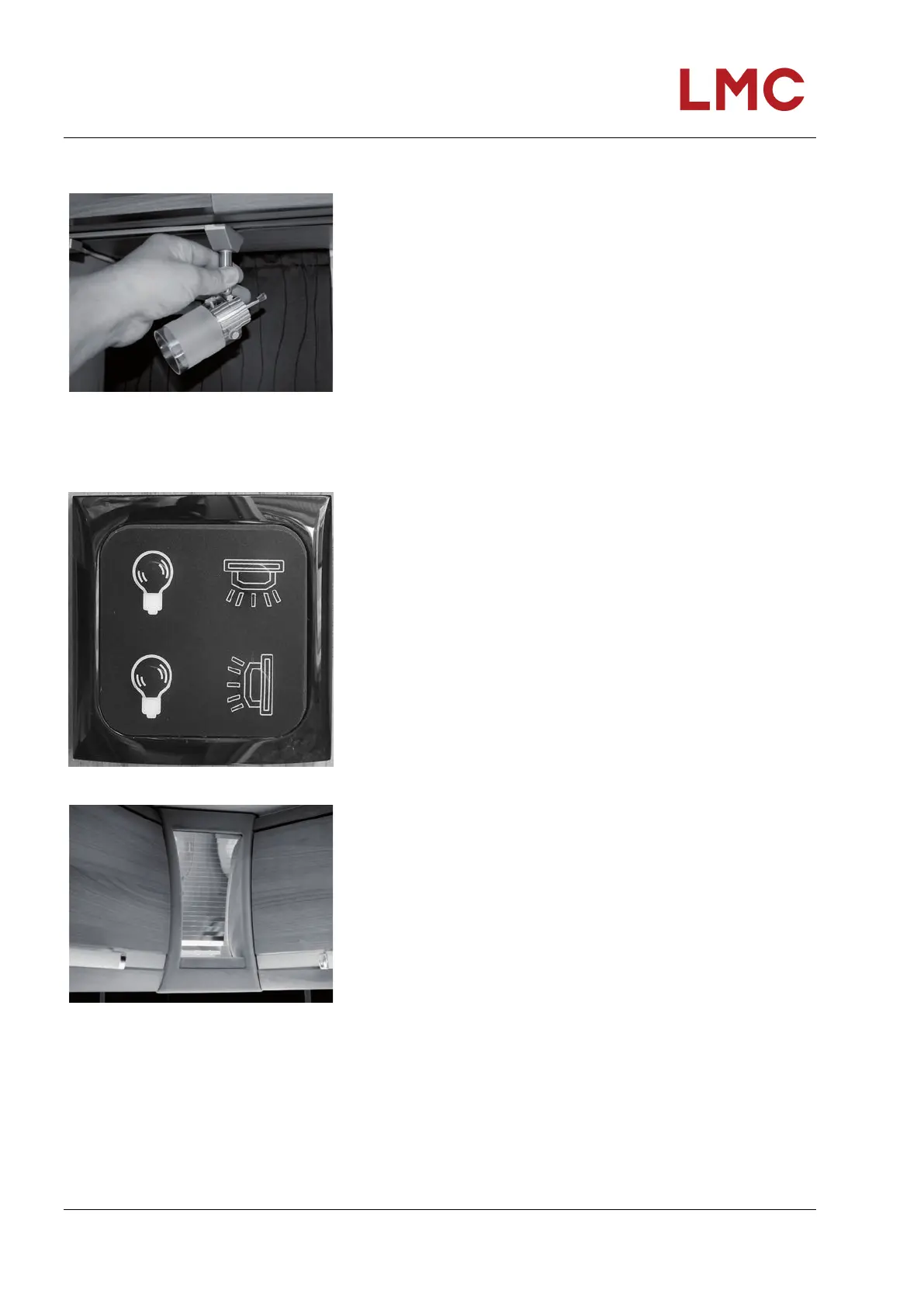
Adjusting the LED spot light
Fig. 175: Adjusting the LED spot light
The LED spot lights in the rail system can be adjusted:
1. Use the base switch to turn off the LED spot light.
2. Turn the base by 90 ° so that the base is at a right angle to
the rail ( Fig. 175).
3. Pull the LED spot light down to remove it.
4. Insert the LED spot light at another location in the rail.
5. Rotate the base back 90° to reposition the base lengthwise
in the rail.
The LED spot light can now be switched on again via the base
switch.
Adjusting the brightness (optional)
Fig. 176: Multifunction switch (example)
Fig. 177: Example of a corner light variant
In some vehicle models, individual lights, light strips or panelling
with the light effects are installed in various locations inside the
motorhome. Depending on the vehicle model, the brightness of
the lights can be adjusted by simply pressing a button or
activating a dimmer switch:
Dimmer switches: Adjust the dimmer switch to the desired
level of brightness.
When using a multi-function light: Press and hold the button
until the desired brightness is set.
To simply switch the lights on/off without regulating
brightness, briefly press the respective light button once.



 To Next Page