Connect ID 32-46 - 112 -
Operating instructions
Connections menu
Settings for the connection of external appliances are made in this menu.
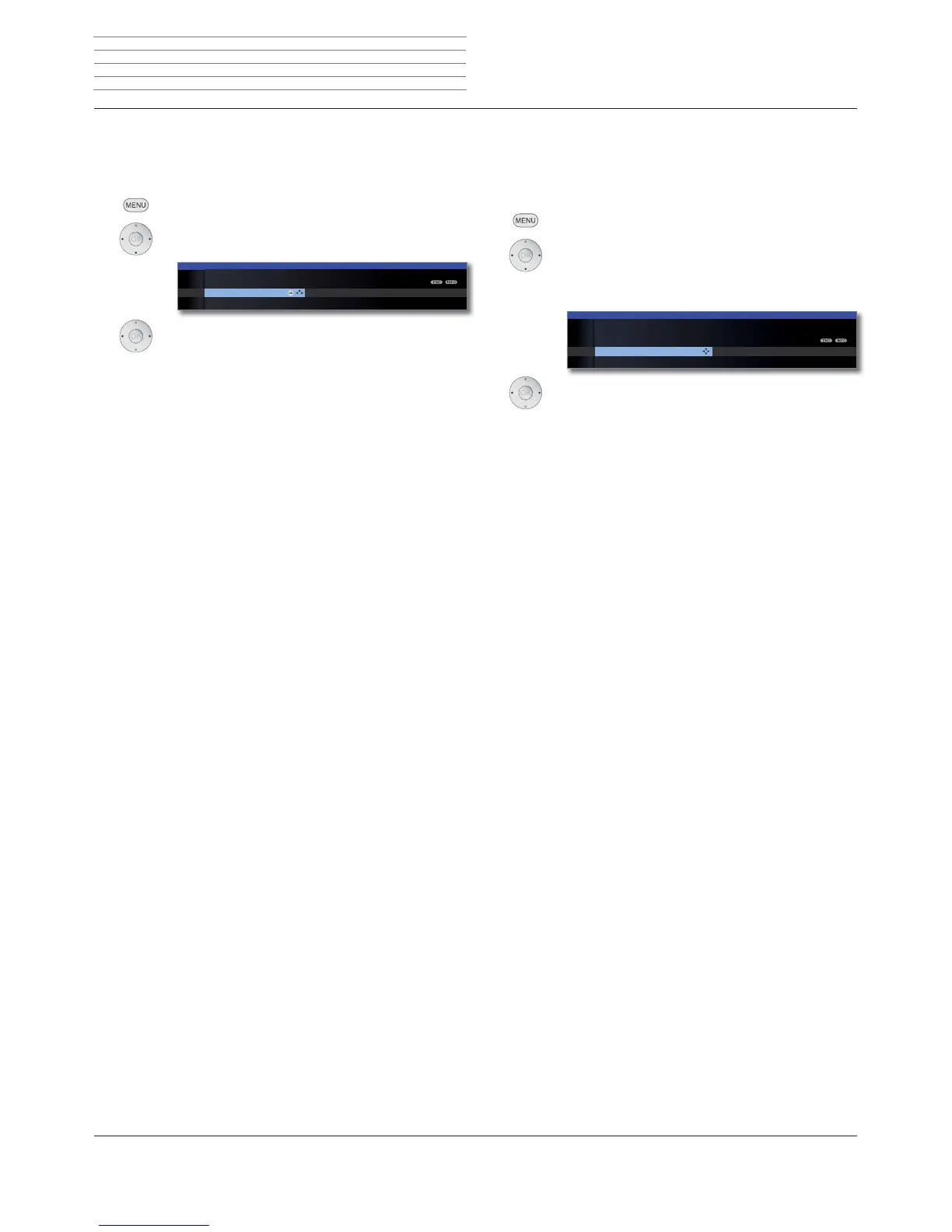
Calling the connections menu
MENU: Call TV menu.
Select Connections,
go to the menu line below.
Select the desired setting.
Explanations of setting possibilities in the Connections menu:
The sound components wizard helps you to configure
the components which are used to reproduce the TV
sound. You will find a description of the sound compo-
nents wizard on page 119.
Here you can set the parameters of the DVB-T and the
DVB-S antenna with the antenna wizard. The setting
options of the DVB antennas are described in the first
time operation routine (from page 22).
See right column for explanations.
See page 113 for explanations.
Antenna DVB AV connecting settings Miscel
TV MENU
Connections
Sound components
OK
Sound
components
Antenna DVB
AV connecting
settings
Miscellaneous
AV connection settings
In the AV connection settings menu the parameters for the AV and AVS
connection sockets can be adapted.
Calling AV connection settings
MENU: Call TV menu.
Select Connections,
go to the menu line below.
Select AV connecting settings,
go to the menu line below.
Select the desired setting.
Explanations of setting possibilities in the AV connecting settings
menu:
Indicate here whether a set and, if yes, which one is
connected to the AV socket.
You set the AV standard of the connected appliance to
AV or AVS here.
Normally you leave the setting on Automatic. If the
standard of the connected appliance is not detected
automatically, select the right standard.
Ask your dealer or consult the operating manual of the
connected appliance if necessary.
You set the signal type of the device connected to AV
or AVS here. Normally, you should leave the setting at
Automatic; otherwise select a suitable signal type. You
can find out more from your dealer.
If this function is activated, the video and audio of an
external unit connected to the AV connector will im-
mediately be reproduced on all TV broadcast sites when
playback is started up, provided that the external unit
emits a switching voltage.
In the case of external units with Digital Link Plus sup-
port, the video and audio are reproduced independently
of the setting as soon as playback is started.
AV standard Signal type Allow switchi












 To Next Page