Connect ID 32-46 - 66 -
Operating instructions
Media menu
The Media menu is used for making settings to your network adapter
and the various types of media (photo, music, video).
➠ MediaPortal is open.
MENU: Call / close Media menu.
Select desired menu item,
go to the menu line below.
Select the desired setting,
OK call.
Network settings: see right column.
Photo settings: see page 69.
Music settings: see page 69.
Video settings: see page 69.
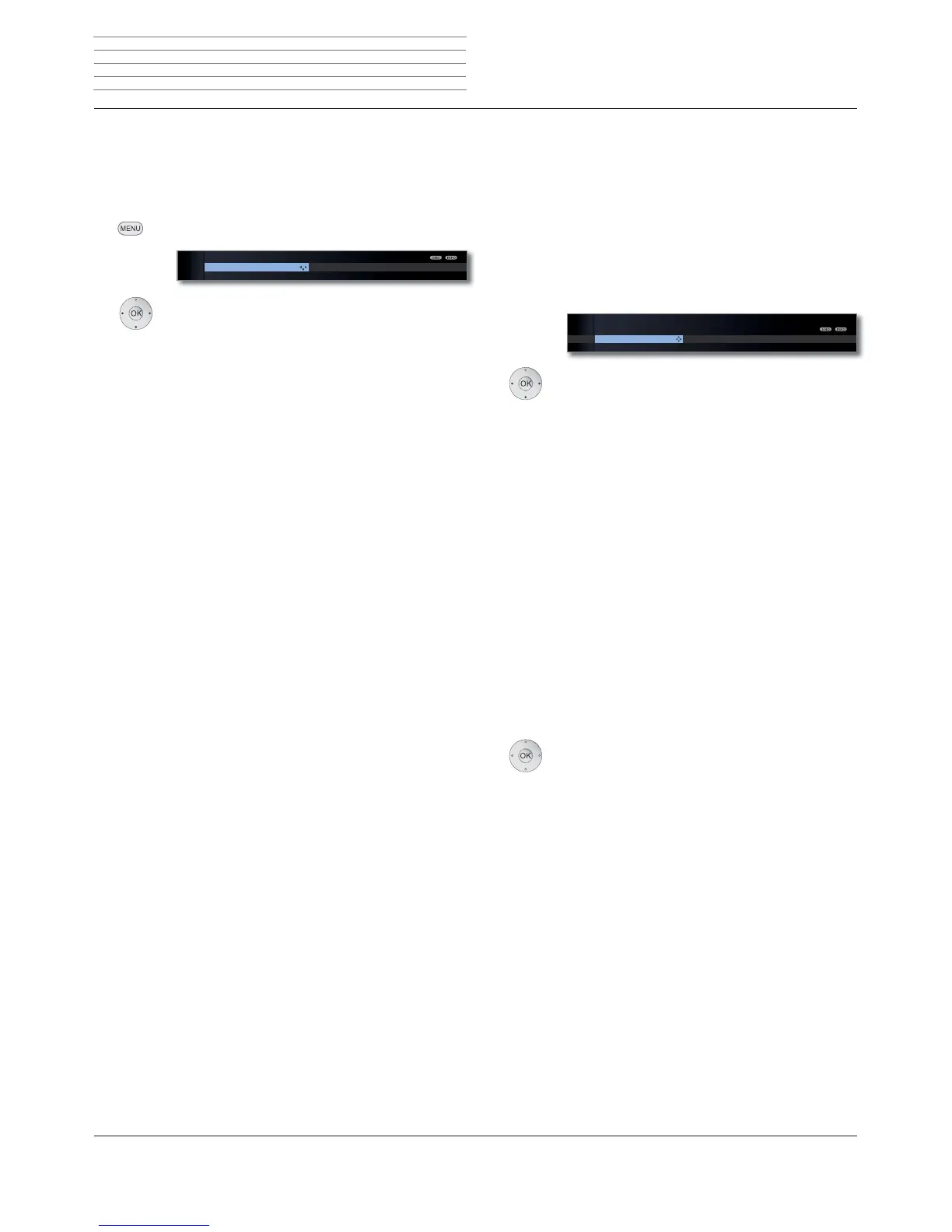
MEDIA MENU
Network settings
Photo settings Music settings Video settin
Network access
Explanation of the setting possibilities in Network settings menu
See below.
See page 68.
See page 68.
You can activate or deactivate the network settings of
your TV set here.
Select Network access,
go to the menu line below.
Select the type of access required.
off deactivates all existing network adapters of your
TV set.
On, wired only: Access to the network only via a network
cable. The wireless access is deactivated.
On, wireless only: Access to the network only via WLAN.
The access via a network cable is deactivated.
On, wireless + bridge function: Both network adapt-
ers are activated. Wireless Internet access is possible
(WLAN). Internet-enabled devices connected to the
network socket (LAN) (e.g. Loewe MediaCenter, Loewe
BluTechVision 3D) can use the wireless connection of
the TV set to access the Internet via the WLAN bridge
function.
➠
Under no circumstances may the TV set be wired and
at the same time connected by a wireless connection
to the same network, e.g. router. This may cause
severe operational faults!
OK Adopt access type or change Current settings for
the adapter.
Network
access
Other
Reset to
factory settings
Network
access
MEDIA MENU
Network settings
Network access Other Reset to factory settings
On, wired only
...
Media
+












 To Next Page