Connect ID 32-46 - 89 -
Operating instructions
Settings
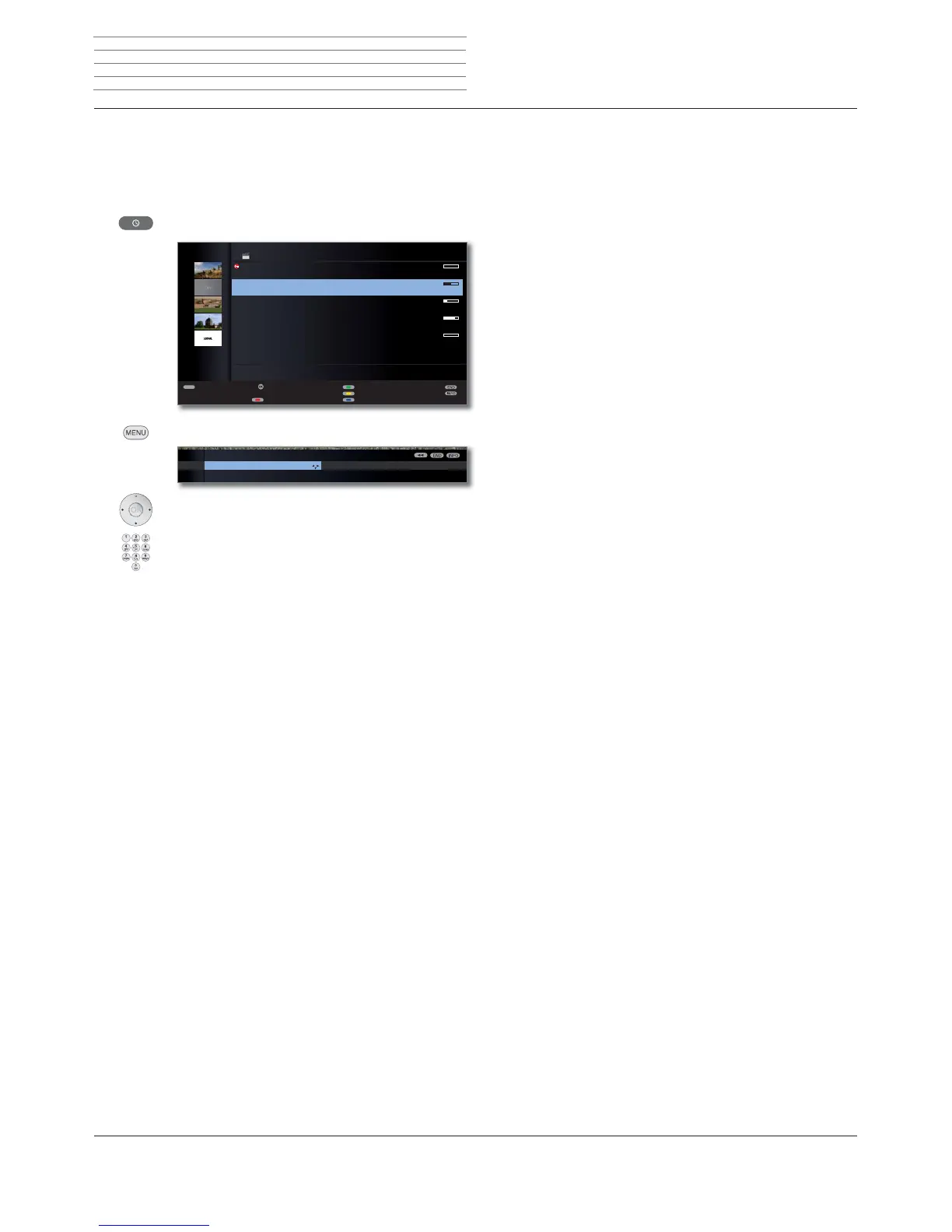
You can make a few settings in the Digital Recorder menu to adapt the
Digital Recorder to your requirements.
Call Digital Recorder menu
Call DR archive / Video archive.
MENU: Call Digital Recorder menu.
Choose a setting,
switch to the menu line below.
Set or enter using the
numeric buttons of the remote control.
Explanation of the setting facilities
Select the storage medium whose accessible content is
to be displayed in the archive.
➠ The menu item only appears if several storage de-
vices are available (for external hard discs and TV
devices that are capable of permitting DR archive
programmes to be viewed on the network, see
page 107 onwards).
If DR continuous operation is switched on, the pro-
gramme being watched is recorded permanently in the
background.
Factory setting: on.
Display DR archive entries with or without covers.
For determining covers, see page 106.
Factory setting: With cover pictures.
➠ A cover picture for the broadcast is automatically
saved if it was viewed during the recording (e.g.,
when recording directly). A cover picture is not ini-
tially saved for a broadcast that is recorded entirely
in the background.
For determining covers, see page 106.
If an entry has been hidden in an archive recording (see
page 101), you can be informed by a screen message
when skipping a hidden area.
Factory setting: yes.
TEXT
OK
۩
-
Top-Movie 1
15.09. Sky Cinema HD
Bon(n) jour Berlin
14.09. Phoenix
da capo
31.08. Das Erste
Tagesschau
29.07. 3sat
Individual
00.00. LOEWE.
09:45 - 10:00
DR ARCHIVE free capacity 68:42 hrs
Edit/protect
Delete/copy
Change sorting
Detail View
Timer list
DR continuous operation DR archive vie
DIGITAL RECORDER MENU
Select memory medium
Integrated hard disk
...
Select memory
medium
DR continuous
operation
(1
DR archive
view
(1
Inform about
hidden
sections
Explanation of the setting facilities (continue)
Set the standard jump width (in minutes) used for jump-
ing forwards or backwards in the film by pressing
or . Use the numeric buttons on the remote control
to enter the time (always two-digit for 01 to 15 min.).
Factory setting: 04 min.
➠ If Smart Jump is activated, the jump width can only
be set between 1 and 4 minutes.
Activate or deactivate Smart Jump function (see
page 91).
Factory setting: yes.
A broadcast programmed with the recording type Serial
is recorded only if it begins within the programmed start
time ± series recording tolerance. Use the numeric but-
tons on the remote control to enter the time (always
two-digit for 01 to 60 min).
Factory setting: +-30 min.
➠ The recording mode Serial is only available when
recording over EPG (see page 97).
➠ Serial recording tolerance is ignored when recording a
programme with auto time control (see page 97).
Select here whether subtitles are to be recorded in
continuous operation for DVB stations.
Factory setting: no
(2
.
The TV set can possibly already record decoded
programmes in DR-continuous operation that have
been watched as time-shifted encoded programmes.
Recording the programme directly into the DR archive
saves you having to descramble it later.
Factory setting: no
(3
.
See page 90.
Jump distance
Smart Jump
Serial
recording
tolerance
Record
subtitles at DR
continous
operation
(1
Descrambling
at DR
continuous
operation
(1
DR+ Streaming
settings
Digital Recorder
(1
only for TV sets with DR
+
.
(2
for location of TV set DK, FIN, N or S: yes.
(3
for location of TV set NL: yes.












 To Next Page