Connect ID 32-46 - 70 -
Operating instructions
MediaHome
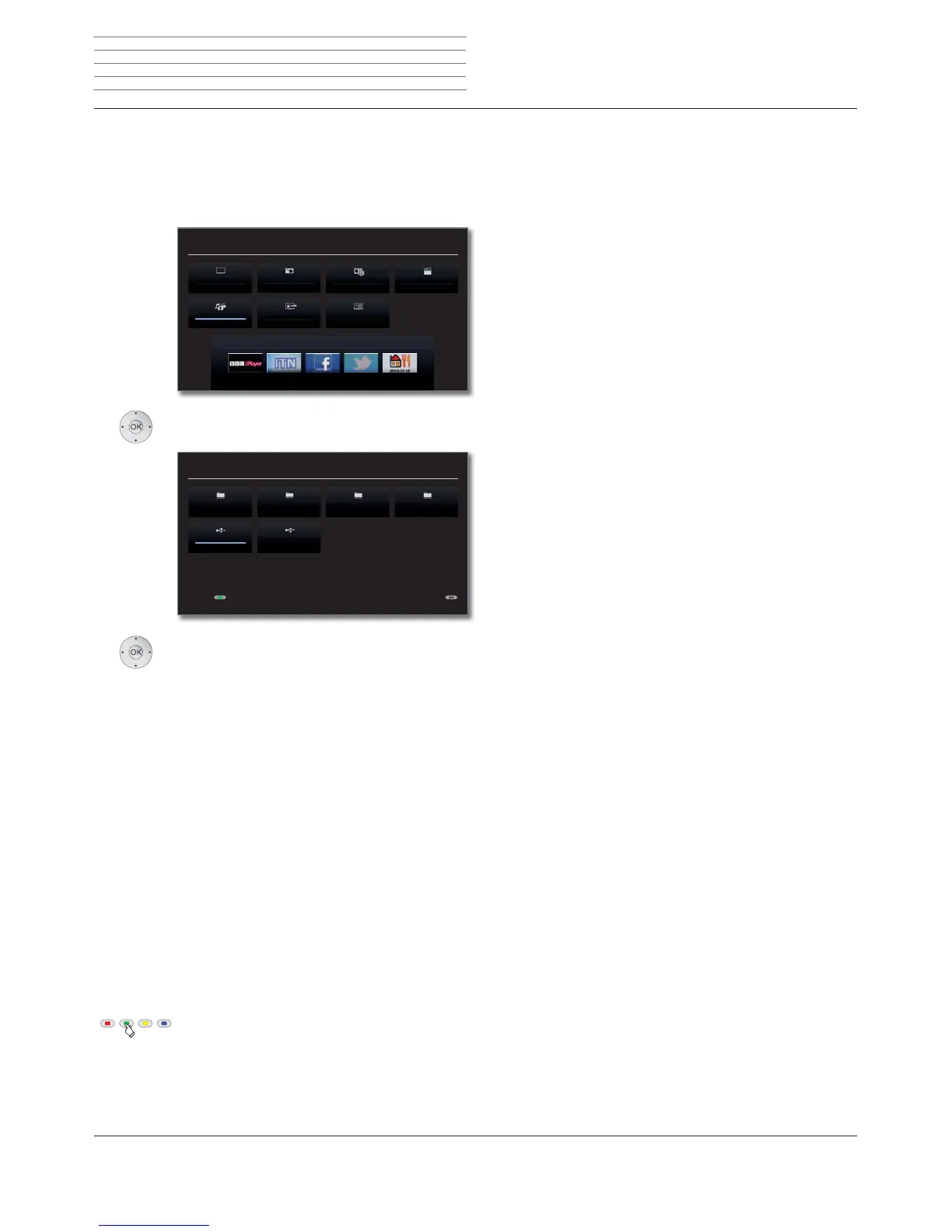
MediaHome includes both storage media directly connected to the TV
set (e.g. USB sticks) as well as data provided in your home network (e.g.
from a media server on a PC or a network hard drive).
➠ MediaPortal is open.
Mark MediaHome,
OK activate.
Mark desired media source.
OK Open highlighted media source. The available
content of the media source is displayed.
➠ The media sources shown here depend on the devices
available/used.
A Loewe MediaCenter connected to your home
network.
Examples with media servers in your home network. The
exact designation depends on the media server used.
USB storage media on the USB connections of your TV
set. The exact designation depends on the relevant stor-
age medium.
➠ Please also observe the notes on page 130 regard-
ing USB sticks!
Unmounting USB storage media
You should unmount USB storage media properly after
use before removing them from the TV set. This avoids
a loss of data.
➠ A USB storage medium is marked in MediaHome.
Green button: Unmount USB storage medium before
removing it.
➠ Once unmounted, the USB storage medium cannot
be used again until it is reinserted!
MEDIA PORTAL
TV
DR+ StreamingMediaHome
DVB radio DR archive
MediaNet
Index
Internet radio
MEDIA HOME
DiskStation
USB 2
Media_Server01
USB 1
Media_Server02 TwonkyMedia
Unmount medium before removing
MediaCenter
TwonkyMedia
WMP11
USB
Media
+












 To Next Page