Connect ID 32-46 - 79 -
Operating instructions
MediaPhoto
MediaPhoto is the functionality for reproducing photos, which you can
access via MediaHome. Here, it does not matter whether the photos
come from USB storage media or media servers in the home network.
➠ A picture is selected in the media overview.
OK View marked picture in full screen mode (see
below).
PLAY button: Start slide show (see right column).
Full-screen mode
➠ A picture has been selected.
OK Opens full picture mode.
➠ Portrait photos (with the corresponding entry in the
Exif files) are automatically positioned correctly for
viewing. Rotate photos automatically ט yes must be
selected in the photo settings (see page 69).
Show previous / next picture.
Rotate picture by 90 degrees to the left/right.
OK Quit full-screen mode and return to overview.
OK
P+
P–
OK
LOEWE_USB (USB)
Loewe_1_highres
Loewe_2_highres
Loewe_3_highres
Loewe_4_highres
Loewe_5_highres
Loewe_6_highres
Loewe_7_highres
Loewe_8_highres
Loewe_9_highres
Loewe_10_highres
Loewe_11_highres
Music
Photo
Video
View
Page חי
3KRWR Elements 106
Change view
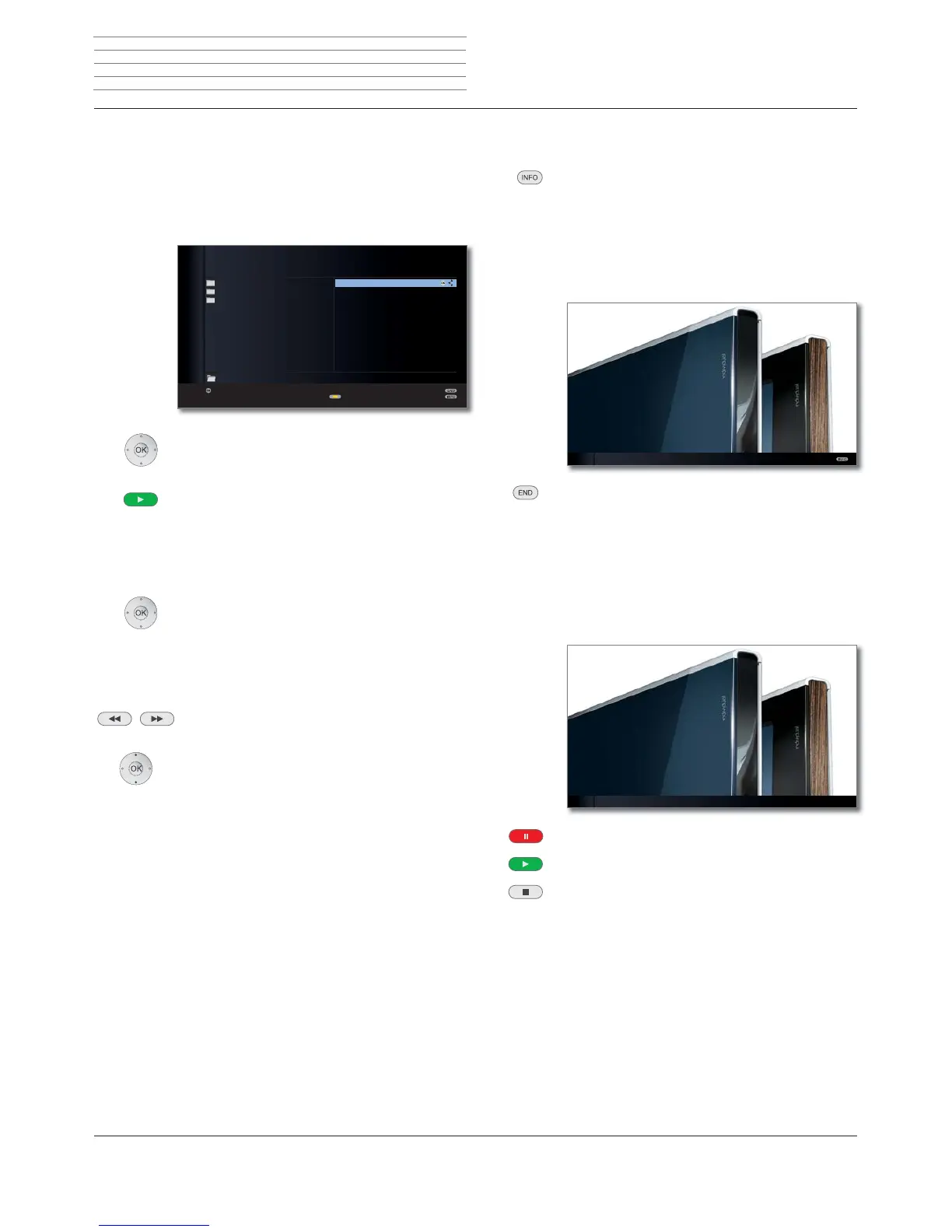
Photo status bar
The status bar provides further information on the displayed photo.
INFO: Display/hide status bar/file information/context
information.
Pressing the INFO button the first time will show the
photo status bar. Pressing a second time shows the file
information for the photo. Pressing the INFO button
again shows the context information with operating
instructions. The displayed information is hidden again
by pressing one more time.
END: Close displayed content.
Slide show
PLAY button: Start slide show.
➠ from photo overview: The slide show will begin with
the marked picture.
➠
in full screen mode: Start slide show with displayed
picture.
PAUSE button: Pause slide show.
PLAY button: Continue slide show.
STOP button: End slide show and return to overview.
2/106 Loewe_2_highres
ܕ
2/106 Loewe_2_highres Slide show
Media
+












 To Next Page