Connect ID 32-46 - 65 -
Operating instructions
Accessing your media
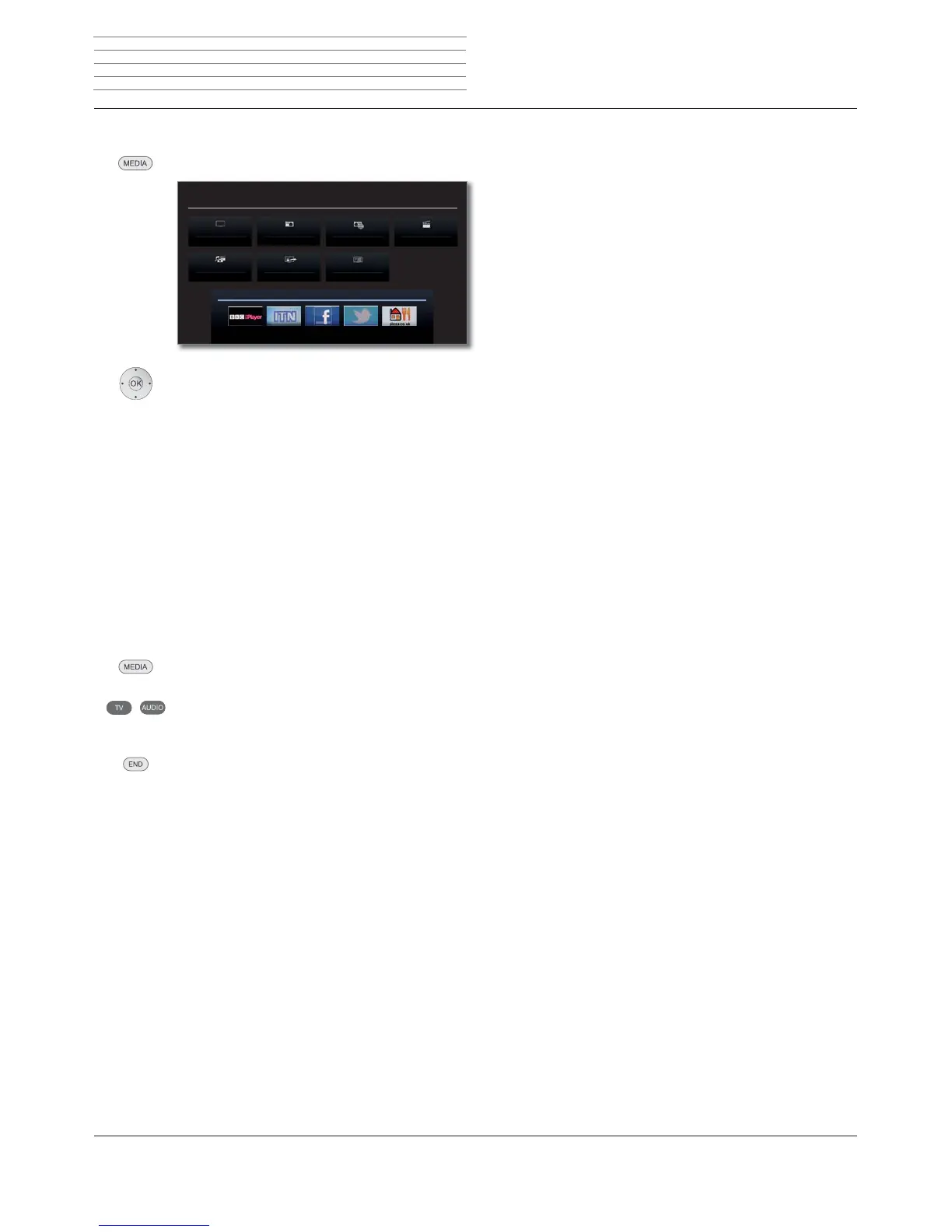
MEDIA: Call MediaPortal.
Mark desired function,
OK call function.
MediaHome: see page 70.
MediaNet: see page 73.
Playing music and videos, displaying images
The windows for playing music and videos and for displaying photos are
comparable for all cases irrespective of the media source. The relevant
players are therefore grouped together:
MediaMusic
(including Internet radio):
see page 78.
MediaPhoto: see page 79.
MediaVideo: see page 80.
Quit media
Call MediaPortal and select other function (see above).
Or:
Press TV or AUDIO button for changing to TV or radio
mode
(1
.
Or:
Press END button in the MediaPortal main level to change
to the last active operating mode (TV, radio).
MEDIA PORTAL
TV
DR+ StreamingMediaHome
DVB radio DR archive
MediaNet
Index
Internet radio
Media
+
(1
The AUDIO key can be assigned another function (see page 129)












 To Next Page