Connect ID 32-46 - 80 -
Operating instructions
MediaVideo
MediaVideo is the video player for playing back videos, which you can
access via MediaHome. The videos can come from USB storage media
or media servers in the home network.
➠ A video is selected in the media overview.
OK Play highlighted video (see right column).
Information on high-resolution films in general
Due to technical limitations (e.g. interference, limited bandwidth), inter-
ruptions to playback up to and including complete termination of the
playback may occur when playing high definition film material (HD films)
on 720p format or above (1280 x 720 resolution or above).
Information on high-resolution films via wireless connection
High definition film material (HD films) from format 720p upwards
(resolution 1280 x 720 or higher) should be played back via a wired
connection. If there is a wireless connection, then technical limitations
(e.g. fault liability, bandwidth limitations) can cause disruptions in the
playback right up to a complete breakdown of the playback.
P+
P–
OK
OK
LOEWE_USB (USB)
video1.avi
video2.avi
video2.wmv
video3.avi
video4.avi
video5.avi
video6.avi
video6.wmv
video7.avi
video8.avi
video9.avi
Music
Photo
Video
View
Page חי
9LGHR Elements 17
Change view
Playback
➠ A video is selected.
OK Play highlighted video.
PAUSE button: Pause/resume current playback.
PLAY button: Continue paused playback.
STOP button: Stop current playback and return to
overview.
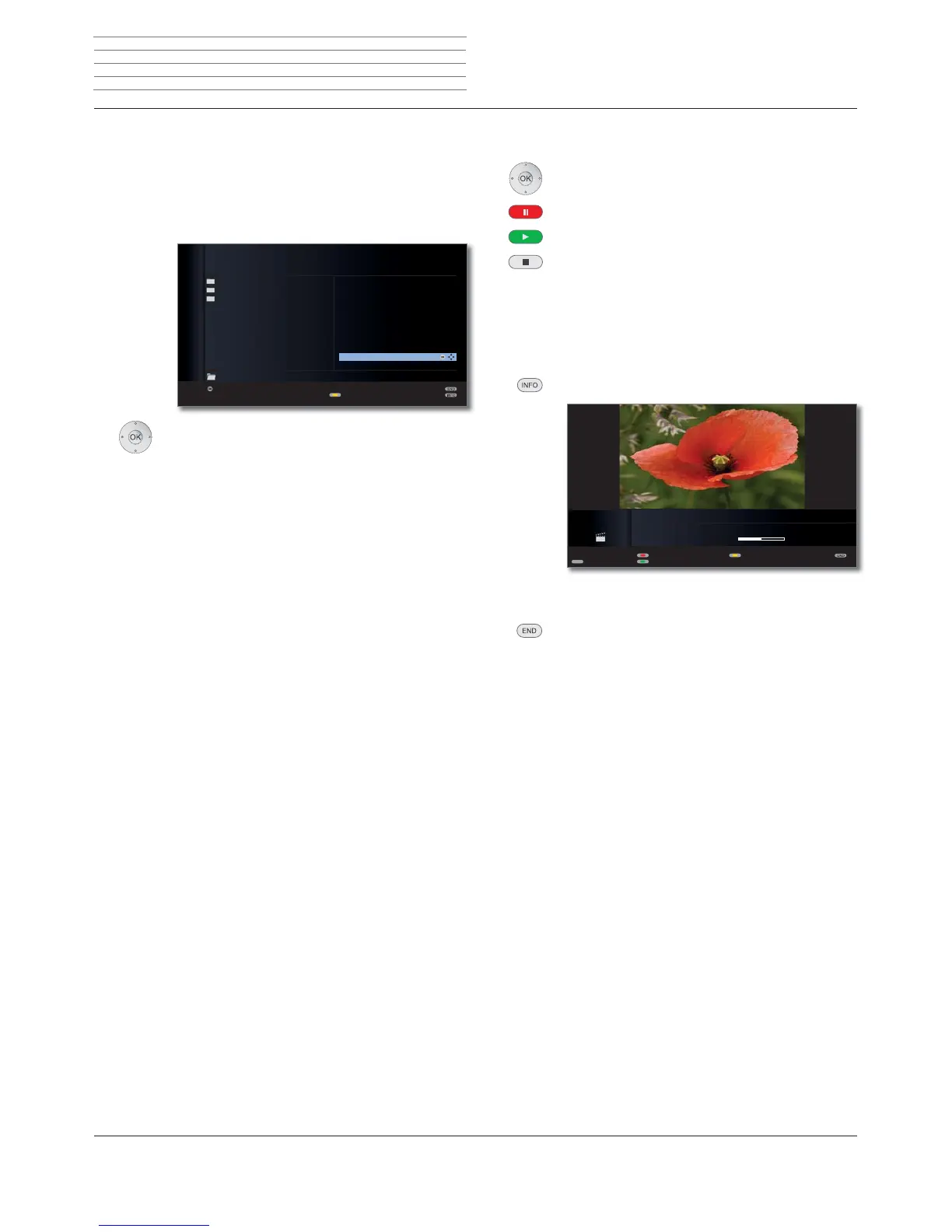
Video status bar
The video status bar provides you with further information about the
current playback.
INFO: Display status bar.
➠ On video small image displays (see page 81), the
status bar is permanently faded in.
END: Close displayed content.
Explanation of status bar symbols
The symbols (in the status bar top right) show you information about
the current playback.
ܕPlayback
ܔ
Pause
ܓ
Rewind (speed 2x, 5x, 10x, 20x)
ܒ
Fast-forward (speed 2x, 5x, 10x, 20x)
_ Replay current title
ܨ Repeat all titles from the current folder
The bar behind the playtime shows you how far the video has been
played.
ܕ
ܕ
PIP
VIDEO PLAYER
"Flower Exhibition"
Playtime: 02:13 (04:26)
Change size
Repeat title/all/off
Jump to ...
Language/sound
Media
+












 To Next Page