Connect ID 32-46 - 36 -
Operating instructions
Adjusting the picture
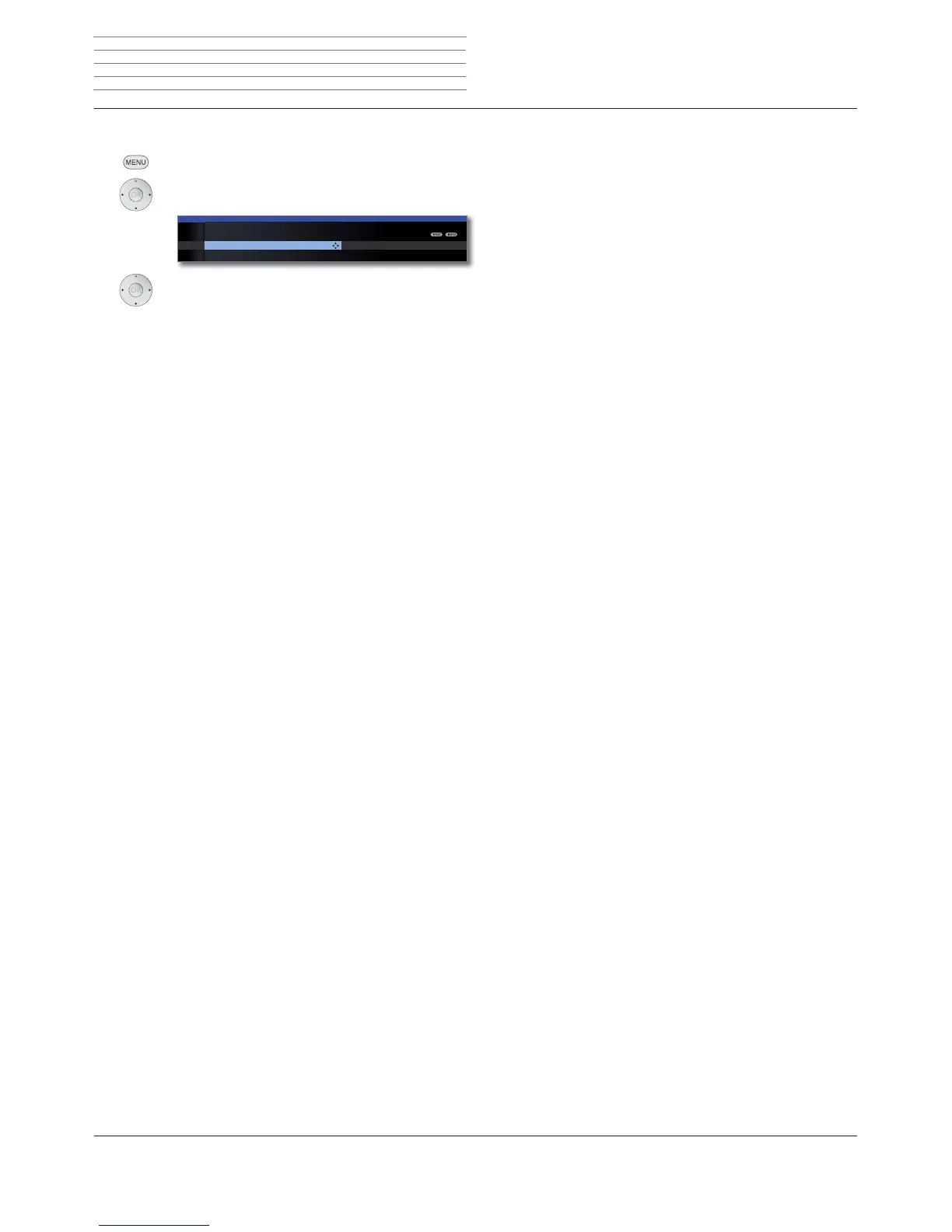
MENU: Call TV menu.
Select Picture,
go to the menu line below.
Select the desired picture function,
go to the menu line below.
Make changes.
Explanations of the picture settings:
Select the settings for your TV set‘s 3D display (see
page 38).
You can switch between three fixed picture setting
variants and the three personal picture values that you
have set here (see page 37).
The contrast setting depends on the brightness of the
room. The brighter the surroundings the higher the
contrast should be set.
The power consumption of the TV set is directly depend-
ent on the value set here (see also page 22).
Set the colour intensity to suit your personal taste.
Here, you can give the TV picture a warmer or colder
hue according to your personal taste.
Set the brightness so that the black areas of the picture
only just appear black.
Here you can adjust picture sharpness to obtain the
best definition.
With active DNC (Digital Noise Control) you can elimi-
nate or reduce picture noise.
Call with OK (see right hand column).
Contrast Colour intensity Colour
TV MENU
Picture
Picture adjustment
Personal settings (TV digital) ...
3D
Explanations of the picture settings (continuation):
Picture improvement on/off and demo mode for Im-
age
+
Active.
If this auto dimming is active then the television picture
contrast is automatically reduced when the room bright-
ness diminishes (Optical Power Control – OPC). This will
also reduce the power consumption of the TV.
➠ Owing to a reduction in the luminance in 3D mode
for technical reasons, this function is deactivated
when showing 3D content.
If this automatic dimming (“Video compensating Back-
light Dimming”) is active then, dependant on the current
video content, the background lighting is reduced and
concurrently the video signal is enhanced resulting in
improved contrast to your television picture. This will
also reduce the power consumption of the TV.
➠ Owing to a reduction in the luminance in 3D mode
for technical reasons, this function is deactivated
when showing 3D content.
DMM reduces jolt in rapid picture object movements and
rolling text displays. This applies especially for movies.
Automatic detection and setting of the picture format
for Cinemascope or widescreen movies.
Set picture format (see page 37).
Move picture vertically (see page 37).
Daily operation
Image
+
Active
Auto dimming
- Room
Auto dimming
- Video (VBD+)
Film quality
impr. (DMM)
Auto format
Picture format
Move picture
up/down
3D
Picture
adjustment
Contrast
Colour intensity
Colour
temperature
Brightness
Sharpness
Digital Noise
Control (DNC)
more ...












 To Next Page