Connect ID 32-46 - 41 -
Operating instructions
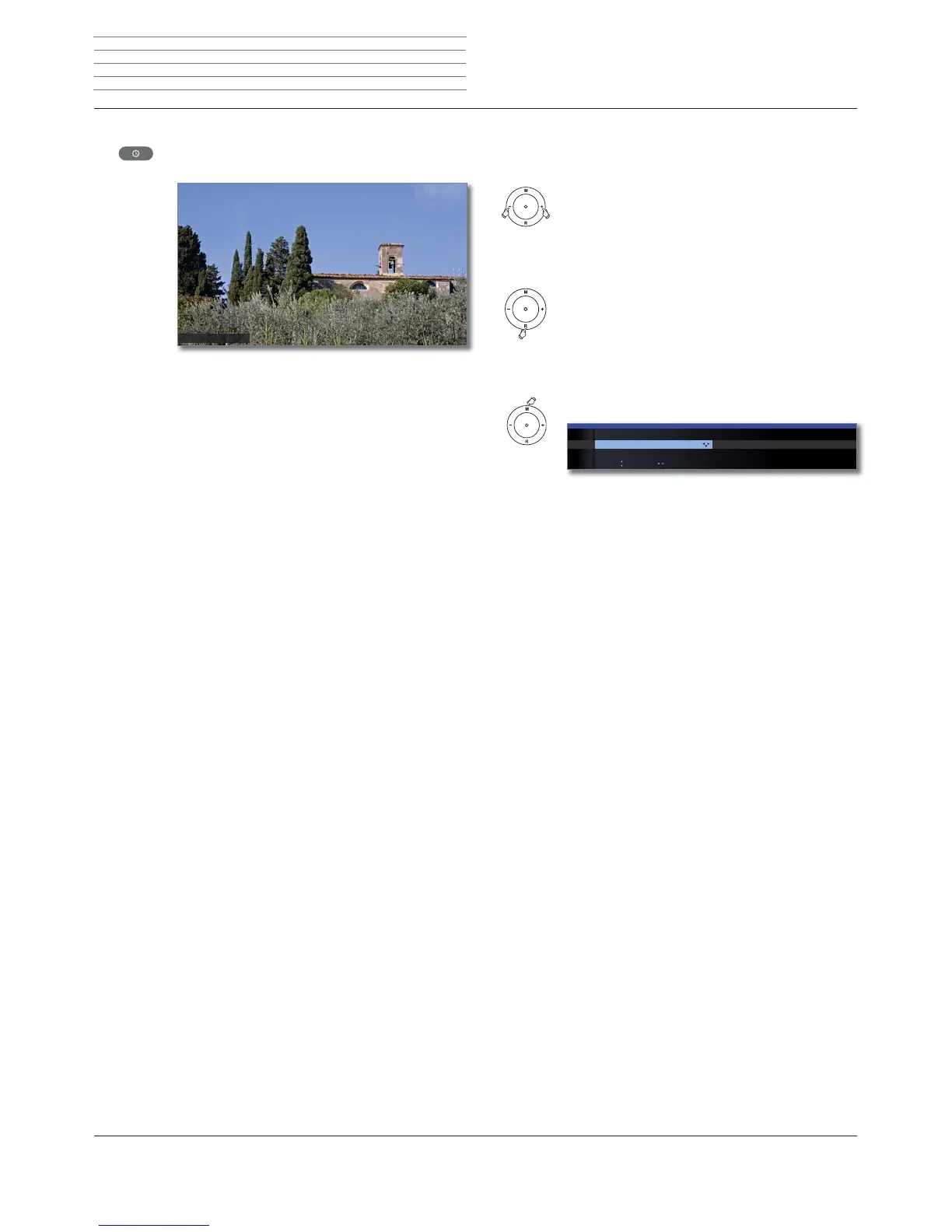
Permanent display of time
Press twice in rapid succession:
Time is shown/hidden permanently.
The permanent display of the time can also be set in the
TV menu under Settings ט Miscellaneous ט On-screen
displays ט Permanent clock display (see page 62).
The display position of the time depends on the selected
setting in the On-screen displays menu (ex-factory:
bottom). See page 62 for how to change the display
position.
۫
Operation without remote control
Changing the station on the TV set
+ / – Station up/down.
Switching radio on or off or switching to radio
R Radio on or switch between TV and Radio.
Calling the TV menu on the set
M Call Direct control on TV set menu,
– / + select function.
M or R Go to the menu line below,
– / + make changes.
M Move up one menu line,
– / + select other function.
Explanations of the settings:
Switch between TV and radio operation.
Select AV interface.
Set volume.
Set brightness.
Set contrast.
The power consumption of the TV set depends directly
on the value set here (see also page 22).
Set picture format (see also page 37).
Select station +/-.
The Service menu item is provided for service purposes
by dealers only.
AV selection Volume Brightness Con
DIRECT CONTROL ON TV SET
Operating mode
TV ...
Key M: Keys -/+:
Operating
mode
AV selection
Volume
Brightness
Contrast
Picture format
Station
Service
Daily operation












 To Next Page