Connect ID 32-46 - 19 -
Operating instructions
Connecting the TV set to the home network
You can connect your TV set to the home network by a wired connection
(Ethernet, Powerline) or by a wireless radio connection (WLAN). Please
contact your specialist dealer for more information on Powerline.
For the network adapter configuration, see page 67.
➠
Under no circumstances may the TV set be wired and at the same
time connected by a wireless connection to the same network, e.g.
router. This may cause severe operational faults.
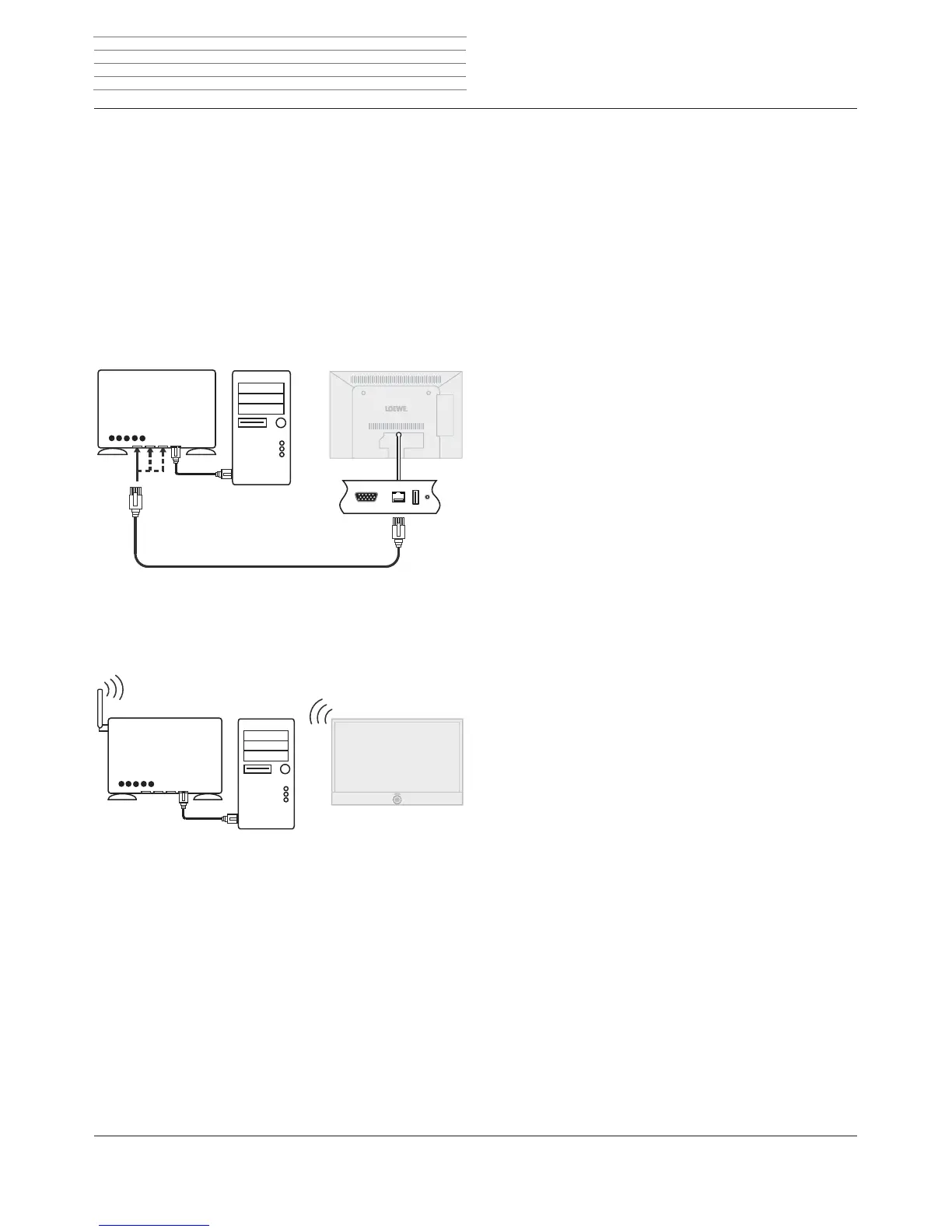
Example for a wired connection
Connect the LAN socket of your TV set to the LAN switch/router of your
home network with a network cable (available from your dealer).
Example for a wireless connection
You can connect the TV set to your home network by a wireless radio
connection via the WLAN antenna inside the set.
LAN switch/router TV set
Homeserver,
e.g. PC
WLAN router TV set
Homeserver,
e.g. PC
Initial installation












 To Next Page