Connect ID 32-46 - 48 -
Operating instructions
Automatically update the station list
If yes is selected to the option Accept Logical Channel Number when the
initial setup is performed, then the network provider may change its
station list. You can Allow or Block the station list update on the TV set.
Allow/Block updates
Call TV menu.
Select Settings,
go to the menu line below.
Select Stations,
go to the menu line below.
Select Update station list automatically,
go to the menu line below.
Select the settings.
If the station list is not up to date, it will be
updated automatically, provided the option Allow
is selected.
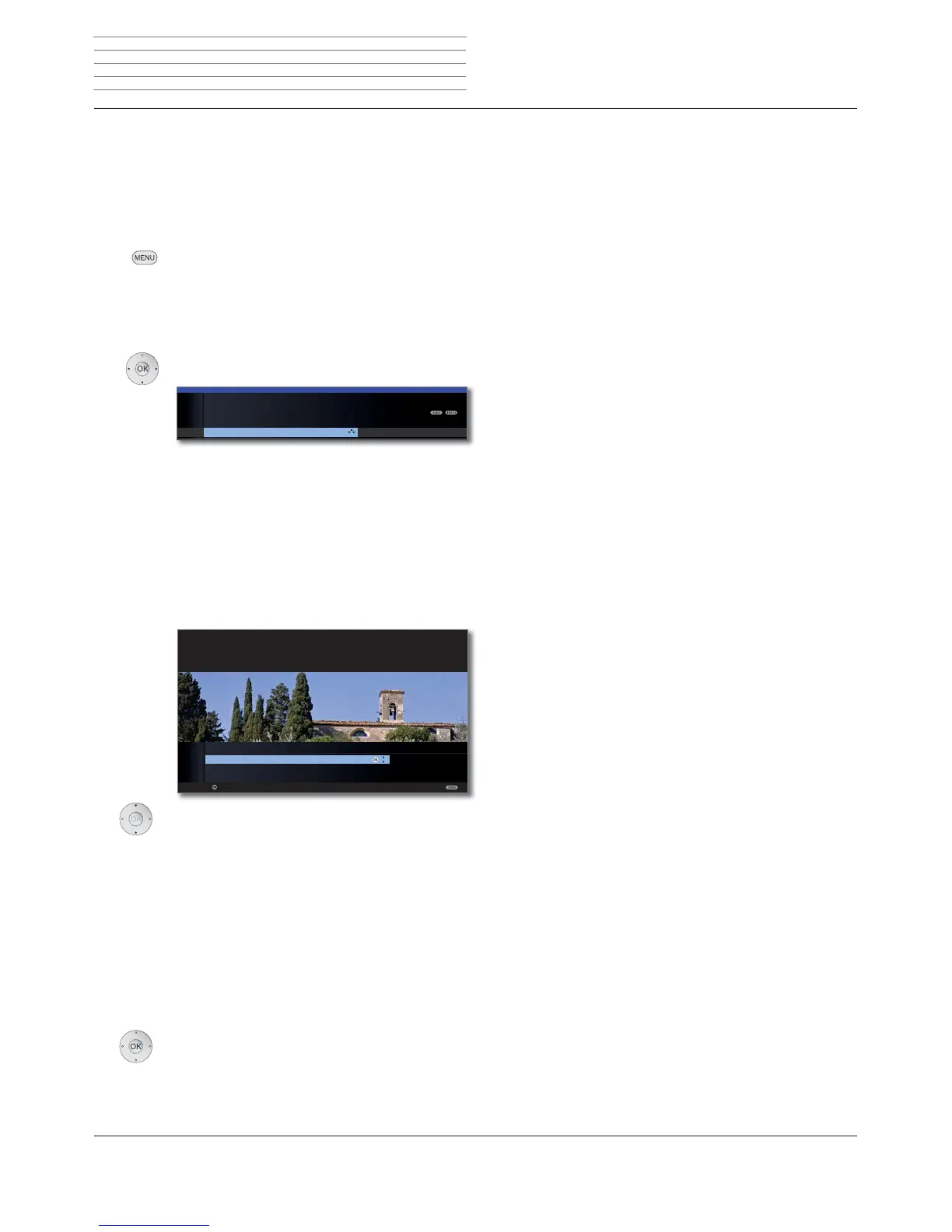
Updating the station list
A message appears whenever the TV is switched on if the network
provider changes their station list.
➠ When updating,
Allow
must be selected.
Select the desired procedure.
The station list will be immediately updated. Normally
this occurs in the background without interfering further
with the TV‘s operation. In exceptional cases, it is
however possible that during this process an auto-
matic station change may be necessary.
The station list will be updated the next time the TV set
is switched off into standby mode.
Updating the station list will be postponed to a later
date. When the TV set is switched on and off, the update
message will appear again.
OK Confirm the selection.
Block
TV MENU
Settings
Stations
Update station list automatically
Allow
OK
OK
Update station list
at once
After switch off to standby
later
Proceed
HINT
Because a network provider has changed its station list, it has to be adapted
on your TV set too. Please specify when you wish to do this.
at once
After switch
off to standby
later
Managing stations












 To Next Page