Connect ID 32-46 - 72 -
Operating instructions
Change view
You can change the view of the displayed files and folders.
In the media overview:
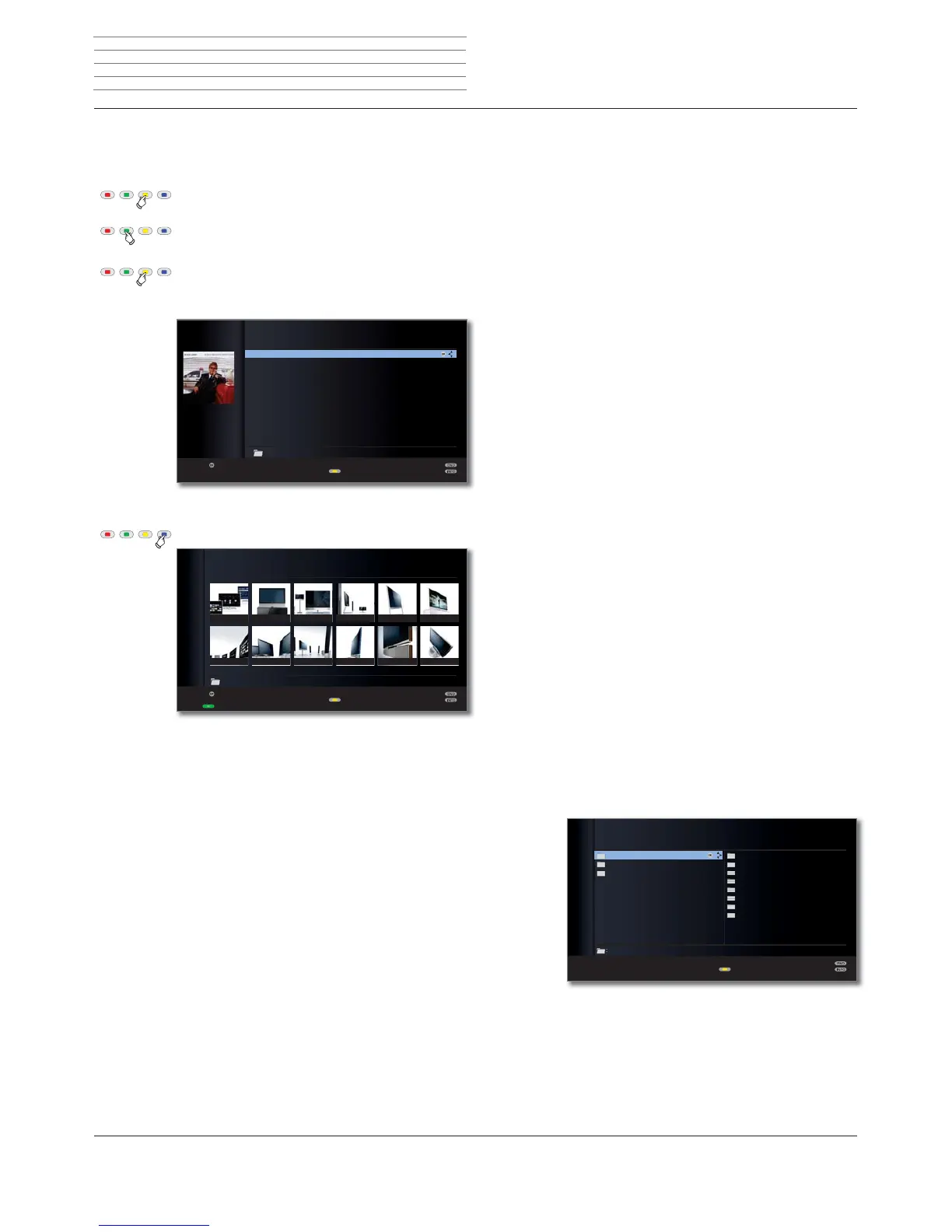
Yellow button: opens Change view, and:
Green button: Switches over to two-column list view
(see sample figures on page 71).
Yellow button: Switches over to single-column list view
(with picture for the element currently
selected).
Single-column list - example with music titles
Blue button: Switches over to thumbnail view.
Thumbnails - example with photo overview
P+
P–
OK
OK
The Emperor's New Clothes
Dark Diamond
Look Ma, No Hands
American Triangle
Original Sin
Birds
I Want Love
The Wasteland
Ballad Of The Boy In The Red Shoes
Love Her Like Me
Mansfield
This Train Don't Stop There Anymore
LOEWE_USB (USB)
:/.../John, Elton/Songs From The West Coast
Change view
Listen
Page ܬ (1/2)
Elements 13
P+
P–
OK
Loewe_001
Loewe_007 Loewe_008 Loewe_009 Loewe_010 Loewe_011 Loewe_012
Loewe_002 Loewe_003 Loewe_004 Loewe_005 Loewe_006
Change view
View
Page ܬ (1/9)
Slide show
Elements 106:/Photo/LOEWE/Loewe_011
DiskStation (Network)
Playing/displaying data from USB storage media
If a USB storage medium is selected as a source (see page 70), the
following special features apply for actions and the media overview:
nThe uppermost folder level is divided into three fixed categories:
Music
with the subfolders Titles, Artists, Albums, Categories, Playlists,
Files (see below).
Photo
Video
nThe original folder structure of the USB storage medium is retained
in the media overview for Photo and Video. For playing Music, the
available titles are prepared and offered in the above subfolders.
Subfolders in Music mode
Titles: The music titles found on the USB storage me-
dium are sorted by title name.
Artists: The music titles found on the USB storage me-
dium are sorted by the respective artist.
Albums: The music titles found on the USB storage me-
dium are sorted by album name.
Categories: The music titles found on the USB storage
medium are sorted by their respective musical
categories (e.g. Jazz, Classical, Pop, Rock) and
displayed correspondingly.
Playlists: Display and play back any play lists that have
been generated on the PC.
Files: The music titles found on the USB storage me-
dium will be shown without being especially
sorted (in order of file name).
Playing files from the home network
When using a media server in your home network as a source (see
page 70), the names of the folders displayed are specified by the
media server.
For further operation, see General navigation in the media overview on
page 71.
Example: Overview of a media server with the name Twonky Media
OK
:/












 To Next Page