Connect ID 32-46 - 76 -
Operating instructions
Edit MediaNet favourites
The middle section of the basic MediaNet dialogue contains the Medi-
aNet favourites. You can define and delete these favourites or change
their sequence as desired.
➠ MediaNet is open (page 73).
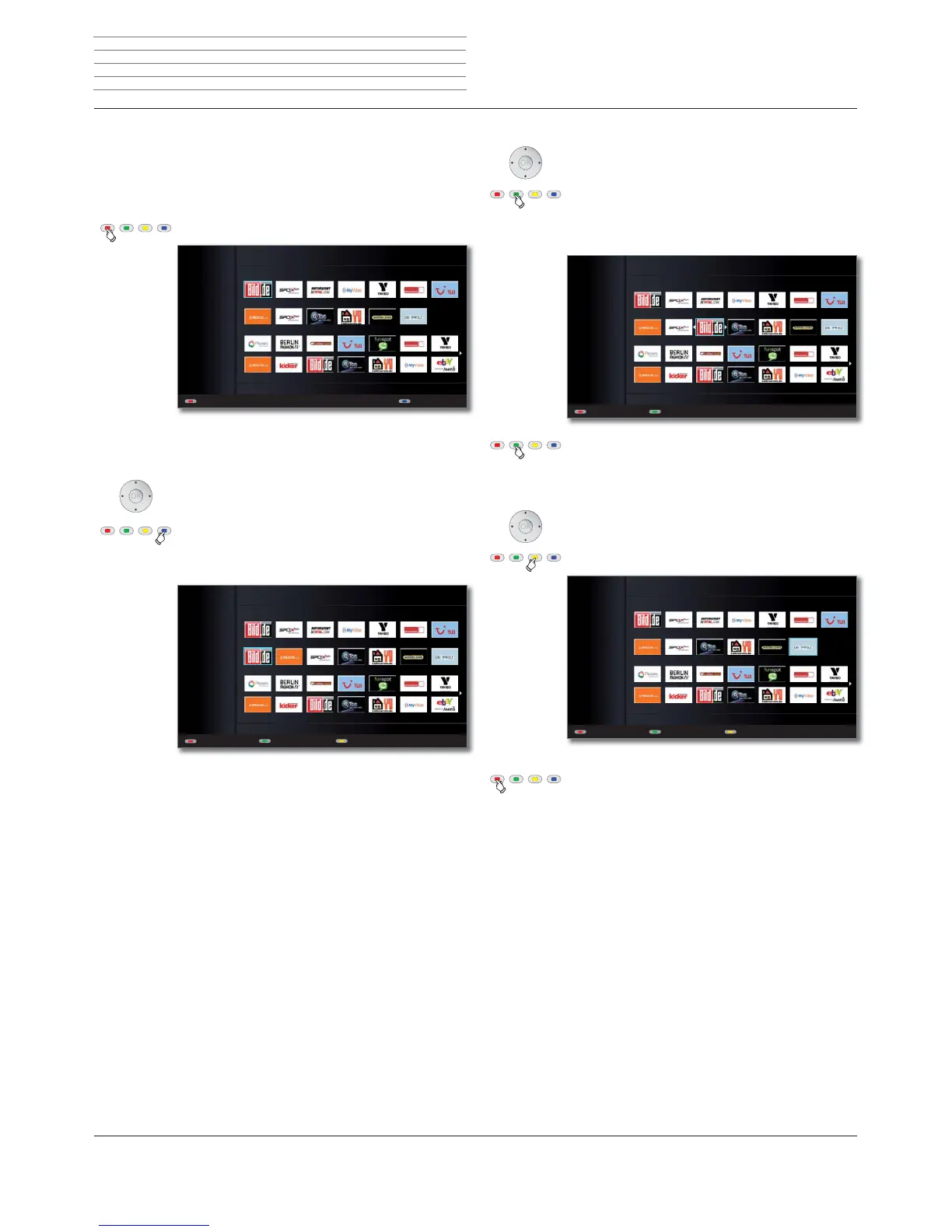
Red button: Call Edit favourites.
Add entry to favourites
Select entry under Recommendations or
Topics.
Blue button: Add selected entry to favourites.
The entry is added on the left side of the
Favourites.
All Topics
Favourites
Recommendations
Picasa
Legal details
All
Topics
Add to favouritesBack
MEDIA NET - EDIT FAVOURITES
All Topics
Favourites
Recommendations
Picasa
Legal details
All
Topics
MEDIA NET - EDIT FAVOURITES
Back Move favourite Delete favourite
Change the sequence of MediaNet favourites
Select entry under Favourites.
Green button: Move selected favourite.
Select the insertion position to which the selected
favourite is to be moved.
Green button: End moving the selected favourite.
Remove entry from MediaNet favourites
Select entry under Favourites.
Yellow button: Delete selected favourite.
Red button: Quit Edit favourites and go back to the
basic MediaNet dialogue.
All Topics
Favourites
Recommendations
Picasa
Legal details
All
Topics
Back Move off
MEDIA NET - EDIT FAVOURITES - MOVE FAVOURITE
All Topics
Favourites
Recommendations
Picasa
Legal details
All
Topics
Back
MEDIA NET - EDIT FAVOURITES
Move favourite Delete favourite
Media
+












 To Next Page