Playback10
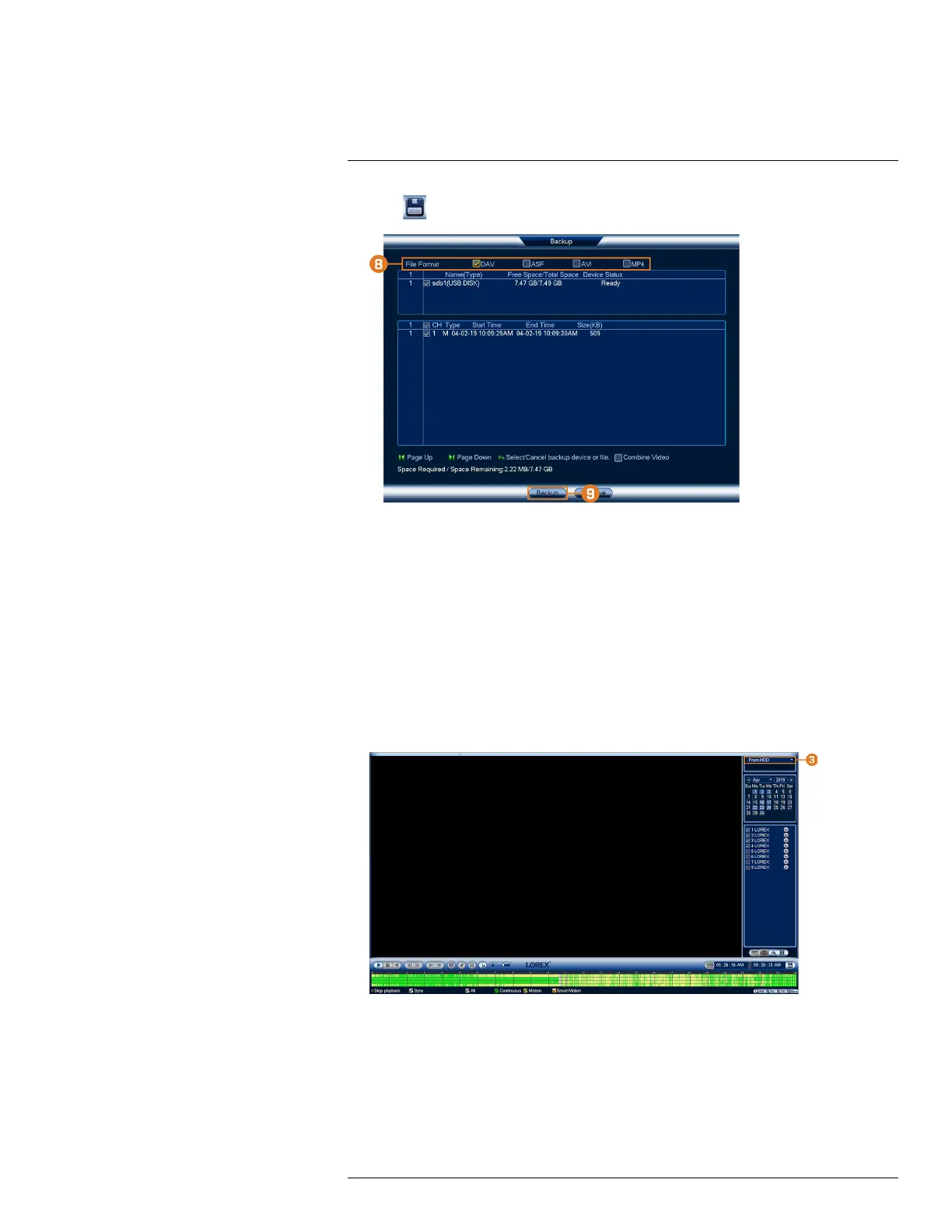
7. Click
to open the backup menu.
8. Select a filetype for your backup file.
9. Click Backup.
10.5 Playing Back Video from a USB Drive
If you have video files saved to a USB flash drive (not included), you can play them back using
the system.
For full instructions on backing up video to a USB flash drive, see 11 Backup, page 35.
To play back video from a USB flash drive:
1. Connect the USB thumb drive (not included) with video files on it into a free USB port on the
recorder.
2. From the Live View display, right-click to open the Quick Menu, then click Playback.
#LX400113; r. 3.0/56326/56332; en-US 33


 To Next Page
 Loading...