V. 1.0 | LPKF Laser & Electronics AG
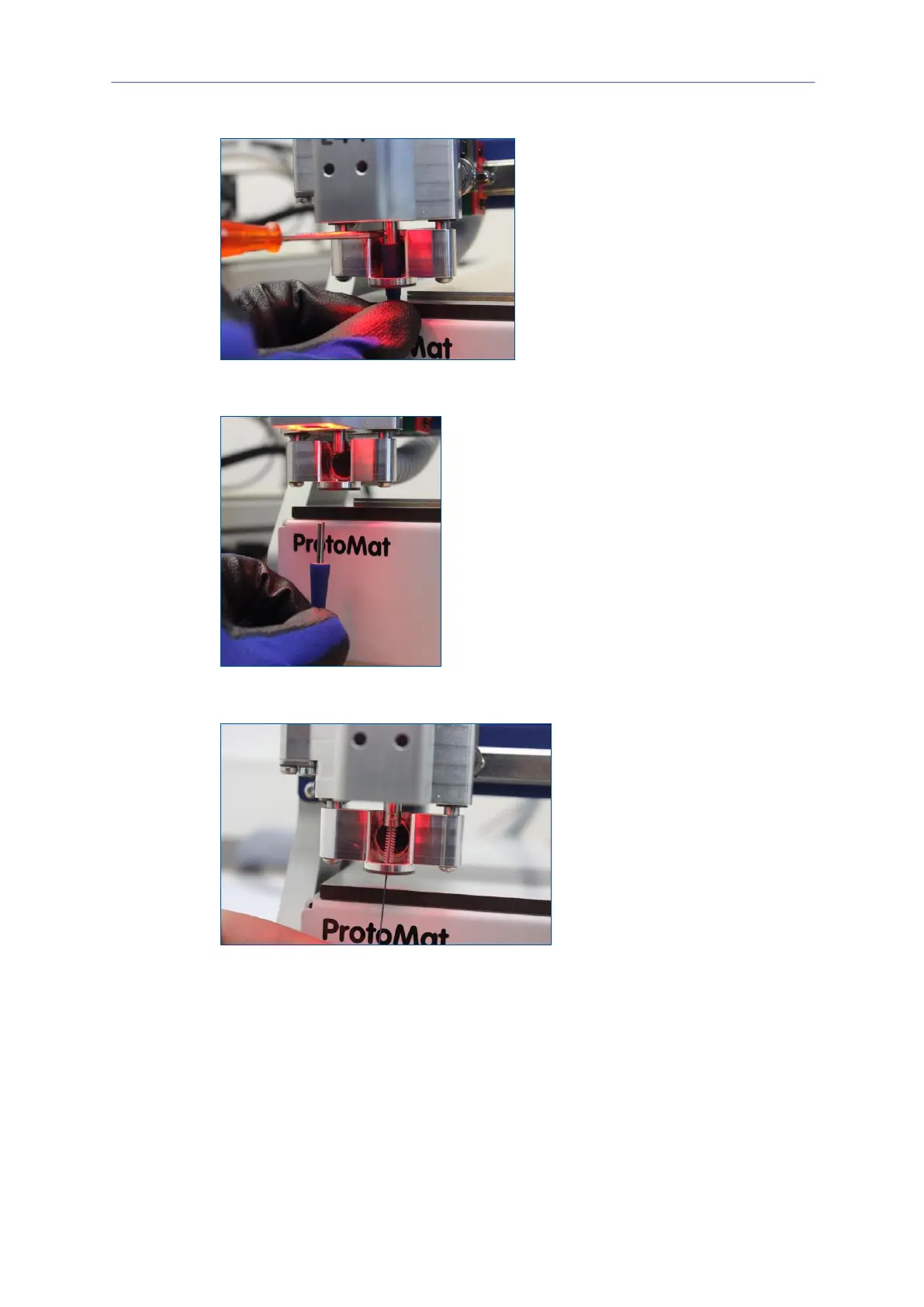
3. Use the provided screwdriver to loosen the locking screw.
Fig. 62: Loosening the locking screw
4. Remove the tool from the collet.
Fig. 63: Removing the tool
5. Use the collet brush to clean the insides of the collet.
Fig. 64: Cleaning the collet
6. Use the insertion tool to insert the tool into the collet.
7. Tighten the locking screw.
The collet has been cleaned



 To Next Page