LPKF Laser & Electronics AG | V. 1.0
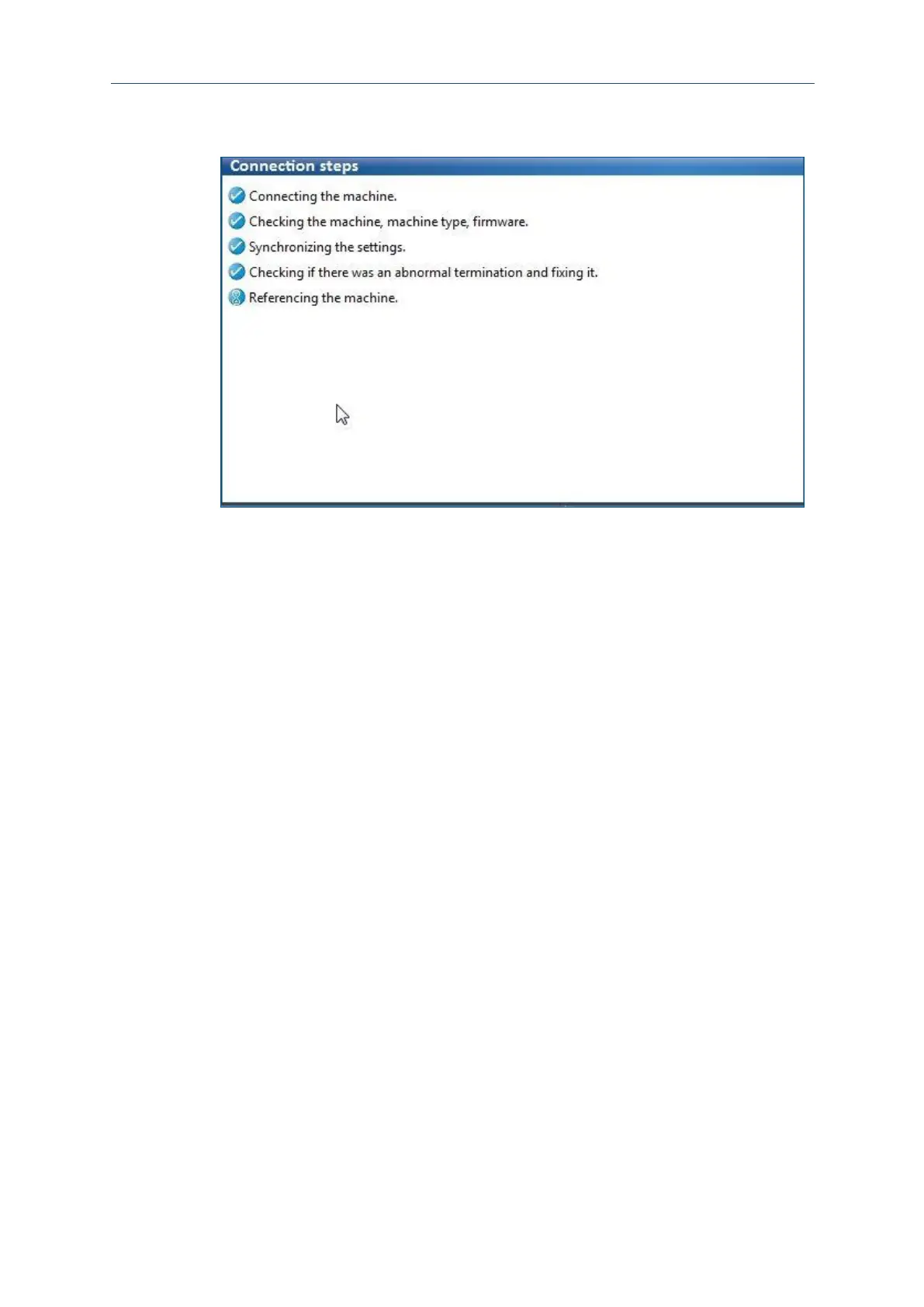
The connection to the system is established. The individual connection steps are
displayed in the following message:
Fig. 25: Connection steps
Once the system has been recognized and its data have been transmitted, the
user interface of CircuitPro PM is displayed.
The PC has been connected to the system.
6.3.2 Preparing the data
This chapter describes how to import the layout data and how to prepare them for
production. This is done by executing the following steps:
Importing the data
Creating fiducials
Generating toolpaths
Creating rubout areas



 To Next Page