V. 1.0 | LPKF Laser & Electronics AG
Importing the data
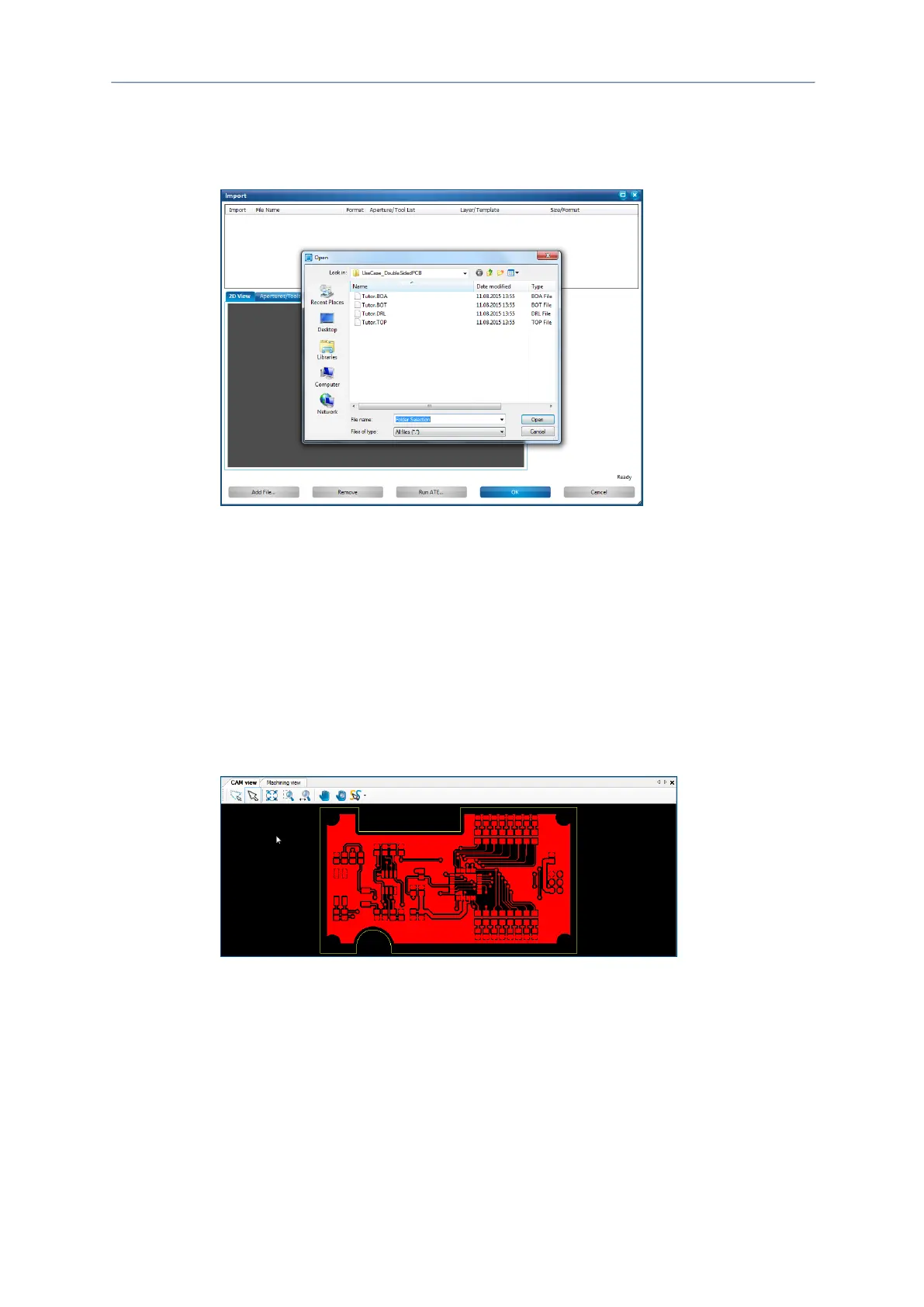
1. Click on File > Import.
The following dialog is displayed:
Fig. 26: Importing the data
2. Navigate to the following folder:
Win XP: C:\Programs\LPKF Laser & Electronics\LPKF CircuitPro
PM 2.3\Example Data\UseCase_DoubleSidedPCB
Win 7: C:\Program Files (x86)\LPKF Laser & Electronics\LPKF
CircuitPro PM 2.3\Example Data\UseCase_DoubleSidedPCB
Win 8 (also 8.1): C:\Program Files (x86)\LPKF Laser &
Electronics\LPKF CircuitPro PM 2.3\Example
Data\UseCase_DoubleSidedPCB
3. Select the files Tutor.TOP and Tutor.BOA.
4. Click on [Open].
The CAM view changes as follows:
Fig. 27: CAM view with opened project
The data have been imported.



 To Next Page