LPKF Laser & Electronics AG | V. 1.0
7.3 Maintenance tasks for the maintenance personnel of the
operator
This chapter contains a detailed description of the individual maintenance tasks that
may only be performed by the maintenance personnel of the operator. For information
on maintenance tasks of the extraction system refer to the manufacturer's user
manual.
Performing a visual check
1. Check the mains cable (of the circuit board plotter), the USB cable (to the PC), the
D-Sub cable of the extraction system, and the extraction hose for visible damage.
2. Replace damaged cables and hoses immediately.
3. Check the processing head and the processing table for visible damage. If you
find damage:
Ensure that the system cannot be used.
Contact the LPKF Service.
The visual check is concluded.
Cleaning the system
1. Disconnect the mains plug from the wall socket.
2. Remove material residues from the processing table using a soft brush and a dry
antistatic cloth.
3. Connect the mains plug to the wall socket.
The system has been cleaned.
In case of stubborn dirt and stains, a slightly damp cloth can be used.
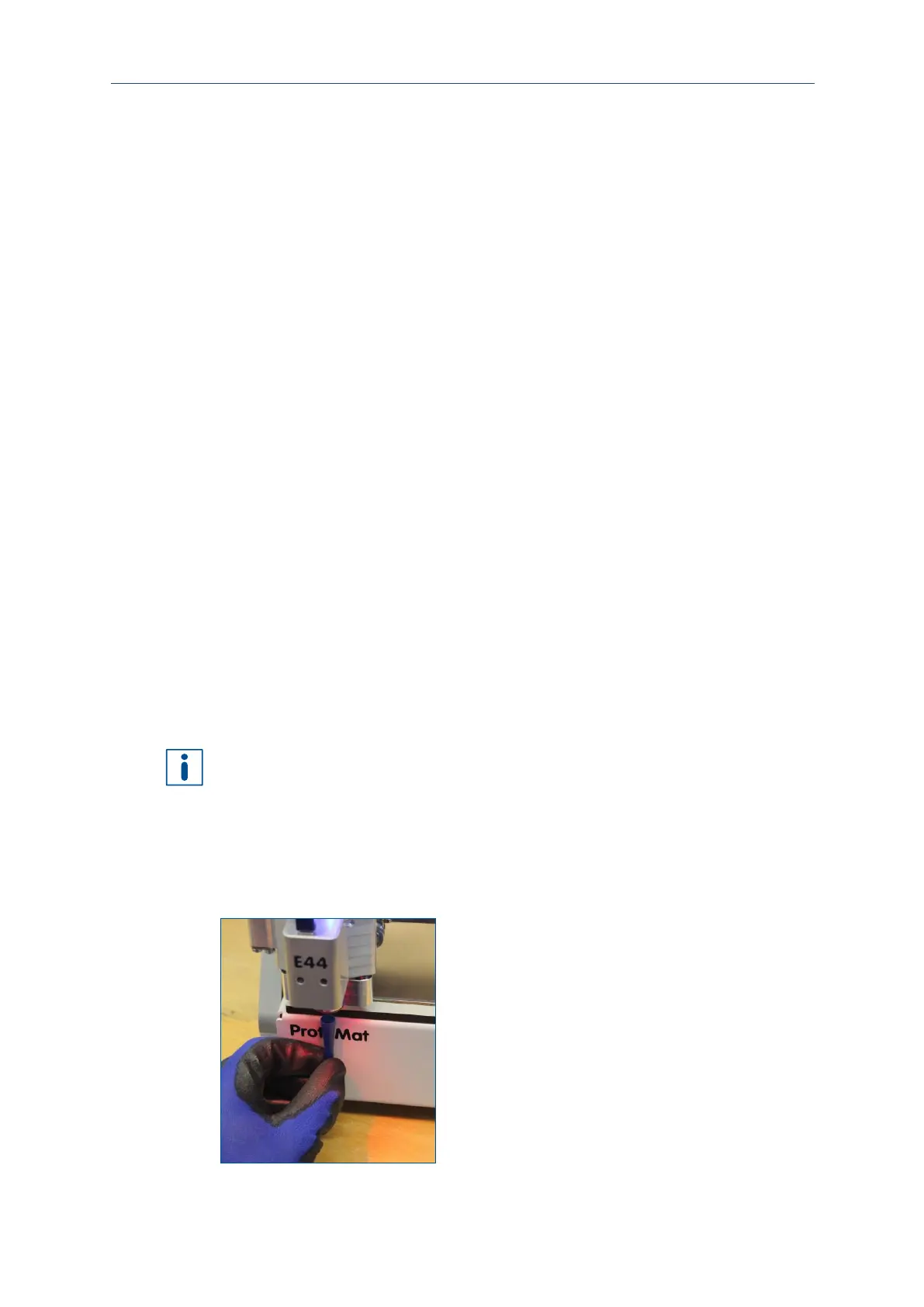
Cleaning the collet
1. Move the processing head to the zero position.
2. Apply the insertion tool to the tool.



 To Next Page