V. 1.0 | LPKF Laser & Electronics AG
5.3 Preparations
Before the system is installed, you have to consider and ensure the following:
A suitable extraction system has to be provided. LPKF recommends using the
JetStream iSeries AX079-25 extraction system. This is optionally available at
LPKF.
A PC has to be provided by the customer. For detailed information on system
requirements refer to the user manual of CircuitPro PM.
Provide sufficient space at the place of installation.
Ensure tidiness and cleanliness at the place of installation.
Provide the connection materials (hoses, tubes, cables etc.).
The room has to be clean and almost dust-free.
5.4 Connecting the system
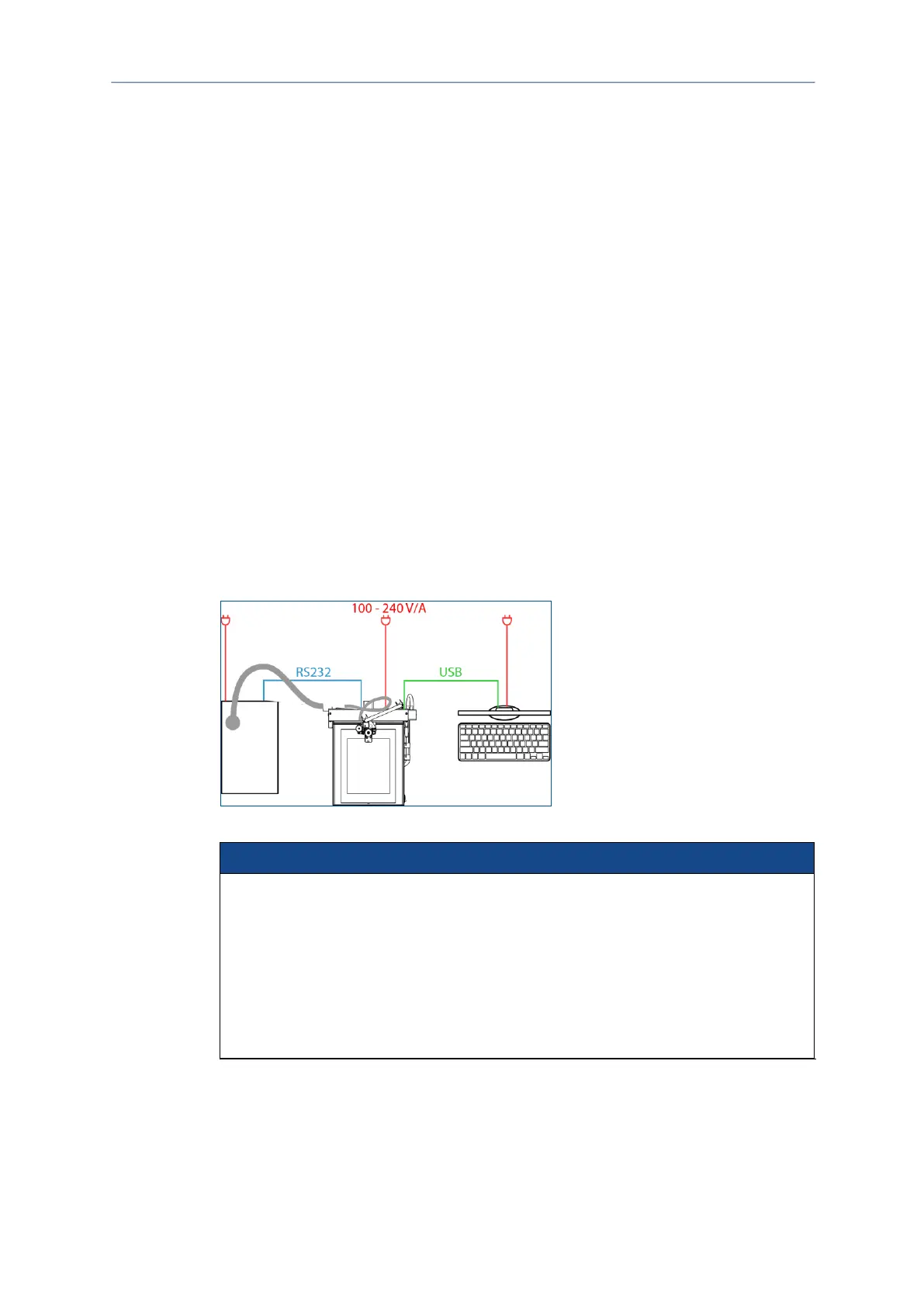
Once all preparations are concluded, the system is connected in the following order:
Connecting the system with the extraction system
Connecting the system with the PC via USB
Connecting the camera to the USB port of the system (only E44)
Connecting the system to the mains power supply
Removing the dummy tool from the collet
Fig. 11: Connecting the system
Property damage by improper startup of the extraction system!
Improper installation and startup can cause damage to the extraction system.
Observe the minimum clearance around the extraction system defined by the
manufacturer.
Use only sockets with protective earth conductor for connecting.
Do not use extension cables.
Do not bend the extraction hose.
Do not block the air flow.



 To Next Page