LPKF Laser & Electronics AG | V. 1.0
Connecting the system with the extraction system
1. Check whether all required filters are installed. Install the filters if necessary.
For further information on filter maintenance refer to the manufacturer's manual.
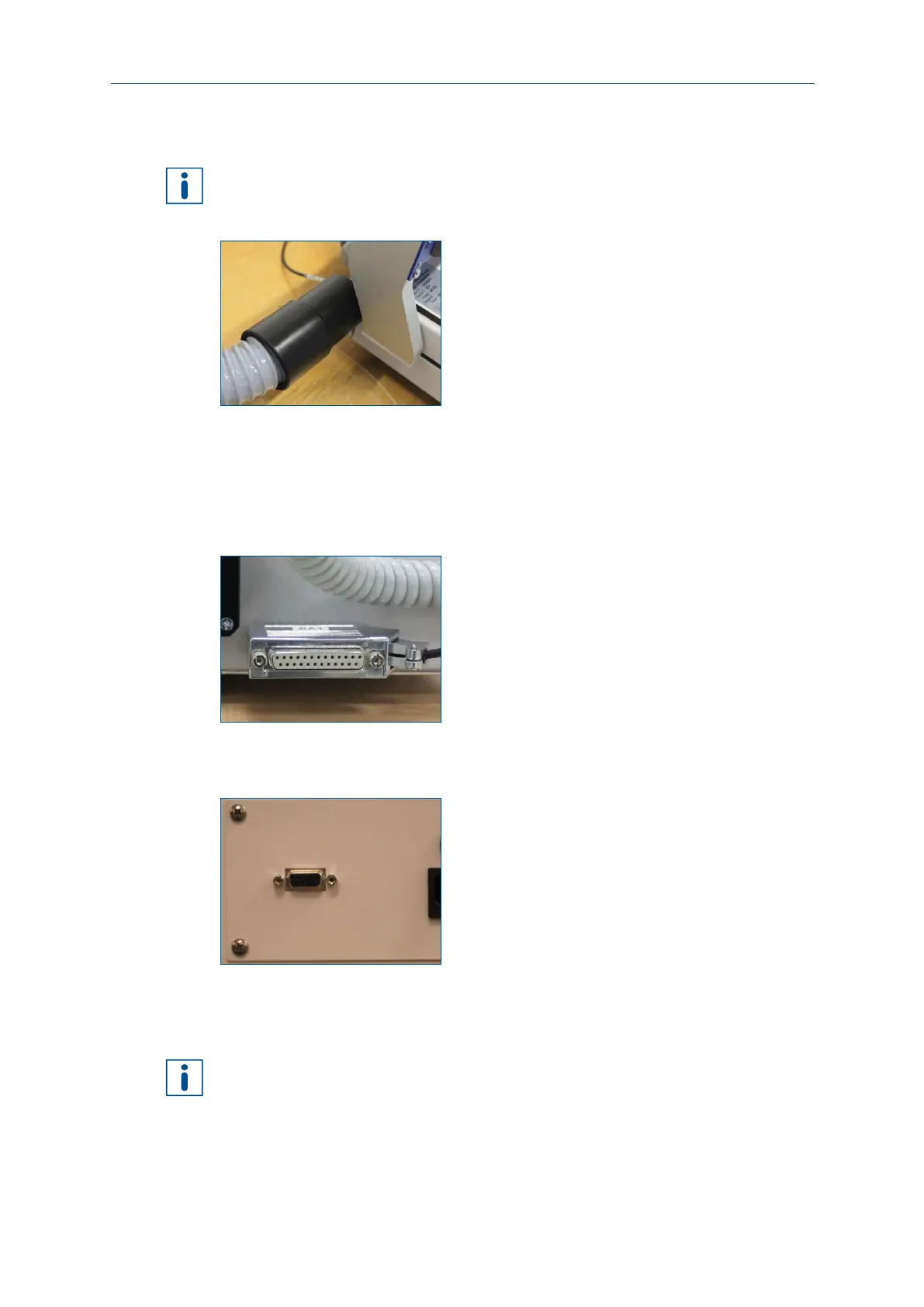
2. Connect the hose of the extraction system to the extraction fitting of the system.
Fig. 12: Connecting the extraction system
3. Connect the hose to the air intake on the top of the extraction system.
The extraction hose has been connected.
4. Plug the mains cable of the extraction system into a wall socket.
The extraction system is connected to the mains power supply.
5. Plug the D-sub cable into the LPKF port.
Fig. 13: D-sub connector of the ProtoMat E34/E44
6. Plug the other end of the D-sub cable into the corresponding connector on the
front of the extraction system.
Fig. 14: D-sub connector of the extraction system
The system is connected to the extraction system.
Using a USB hub and/or extension cables can cause transmission problems. Connect
the system directly with the PC.



 To Next Page