V. 1.0 | LPKF Laser & Electronics AG
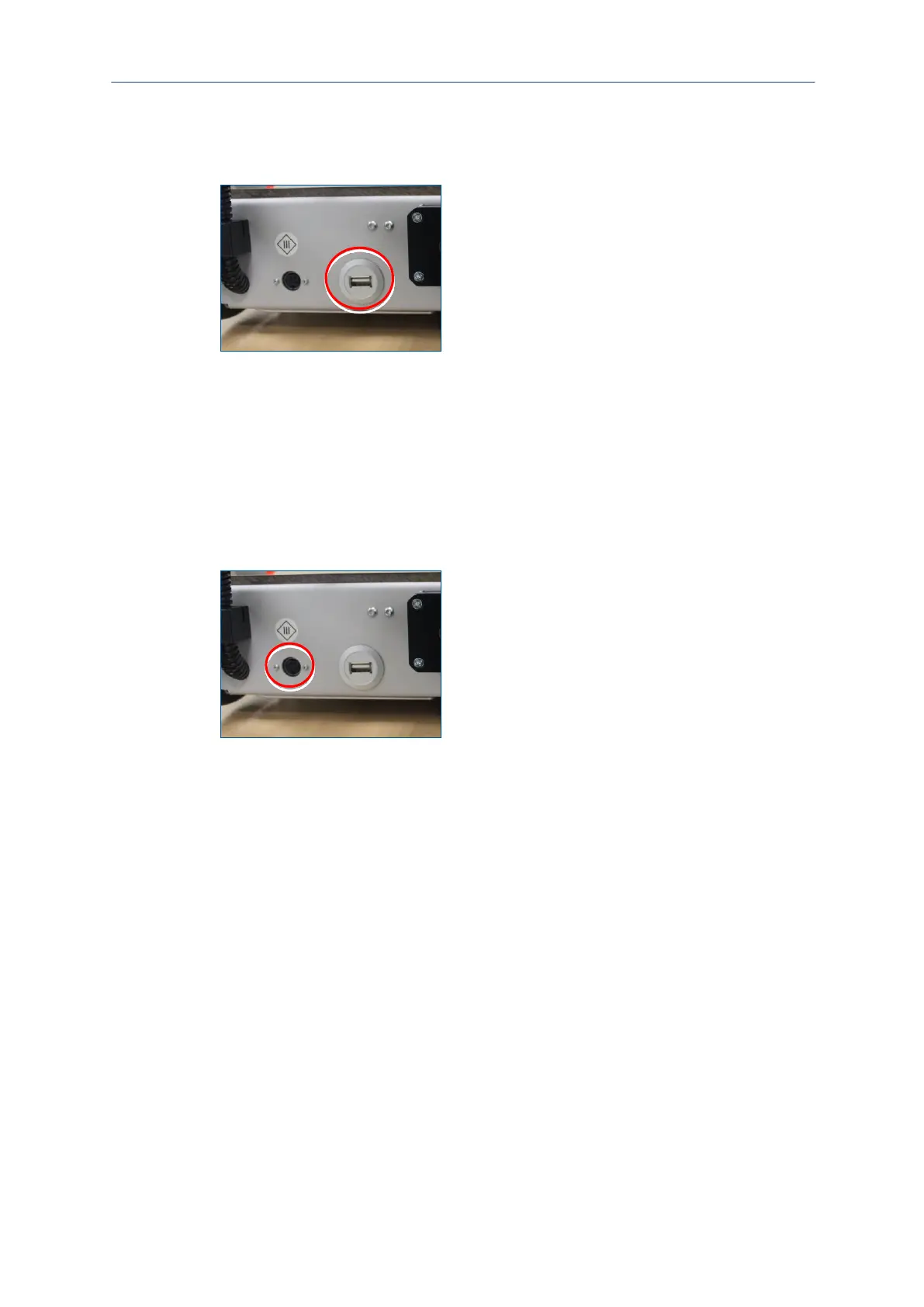
Connecting the system to the PC via a USB cable
1. Plug the USB cable that is included in the delivery into the USB socket of the
system.
2. Connect the system's USB cable with a free USB port of your PC.
The system has been connected to the PC via a USB cable.
Connecting the system to the mains power supply
1. Plug the connector cable of the power supply unit into the power supply socket of
the system.
Fig. 16: Power supply socket
2. Plug the mains cable of the power supply unit into a wall socket.
The system has been connected to the mains power supply.



 To Next Page