LPKF Laser & Electronics AG | V. 1.0
Removing the dummy tool from the collet
1. Ensure that the system is switched off.
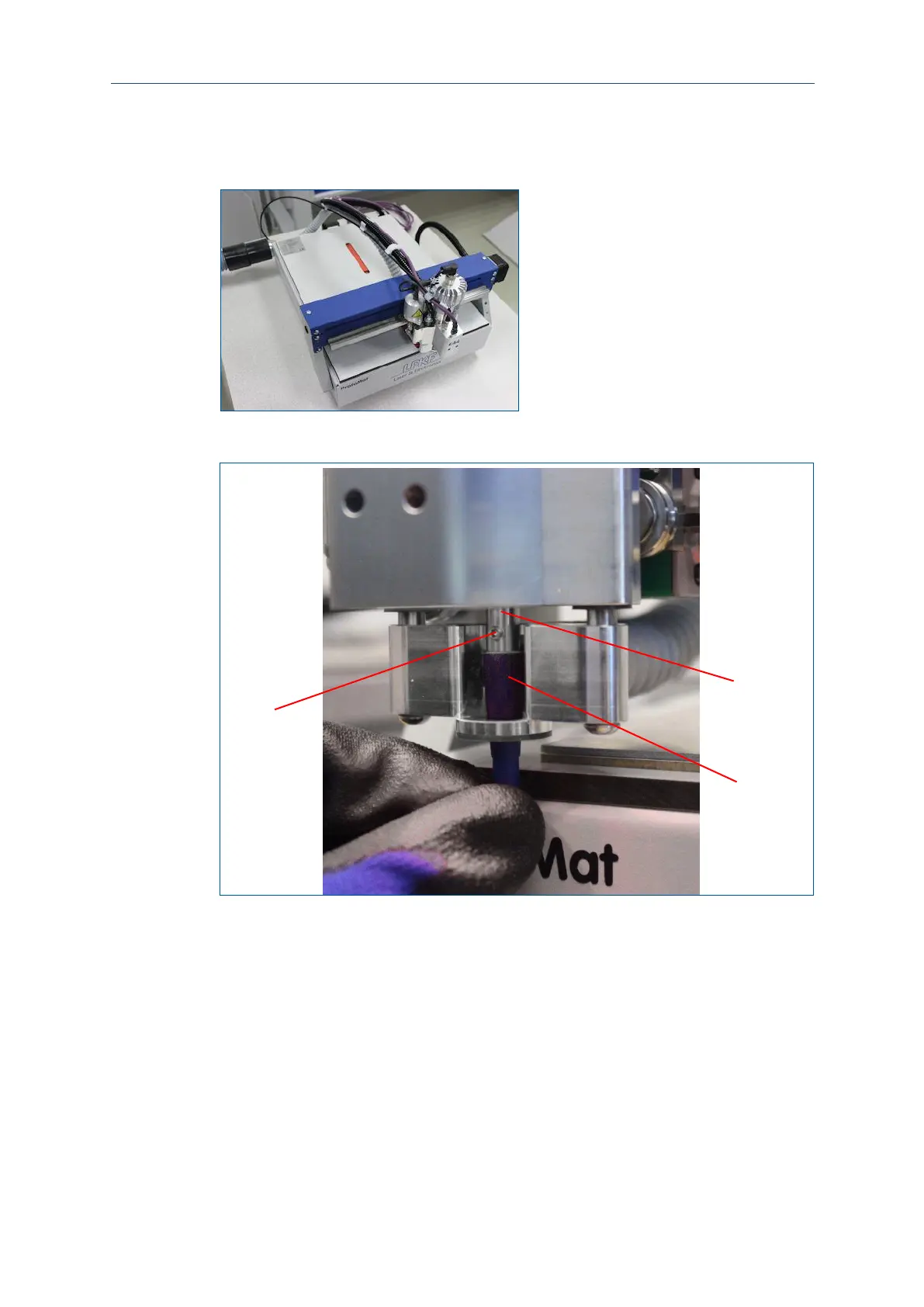
2. Pull the processing head by hand as far as possible to the front.
Fig. 17: Pulling the processing head to the front
3. Plug the insertion tool (2) onto the dummy tool in the collet (1).
Fig. 18: Plugging the insertion tool onto the dummy tool
1 Collet
2 Insertion tool
4. Use the screwdriver in the delivery to loosen the locking screw (3) of the collet (1).



 To Next Page