V. 1.0 | LPKF Laser & Electronics AG
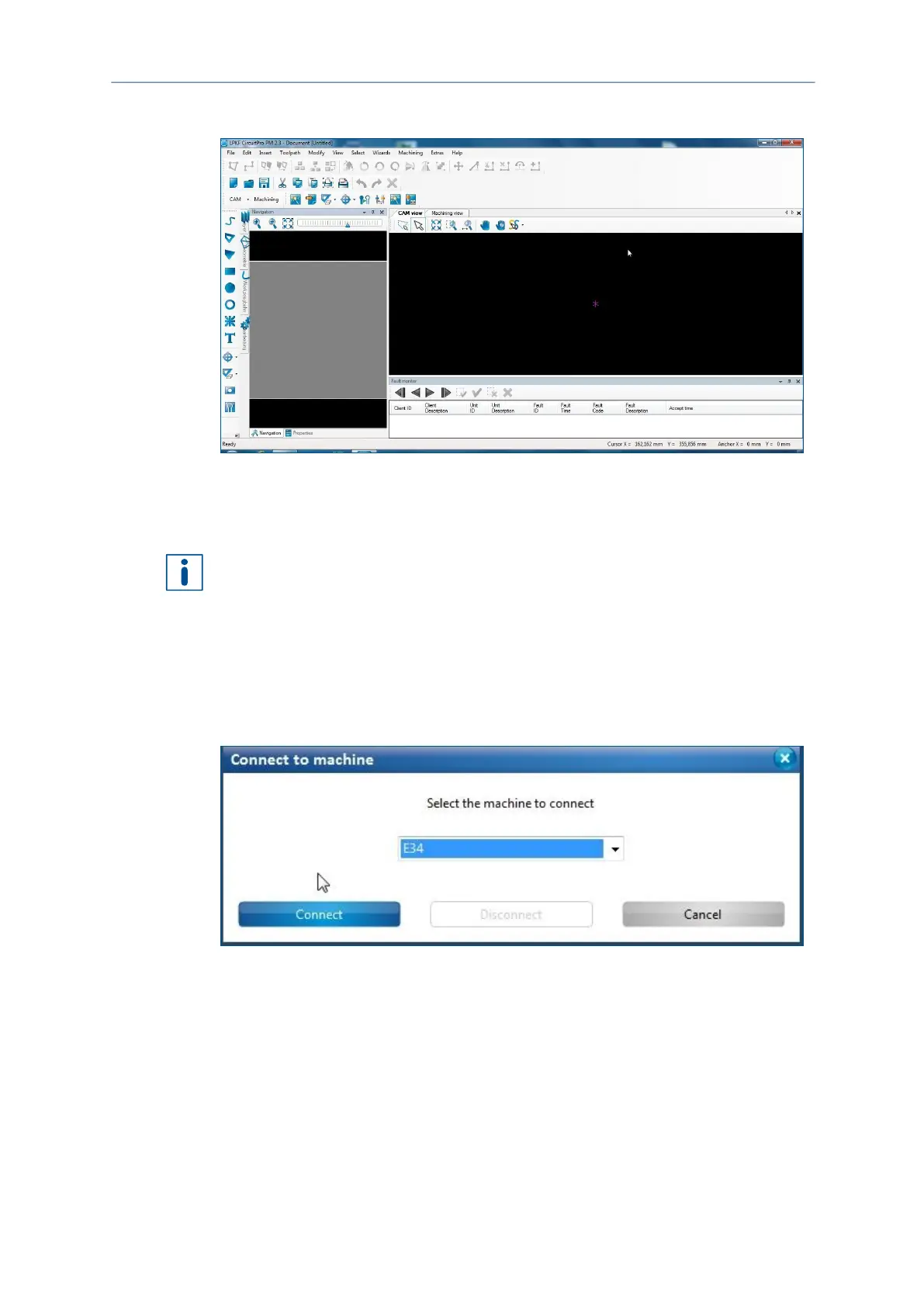
The dialog is closed and the user interface changes as follows:
Fig. 23: User interface CircuitPro PM
CircuitPro PM has been started.
The connection between the PC and the system is established automatically when the
system software is started. If the system is not recognized, connect the system
manually to the PC.
Connecting the PC to the system manually (if necessary)
1. Click on Machining > Connect...
The following message is displayed:
Fig. 24: Selecting the machine type
2. Click on the drop-down list Machine type and select the connected system (E34 or
E44).
3. Click on [Connect].



 To Next Page