LPKF Laser & Electronics AG | V. 1.0
Switching on the system and the components
1. Start the PC.
2. Start the extraction system.
3. Switch the On/Off switch of the system to position I.
The system and the components have been switched on.
Starting CircuitPro PM
1. Click on the desktop link or on Start > (All) Programs > LPKF Laser & Electronics
> CircuitPro PM.
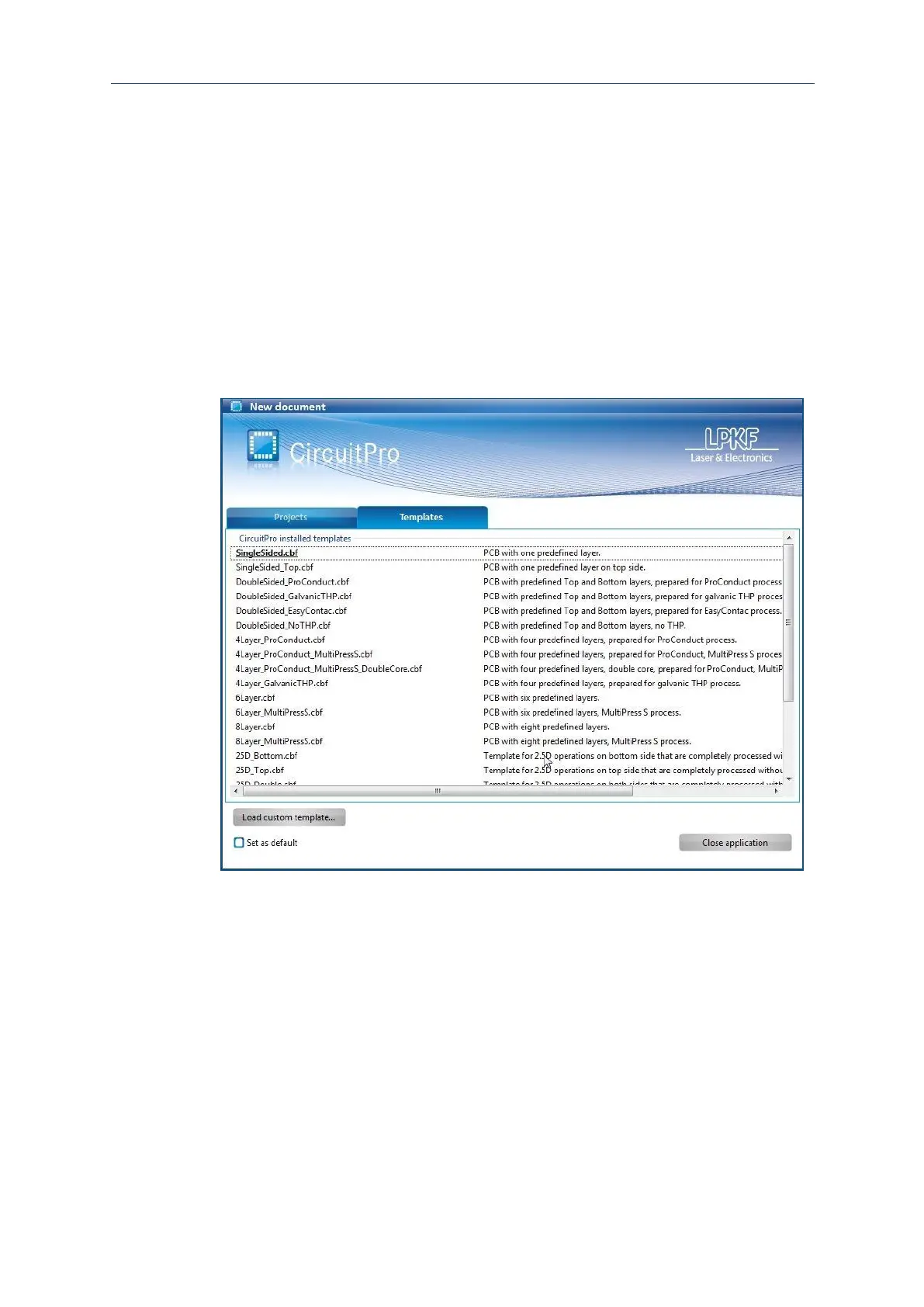
The following dialog is displayed:
Fig. 22: Dialog New document
2. Select a compatible template in the tab Templates or an existing project in the tab
Projects.



 To Next Page