maXim Operator Manual Chases
LSC Lighting Systems (Aust) Pty. Ltd. Page 34 of 66
If the chase was recorded on the red bank, press [mode, red bank] until the “scene” LED lights. If
necessary, select the page containing the chase using [red page]. Fade up the red Playback
containing the chase and also the red master.
If the chase was recorded on the blue bank, select the page containing the chase using [blue
page]. Fade up the blue Playback containing the chase and also the blue master.
GRAB MASTER AS A CHASE MASTER
A chase may be copied to the Grab master allowing it to act like a Playback containing a chase.
See the “GRABMASTER” chapter for details.
CONTROLLING A CHASE
The OVERALL level of a chase is controlled by the Playback or Grab master containing the chase.
The chase can be faded in or out as required (its fade times are controlled manually) or the chase
may be “Flashed” (soloed or bumped) via its F/A button.
To control a chase you can either [select] the playback running the chase or [edit] the memory
containing the chase.
• “Select” allows you to change the RUN TIME conditions (rate, crossfade, mode and
direction) on the selected Playback. When you have finished controlling the chase, and you
exit “Select” (press [select] again) the maXim asks “Save Changes To Memory?” If you
answer “no”, the original memory is not affected, but the changes that you have made are
retained in the Playback until such time as the Chase is replaced on that Playback (by
changing pages or mode). If you answer “yes”, the changes are also copied to memory.
• “Edit” allows you to directly change the memory settings of the chase. In addition to
changing rate, crossfade, mode and direction you can add or remove steps and edit the
contents of each step. These changes are automatically saved to memory as you edit. If the
chase is currently on a Playback, then these changes are also seen live on that Playback.
Edit is described below.
“SELECT” CHASE PLAYBACK
Press
[select]
[F/A] (Chase number)
• To control the RATE, rotate the edit wheel. The display indicates the rate in BPM (Beat Per
Minute)
• To change the CROSSFADE between steps, press [function] until “in” & “out” LEDs light, then
rotate the edit wheel. The display indicates the percentage of time between beats to be used for
the crossfade. See CROSSFADE below for more details
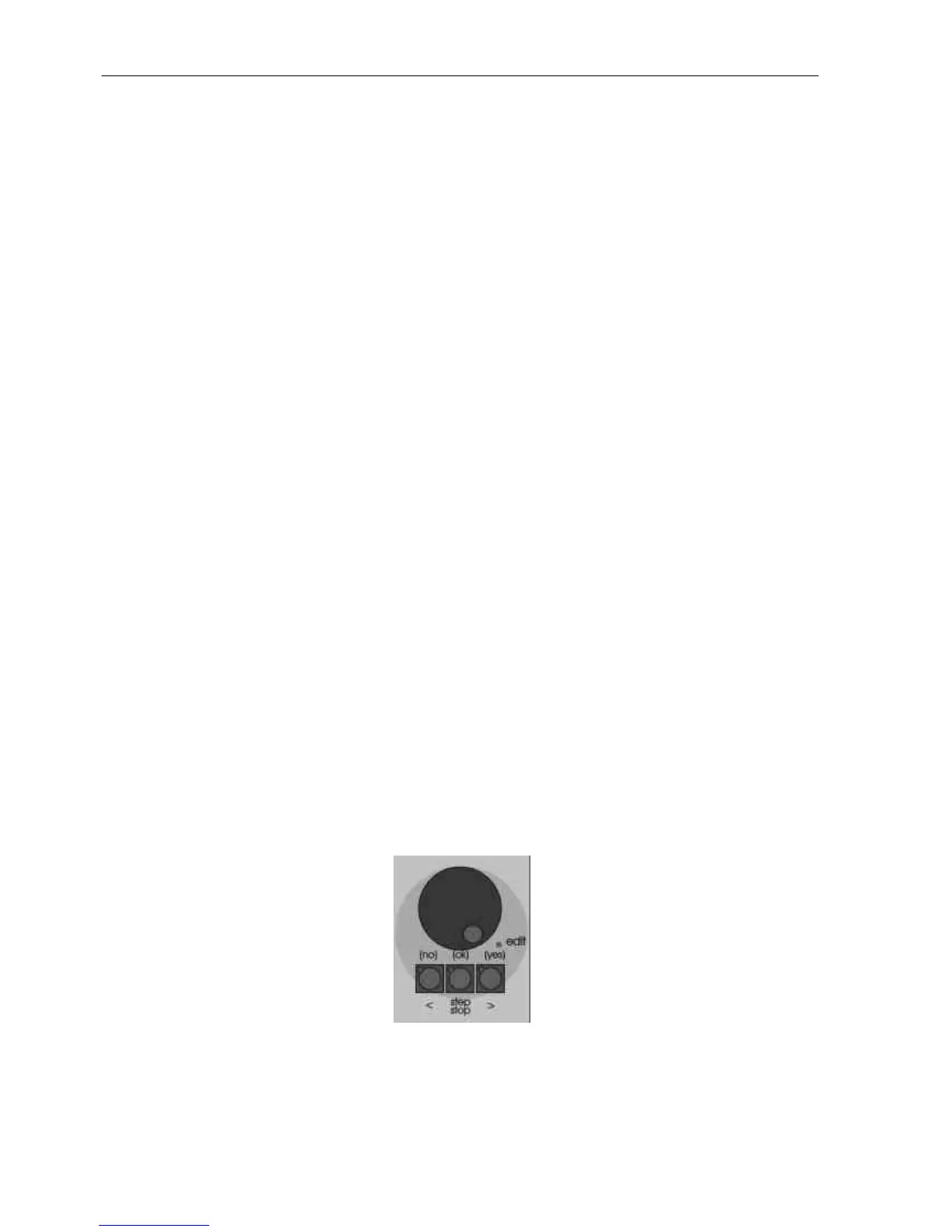
• To change the MODE or DIRECTION use the 3 buttons below the Edit wheel as described
below.
Chase control buttons and wheel.



 To Next Page