luxul.com | 357 South 670 West | Suite 160 | Lindon, UT 84042 | p: 801-822-5450 | f: 801-822-5460
User Guide
33
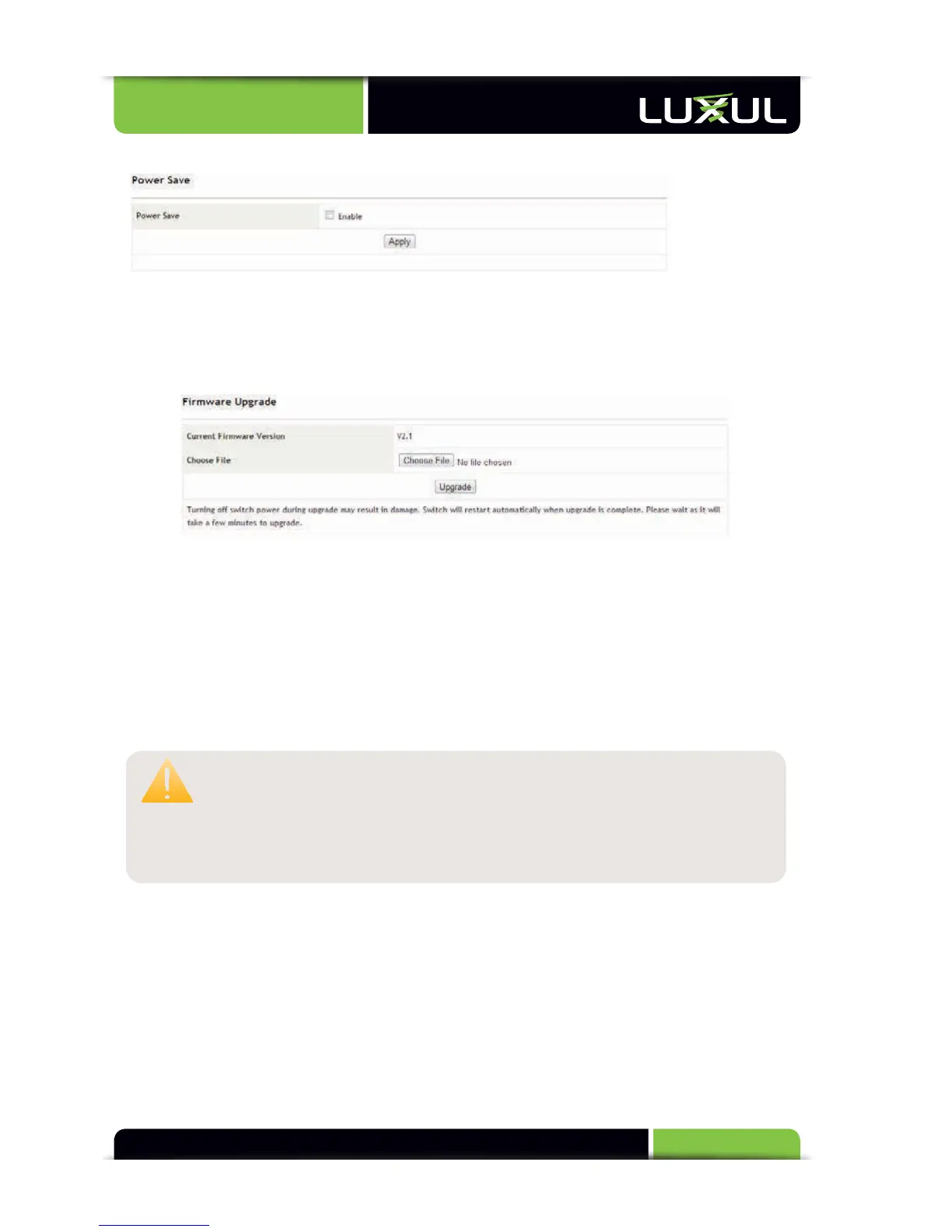
5.12.3 Power Save
Power Save: Check to enable or uncheck to disable the power save mode
Apply: Enables or disables the power save mode
5.12.4 Upgrade
Please visit the Luxul website to check for firmware upgrades and obtain upgrade
instructions.
Firmw
are Upgrade:
1. Go to the Luxul website and download the new version of firmware
2.
Click
“Br
owse”
t
o
loca
te
the
firmw
are
file
3. Click “Upgrade” to perform the update
CAUTION: Do not power off the switch or computer being used during
the upgrade or the switch may be damaged. During upgrade,
it is recommended to disable all network connections
except the network connection of the computer used for
the upgrade.



 To Next Page