User Guide
34
© Copyright 2013 Luxul. All rights reserved. Trademarks & Registered Trademarks are property of respective holders.
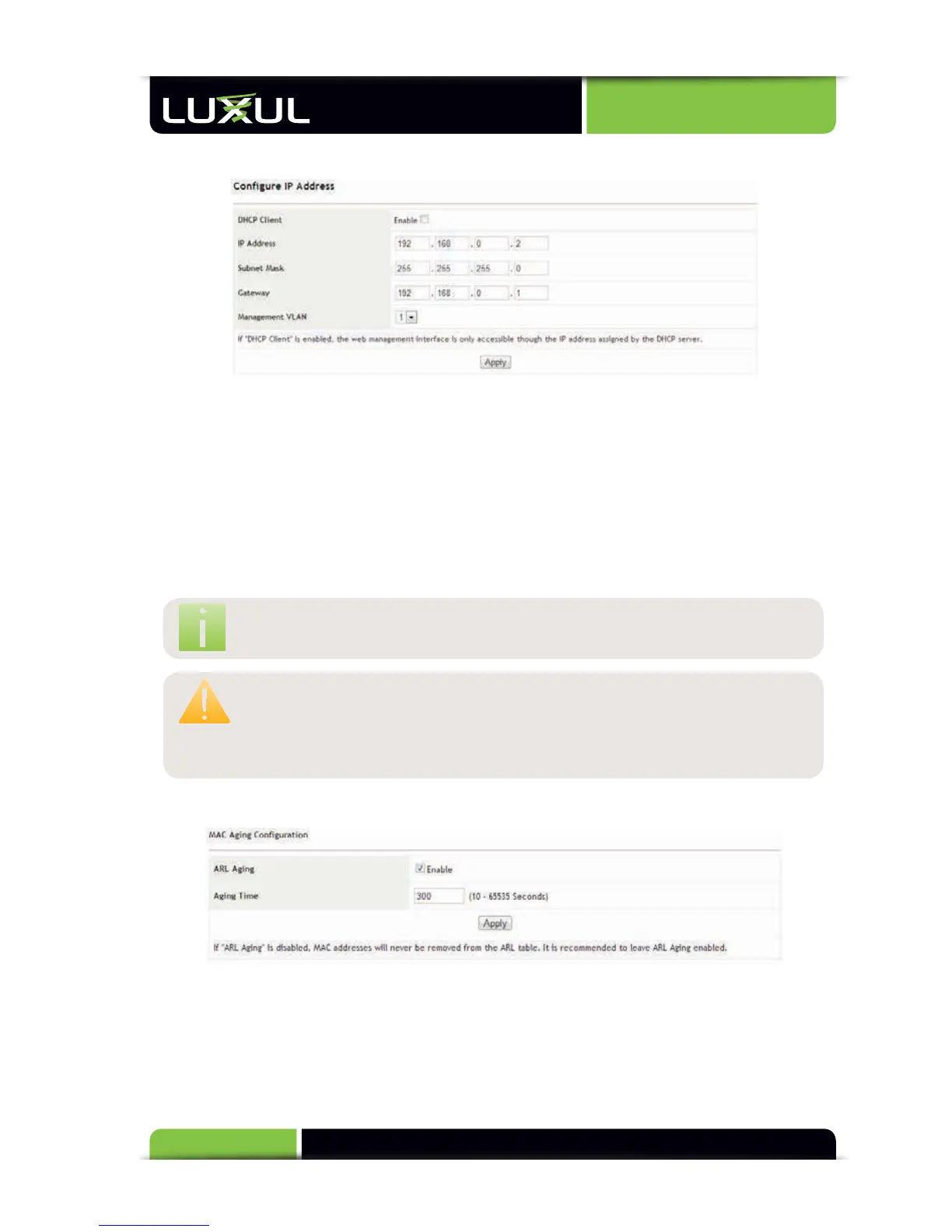
5.12.5 IP Configuration
DHCP Client: Enables or disables the DHCP client. It is disabled by default.
IP Address: Sets the login IP address of the switch (192.168.0.2 by default)
Subnet Mask: Sets the subnet mask of the switch (255.255.255.0 by default)
Gateway: Sets the gateway of the switch (0.0.0.0 by default)
Management VLAN: Selects the VLAN of the management computer
NO
TE:
If
the
Manag
ement
VL
AN
is
not
s
etup
pr
operly,
y
ou
will
not
be
able
t
o
manag
e
the
s
witch.
CAUTION:
Aft
er
enabling
the
DHCP
client,
y
ou
must
check
f
or
the
IP
addr
ess
obtained
fr
om
the
DHCP
s
erver
(usually
a
r
outer
or
sever in the network) and then re-connect to the switch. It is
not recommended to use this function.
5.12.6 MAC Aging Configuration
The default MAC address aging time is 300 seconds. The set value should be
between 10 seconds and 65535 seconds. Otherwise, the system will report an error.
If “ARL Aging” is left unchecked, the system terminates MAC address aging (not
recommended).



 To Next Page