S80 Version 4.92 November 2014
Page 10 of 61
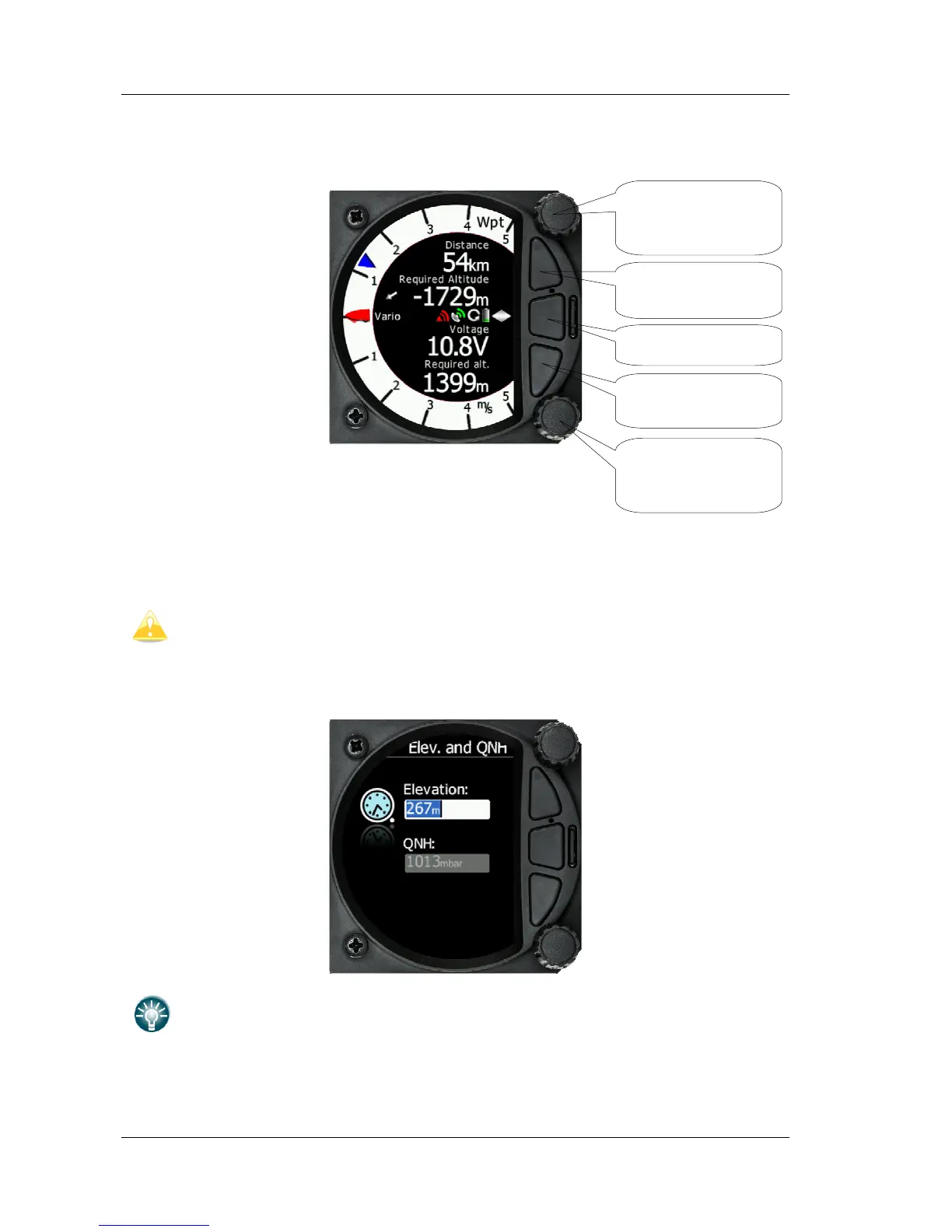
The three buttons between the two rotary knobs have fixed functions. The top button is ESC
(CANCEL), the middle is menu and the lower button is the ENTER (OK) button.
4.3 Switching on the Unit
A short press of any of the buttons or rotary knobs will turn on the S80. The first LXNAV
welcome screen will appear with the system information (Device name, Version, Serial
number...)
S80D rear seat unit cannot be powered up if the S80 is not already powered up.
When the boot procedure is completed, the setup elevation dialogue is shown.



 To Next Page