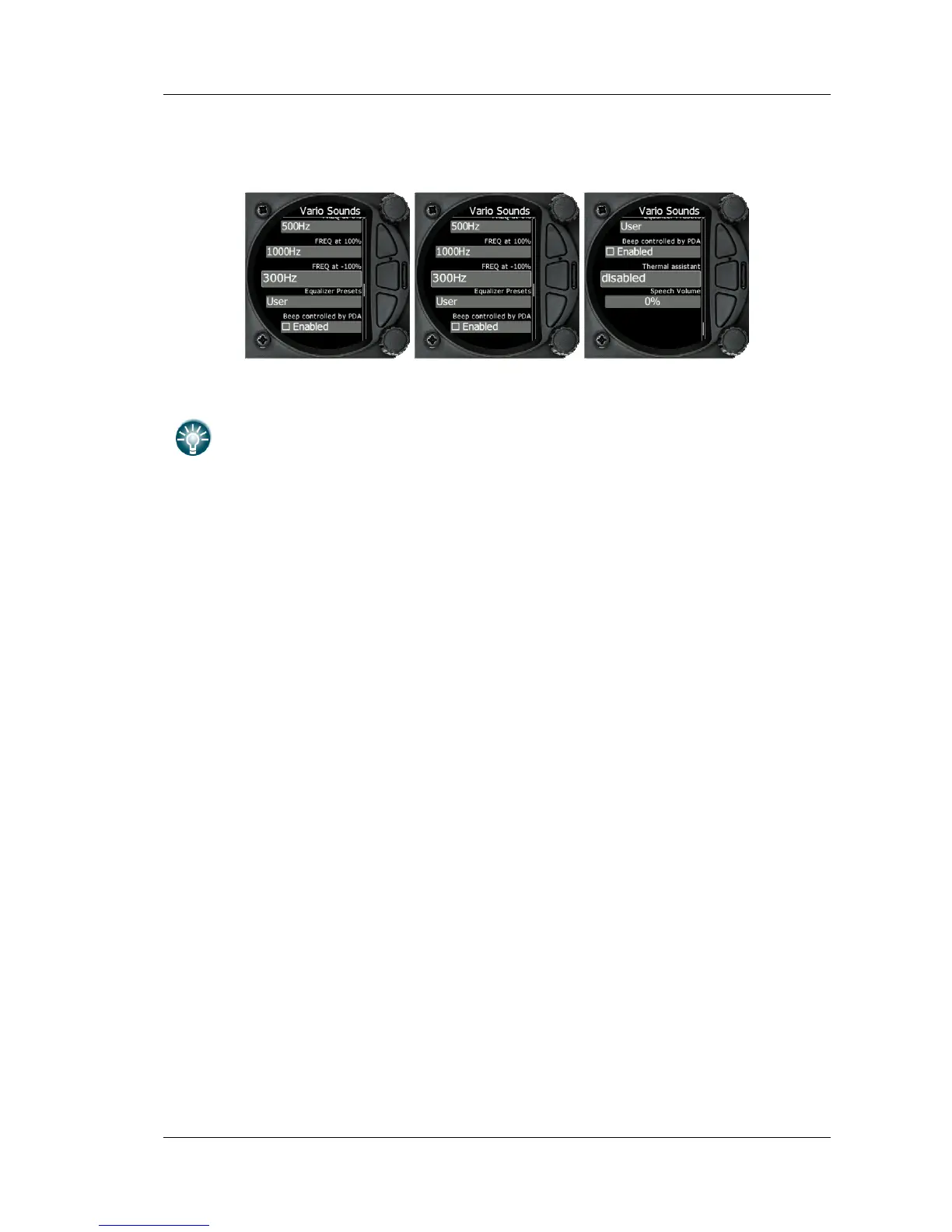
The volume for Vario, Flarm and Speech can also be adjusted directly with the top
rotary knob whilst in the Flarm, Waypoint and Task screens
Vario Audio mode
Vario audio mode has the following options:
• Linear positive: sound is interrupted with silence every few milliseconds when the
needle is positive; on negative side sound is linear (not interrupted).
• Linear negative: inverse function to Linear positive.
• Linear: sound is linear and non-interrupted in full scale range.
• Digital positive: similar to Linear positive, except frequency is not changing linearly
but with larger steps.
• Digital negative: inverse function to Digital positive.
• Linear positive only: sound is present only at positive values, for negative values there
is silence.
• Digital positive only: similar function to Linear positive only, except the sound is
similar to the digital tone.
SC Audio mode
SC audio mode has five modes:
• Netto Speed: Sound follows netto value.
• SC Mixed: for positive relative values the sound represents relative; for negative
• Speed to Fly: sound is linear and non-interrupted in full scale range.
• relative values the sound represents SC (for that setting it is recommended to set SC
needle to relative). Dead band is active only for negative values.
• SC negative: inverse function to SC positive.
• SC positive: sound is interrupted with silence every few milliseconds when the needle is
positive; on negative side sound is linear (not interrupted).
Audio frequencies



 To Next Page