S80 Version 4.92 November 2014
Page 15 of 61
5.1 Info Screen
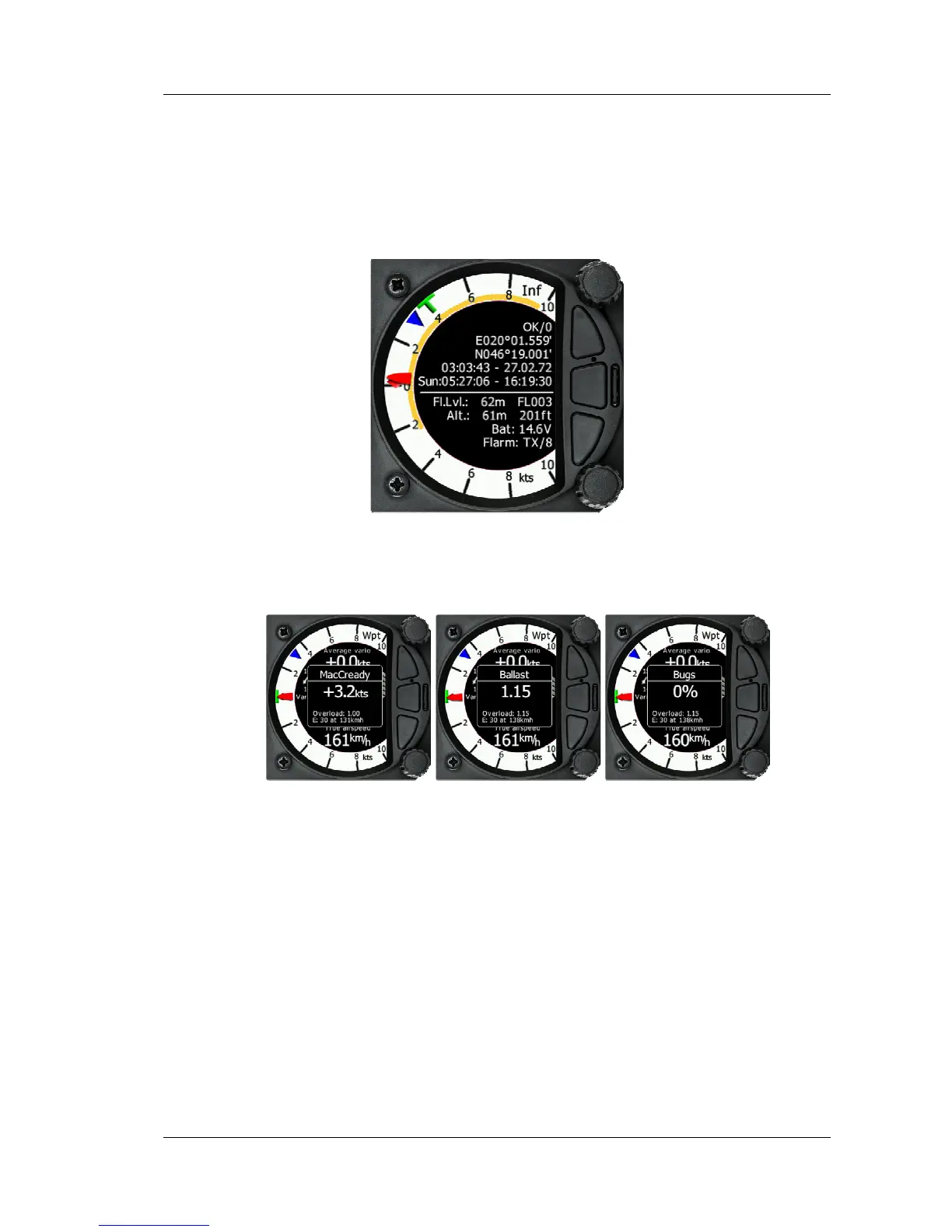
The Info Screen gives you a snapshot of the GPS position, date, and time along with
Flight level, altitude, Battery status, and Flarm status. Flight Level equivalent is also
available in meters as is the Altitude.
5.1.1 Quick access menu
A short press of the push button activates the quick access menu. Mc, Bugs and Bal
are available.
To change the MacCready value, rotate the bottom rotary knob. A short press on the
bottom rotary knob moves to the Ballast scree and stores the MacCready setting.
Pressing the bottom rotary knob again will open the Bugs screen. If no action is
performed for 3 seconds, the screen will close.
5.2 Flarm Screen
If the S80 is connected to a Flarm source through the GPS port then the Flarm screen
will display a map of relative positions of Flarm targets in range. By rotating the
bottom rotary knob, you can change the range of the display from 1km to 100km



 To Next Page