S80 Version 4.92 November 2014
Page 22 of 61
5.4.1 Quick access menu
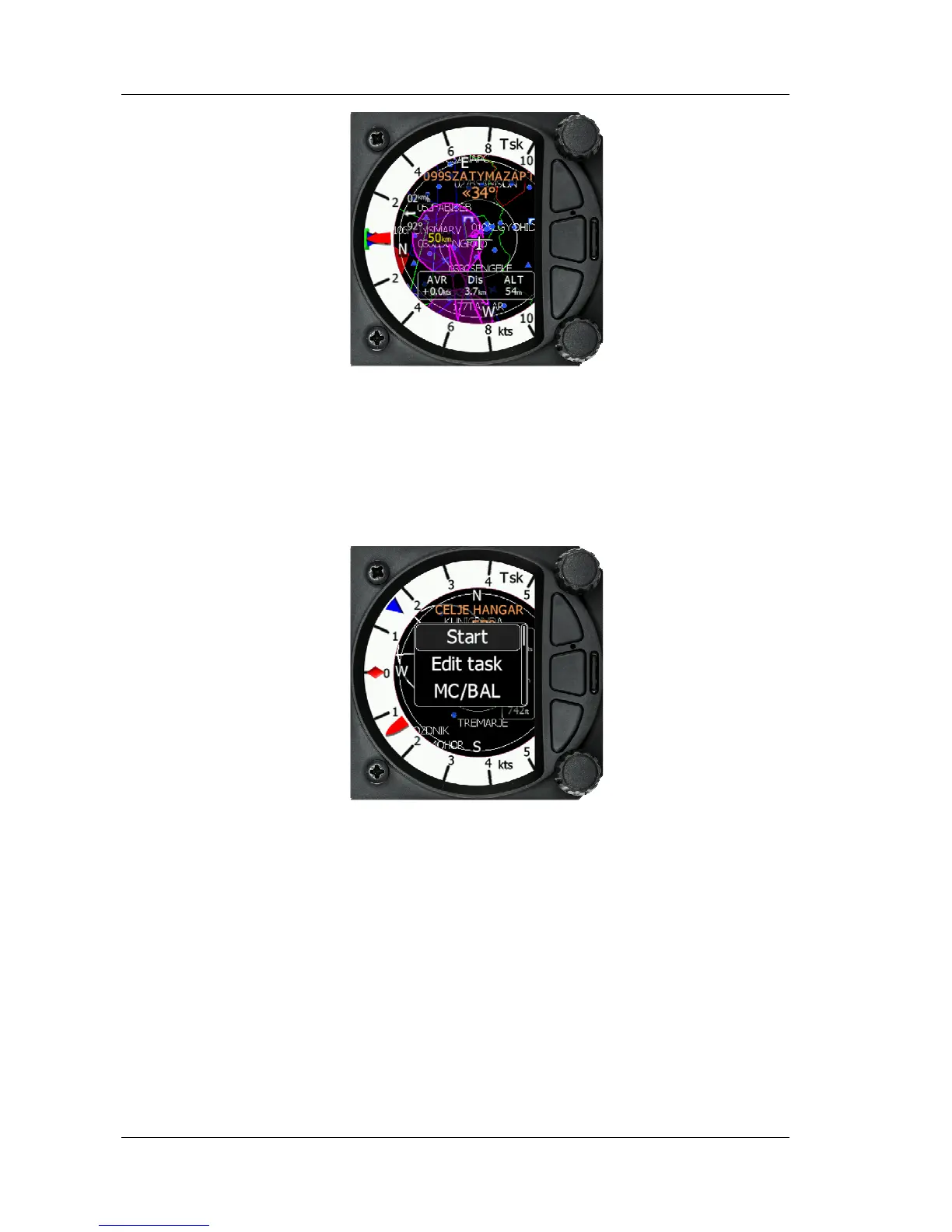
A short press of the bottom rotary knob activates the quick access menu. In addition
to MacCready, Ballast and Bugs you can Start, or Edit a task. If the Task is started you
can restart or go to the next waypoint. You can also change the Navboxes through this
menu.
• Selecting start and a short press of the bottom rotary knob will start a task.
• Selecting restart and a short press of the bottom rotary knob will restart the
task.
• Selecting next and a short press of the bottom rotary knob will advance the
task to the next waypoint in the task.
• Selecting edit task with a short press of the bottom rotary knob will enter the
task editing screen. The first time you edit a task it will be blank. A short press
of the bottom rotary knob will open another menu with the option to Insert,
Edit, Delete or Zone. Selecting Insert will allow you to enter a waypoint from
the list as a start point. Rotating the bottom rotary knob will scroll through the
waypoints in alphabetical order. Pressing the Enter button will select the first
letter and move the cursor to the right for the second letter. The second letter
can be selected by rotating the bottom rotary knob. Repeat the process until
the desired waypoint is displayed. Press the bottom rotary knob once to select
it. Once the start point is selected, rotate the bottom rotary knob clockwise one



 To Next Page