S80 Version 4.92 November 2014
Page 12 of 61
4.4.3 Selection Control
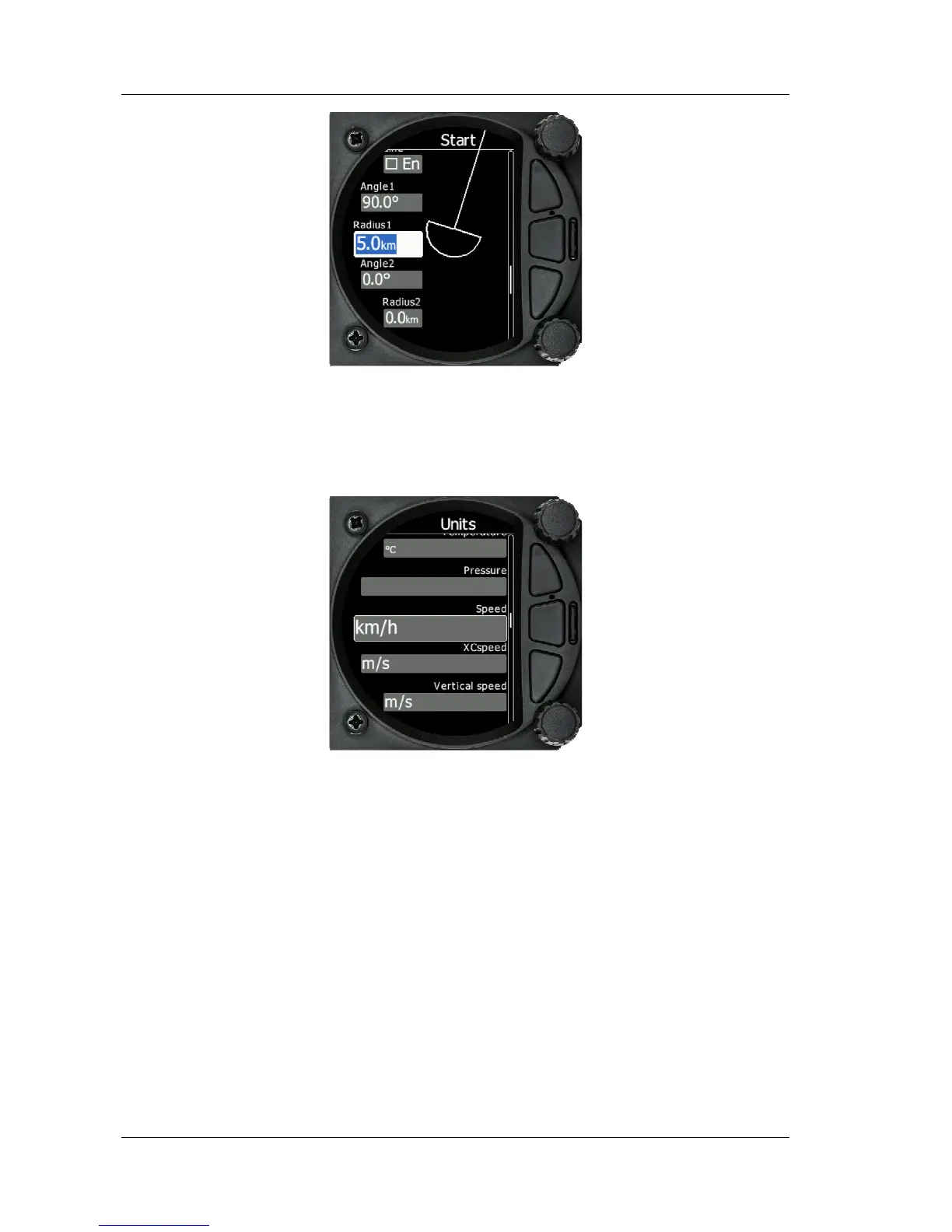
Selection boxes, also known as combo boxes are used to select a value from a list of
predefined values. Use the bottom rotary knob to scroll through the list.
4.4.4 Checkbox and Checkbox List
A checkbox enables or disables a particular parameter. Press the bottom rotary knob to
toggle the value. If an option is enabled a check mark will be shown, otherwise an empty
rectangle will be displayed.



 To Next Page