S80 Version 4.92 November 2014
Page 11 of 61
4.4 User Input
The LXNAV S80 user interface consists of dialogues which have different input controls.
They are designed to make the input of names, parameters, etc., as easy as possible. Input
controls can be summarised as:
• Text editor
• Spin controls (Selection control)
• Checkboxes
• Slider control
To move the function from one control to another, rotate the lower rotary knob as follows:
• Clockwise rotation will select the next control.
• Counter clockwise rotation will select the previous control. PUSH button enters the
selected feature.
• Faster rotation of the rotary knob will increase the rate at which the value changes. i.e.
bigger steps in value.
4.4.1 Text Edit Control
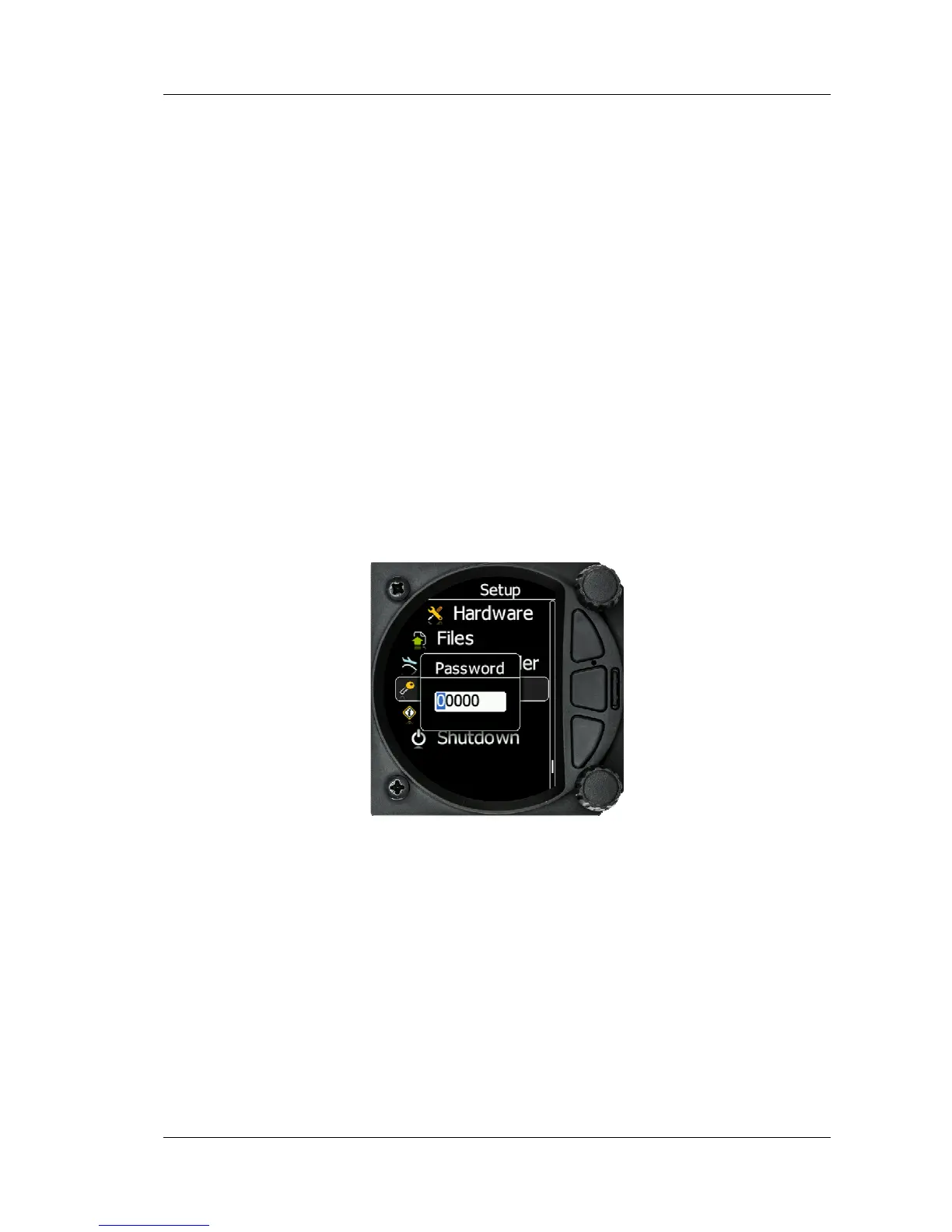
The Text Editor is used to input an alphanumeric string; the picture below shows typical
options when editing text/numbers. Use the bottom rotary knob to change the value at the
current cursor position.
Turn the bottom rotary Knob to set the character and then press the enter key to move to
the next charachter to the right. Press the escape key to move back to the left. When you
have finished editing, press the Enter key. Pressing the bottom rotary knob will enter or exit
a controll.
4.4.2 “Spin” Control
“Spin” controls are designed for numeric parameters. Rotate the knob to increase/decrease
the selected value. To increase the values in larger steps, spin the bottom rotary knob
control faster!



 To Next Page