S80 Version 4.92 November 2014
Page 32 of 61
For the task settings, you can turn on the display of waypoints with the check box and
change the colour of the task, the line to the next waypoint and the zone colour. In addition,
you can change the transparency of the Observation zone, user messages and the
Navboxes. Zone line width can also be adjusted.
In the airspace type list you can specify how each airspace type is displayed. You should
define each type of airspace zone separately. First choose an airspace type from the list.
You can modify the Transparency of the selected type. Zoom value defines to which zoom
level this type is going to be visible. The Colour and Width items specify how selected
airspace zone will be drawn.
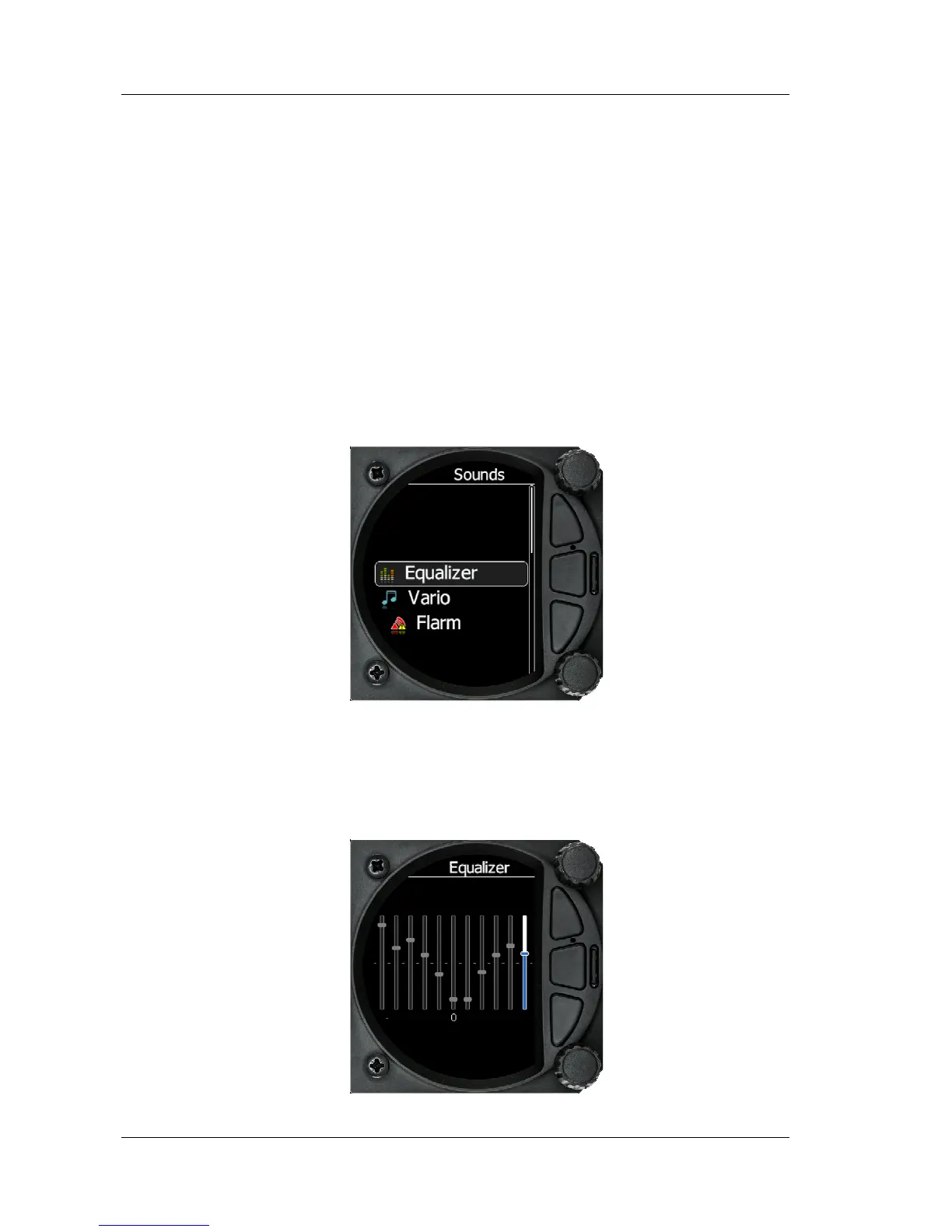
5.5.5 Sounds
The sound option has a sub menu for Equaliser, vario and Flarm
5.5.5.1
Equalizer Option
With the bottom rotary knob you can adjust the volume for each frequency.
Settings are stored when you exit the screen



 To Next Page