S80 Version 4.92 November 2014
Page 23 of 61
click to display the second turn point. Edit the second turn point as above.
Repeat for all the points in the task. When you have completed editing the
task, press the page (middle) button to save the task and return to the Task
navigation page.
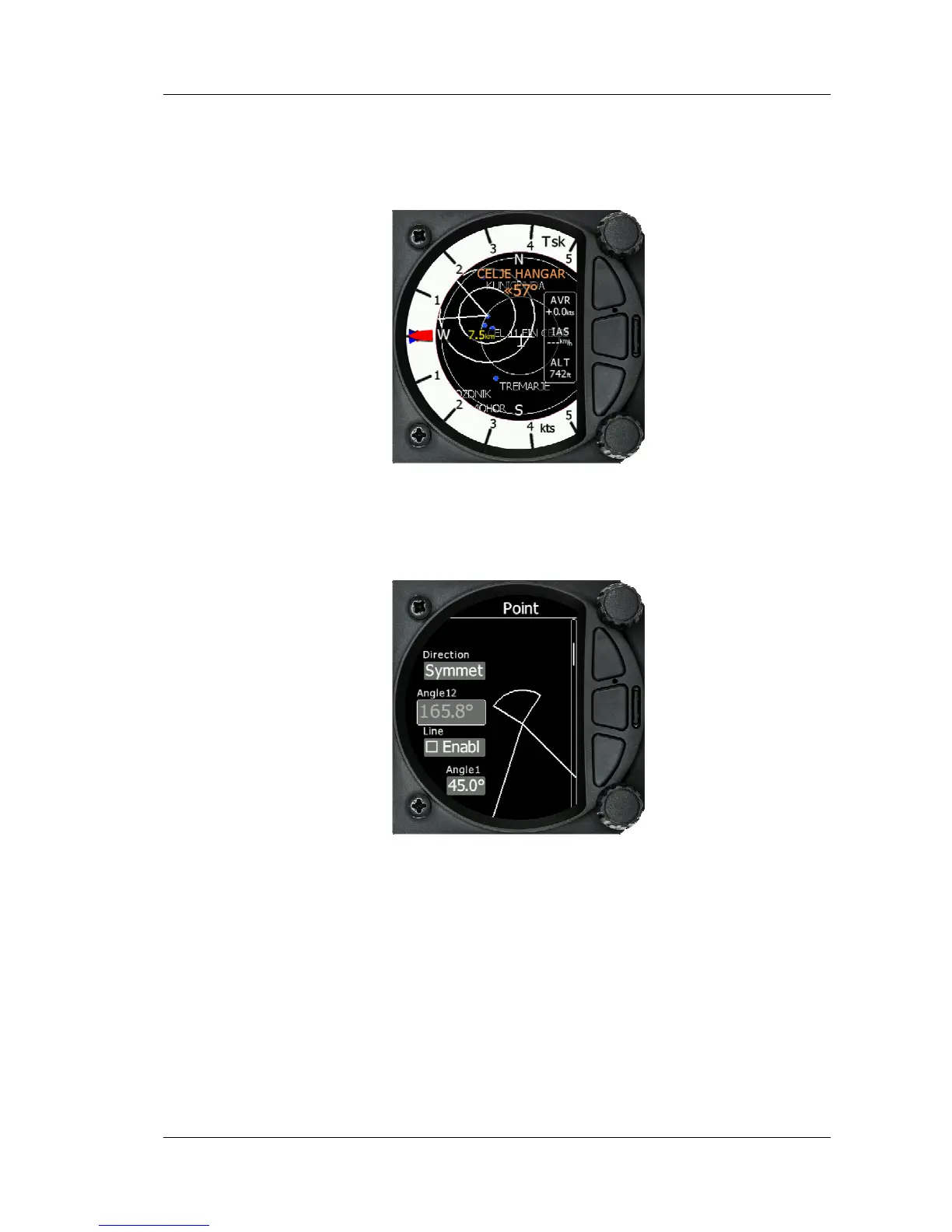
You can also change the Observation zone from the defaults for each Waypoint. To do
this, select the waypoint in the task and then press the bottom rotary knob. The quick
access menu allows you to insert, edit, delete or change the zone for the Waypoint. If
you select Zone, you can modify the zone for that specific waypoint only.
5.4.2 Second Task Page (Numerical Data)
The Task screen has a second page which contains numerical data. Defaults are
Average Vario, Netto, Altitude and True Airspeed. In addition, the central line shows
the status of the Flarm, GPS, Cruise/Climb and battery status. This second page can be
selected by pressing the enter button once. You can return to the task navigation page
by pressing the Escape button (top button of the three)



 To Next Page