S80 Version 4.92 November 2014
Page 25 of 61
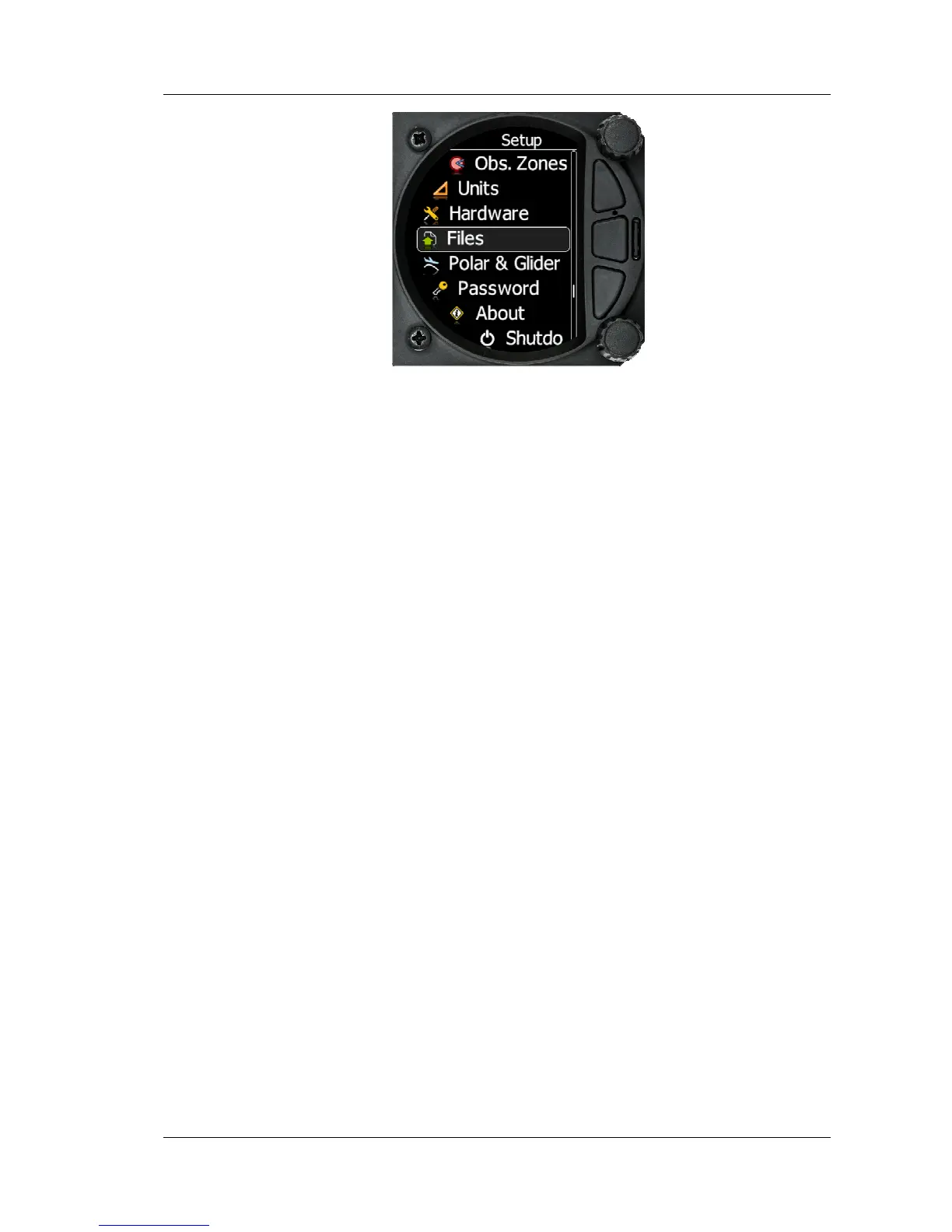
Following items are listed in the setup menu:
• QNH &RES
• Vario Param.
• Display
• Graphics
• Sounds
• Warnings
• Obs. Zones
• Units
• Hardware
• Files
• Polar & Glider
• Password
• About
You can scroll up and down the list of settings by rotating the bottom rotary knob and
select a setting to change with a short press of the bottom rotary knob.
Some of the Options have sub menus and these are selected in the same way.
5.5.1 QNH & RES
Turn the bottom rotary knob to select the required entry field. Press the bottom rotary knob
to select it and start editing the value. A further shot press will enter the value.



 To Next Page