S80 Version 4.92 November 2014
Page 29 of 61
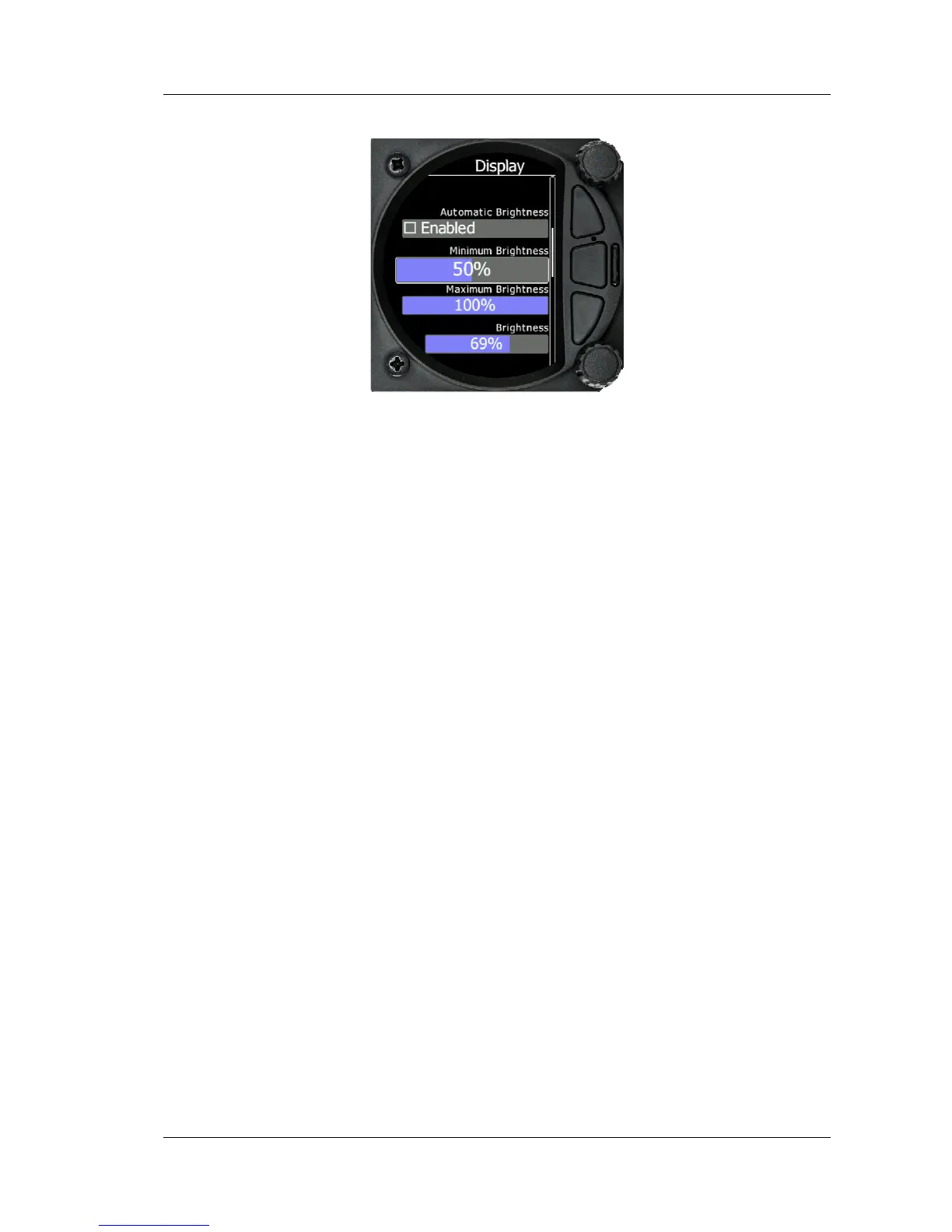
5.5.3 Display
5.5.3.1
Automatic Brightness
If the Automatic Brightness is checked then the brightmess will be automaticaly
adjusted between the minimum and maximum parameters set. If the Automatic
Brightness is Unchecked then the brightness is controled by the brightness setting
5.5.3.2
Minimum Brightness
Use this slider to adjust the minimum brightness for the Automatic Brightness
option.
5.5.3.3
Maxximum Brightness
Use this slider to adjust the maximumm brightness for the Automatic Brightness
option
5.5.3.4
Brightness
• With the Automatic Brightness unchecked, you can set the brightness manually with this
slider.
5.5.4 Graphics
The graphics option has a sub menu for Flarm and for Airspace and Tasks



 To Next Page