S80 Version 4.92 November 2014
Page 21 of 61
Select the required Navbox and then save this with a short press of the bottom rotary
knob. Repeat the process for any other Navbox that needs to be changed.
5.3.3 Third Waypoint Page (AHRS)
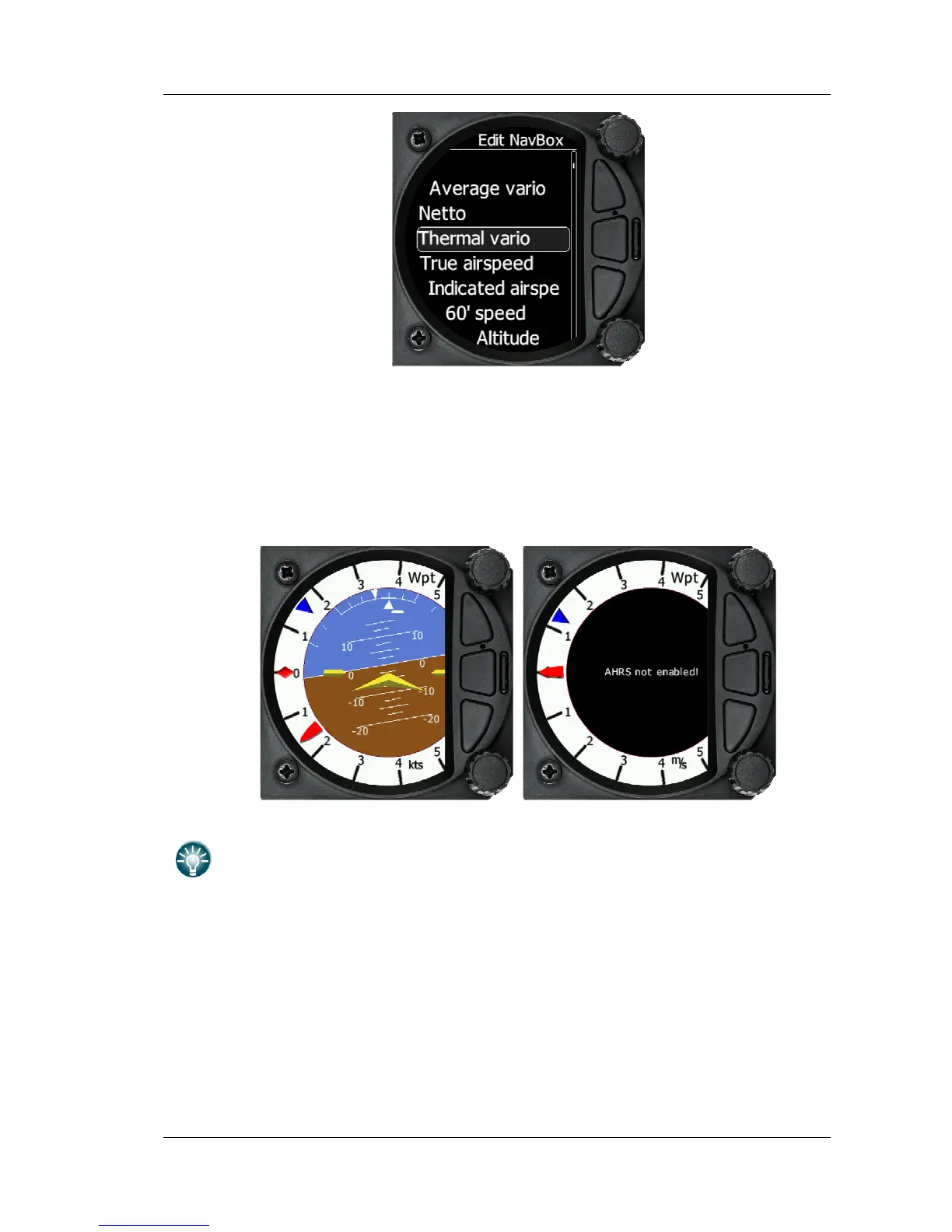
The Waypoint screen has a third page which displays the AHRS (if this feature has
been enabled See more in Ch.8.5.4)
Pitch offset can be adjusted with lower rotaty knob.
5.4 Task Screen
The task screen can display a navigation page including airspace and a task. By
rotating the bottom rotary knob, you can change the range of the display from 1KM to
100Km



 To Next Page