S80 Version 4.92 November 2014
Page 19 of 61
Pressing the Enter button salves the position setting and scrolls down a page.
5.3.1.2
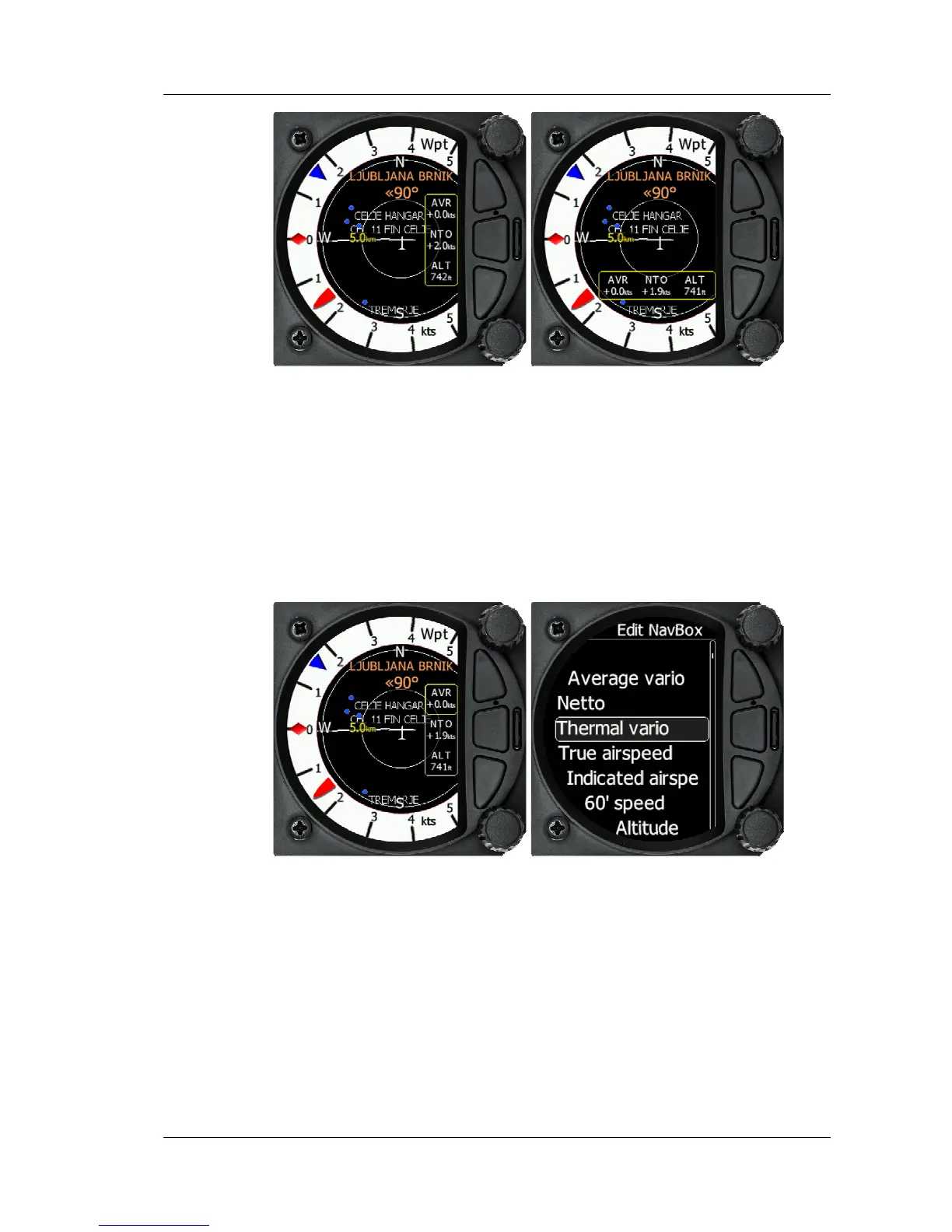
Editing Navboxes
Selecting the Navboxes option and then pressing the bottom rotary Knob will allow
you to select one of the three boxes by rotating the bottom rotary knob and a short
press. You can then select the required data for the highlighted Navbox. A short
press of the bottom rotary knob selects the desired setting and returns you to the
Navbox selection. Pressing Enter at any time saves the setting and moves to the
second Waypoint Page
5.3.2 Second Waypoint Page (Numerical Data)
The Waypoint screen has a second page which contains numerical data. Defaults are
Average Vario, Netto, Altitude and True Airspeed. In addition, the central line shows
the status of the Flarm, GPS, Cruise/Climb and battery status. This second page can be
selected by pressing the enter button once. You can return to the Waypoint navigation
page by pressing the Escape button (top button of the three)



 To Next Page