LT10A / LT11A Series
18 (E)
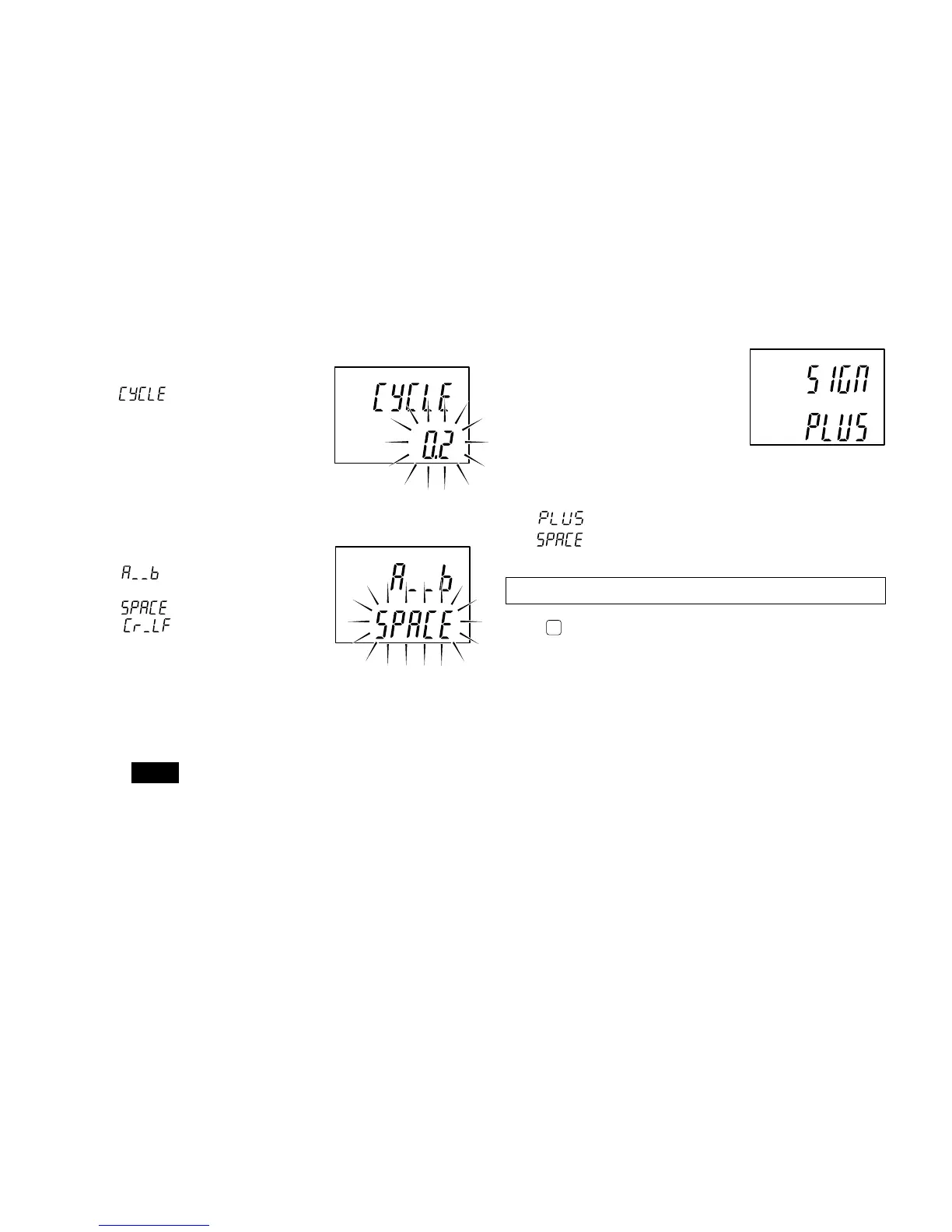
8. Selecting the output time interval.
This mode is selected when
has been chosen in
step 7.
One of the following eight
intervals can be chosen.
0.2/0.5/1.0/5.0/10/30/60/300 s
9. Selecting the data transmission format
(2 channel models)
is displayed and one of
the following is chosen.
: format (a) given below
: format (b) given below
• To output from channel A –12.345, and from channel
B 67.891:
(a) A–12.345MB+67.891
C
R
L
F
(b) A–12.345
C
R
L
F B+67.891
C
R
L
F
Note
M means a space.
factory-set
factory-set
10. Plus sign setting of the
output data
When the output data is
positive, output characters will
be set as a plus sign.
This setting will also be
reflected in the input data
(preset value, comparator
value).
: Outputs plus as a sign.
: Outputs space as a sign. (compatible to
previous model)
Initial settings are now complete for the RS-232C model.
Press
MODE
to return to the measuring state.
factory-set



 To Next Page