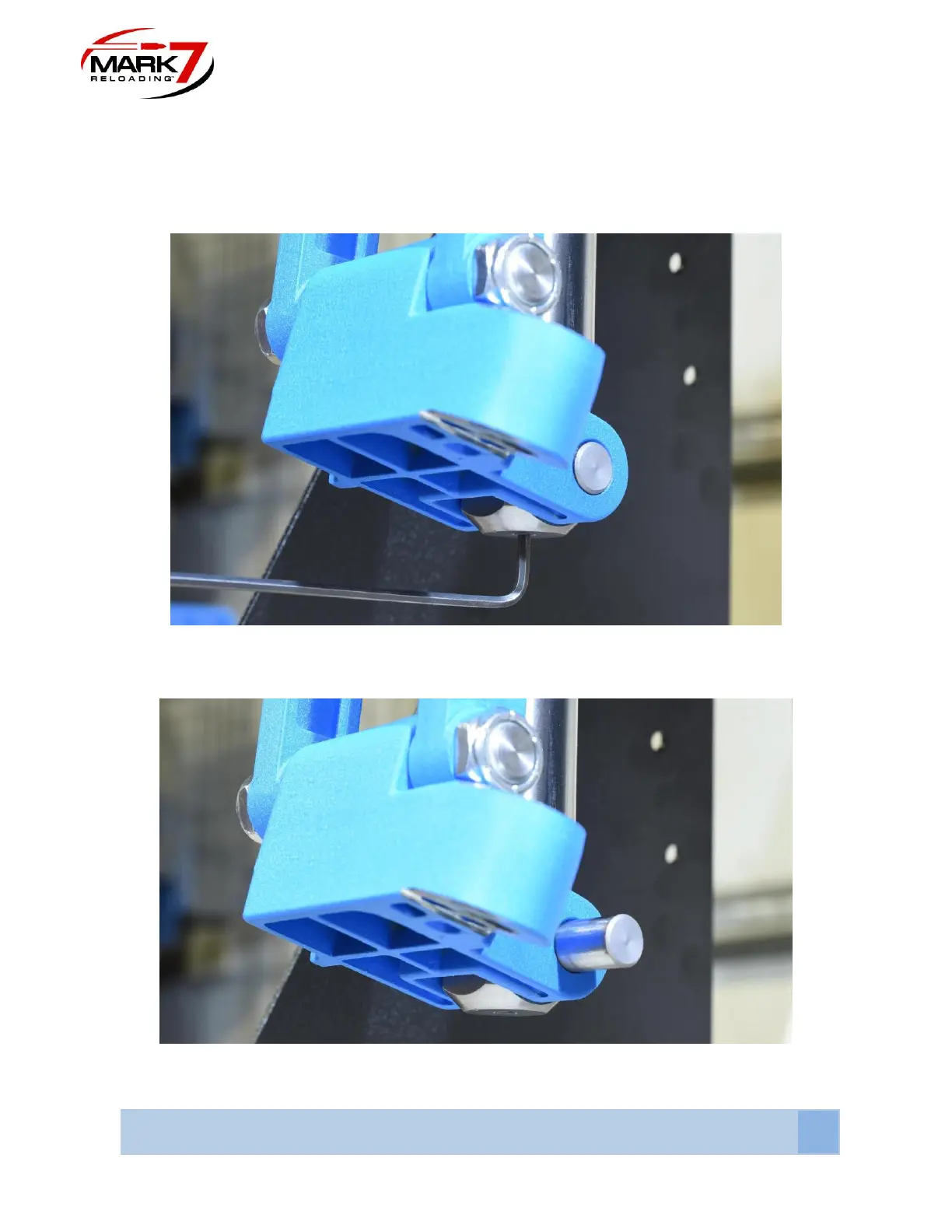
3. Removing 650 Knuckle and pin
Using a 1/8” allen key remove the set screw on the bottom of the 650 ram and slide out the
knuckle pin. This pin and set screw will be re-used later in the assembly, set aside in a safe
place.
Figure 5: Removing Set Screw from 650 Ram (Do Not Discard Set Screw)
Figure 6: Removing Knuckle Pin (Do not Discard Pin)



 To Next Page