Operating Instructions
Power on the 650 autodrive by turning on the on/off switch on the power console and pressing
and holding the tablet power button until the android screen appears. The tablet will
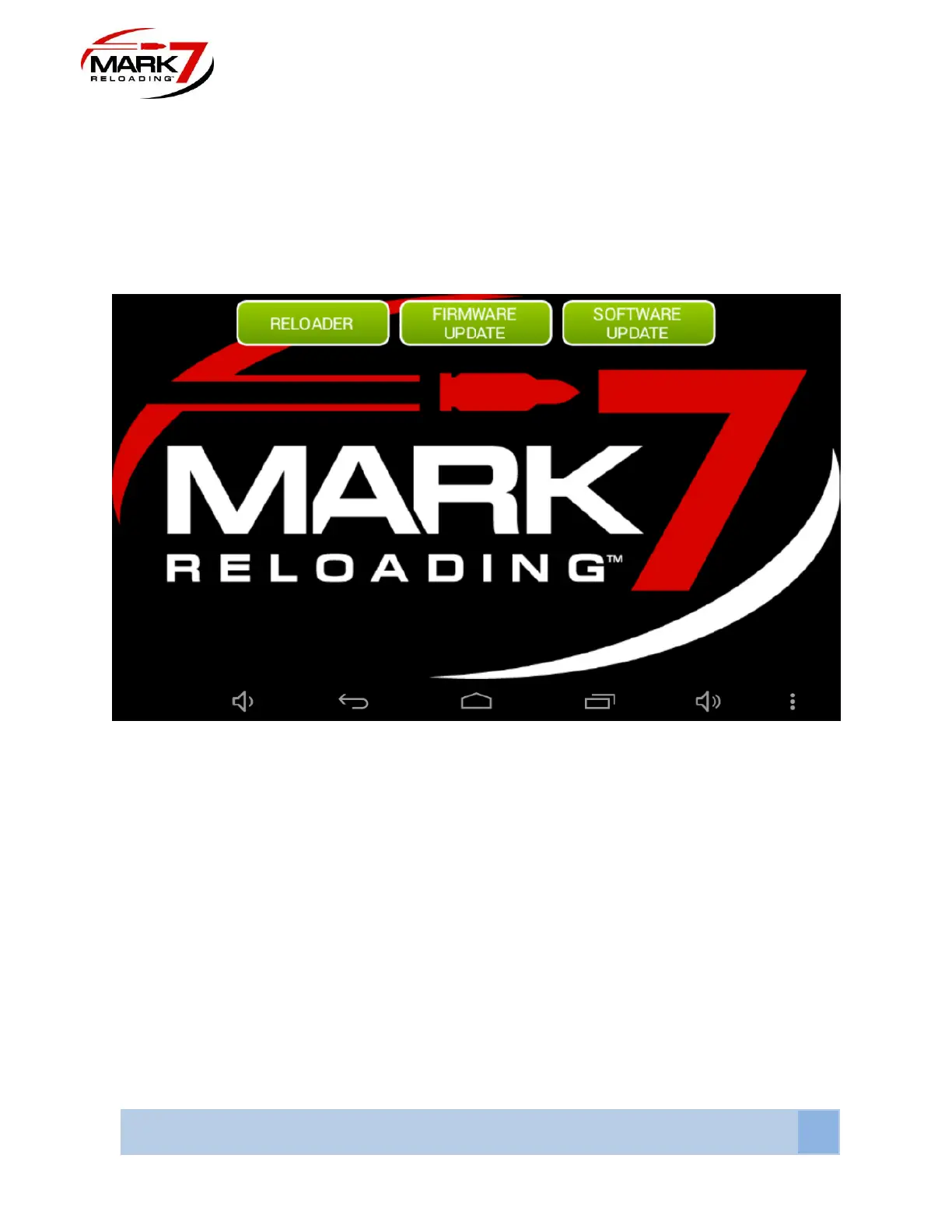
automatically launch the Mark 7 Home screen as shown below.
Main Screen
Figure 47: System Home Screen
This home screen contains the Reloader , firmware and software applications. The firmware
and Software update applications are only required when updated the system. To check what
software and firmware version is installed on your machine enter the reloader application.
Before selecting the Reloader application, make sure the console is powered on, all system
cables are connected and the shell plate is clear.



 To Next Page