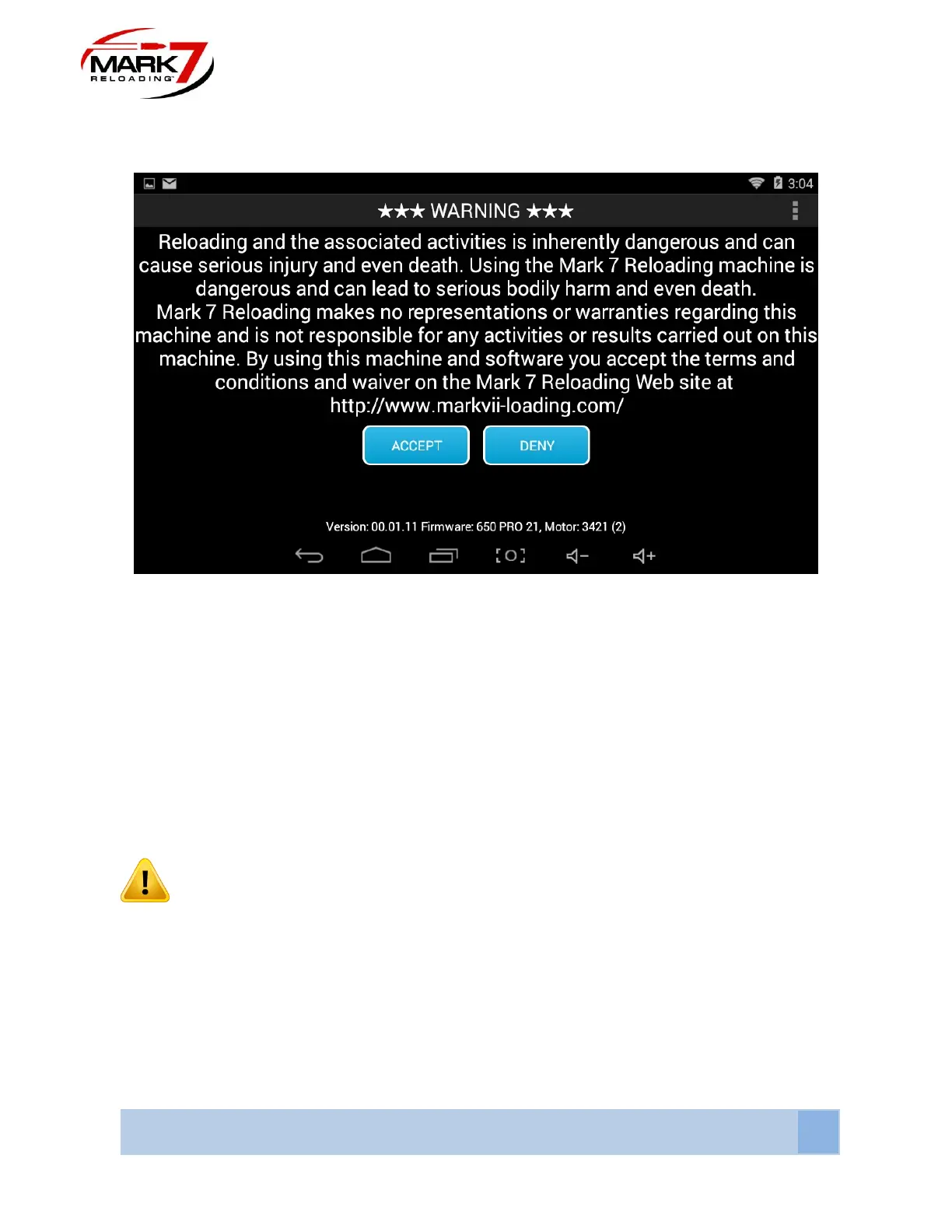
Waiver Screen & Software And Firmware Version
Figure 48: System Waiver Screen (650 PRO)
The waiver screen will appear if all system cables are connected properly. The operator must
accept the terms and conditions and waiver on the Mark 7® Reloading website in order to run
the machine. If the operator does not accept these terms they must touch DENY which will
immediately close the application.
The software and firmware version are displayed at the bottom of the waiver screen as shown
above. Check our website to make sure you have the most recent version before you start
running the system.
Before Each Session Of The Machine:
WARNING – Before each loading session, fully inspect the machine – this will
reduce the errors you may encounter. Some of the items to inspect (for exhaustive list
please refer to the Dillon Precision manual) include: Ensure the index ring is not cracked
or damaged and that the spring is properly installed. The index plate must be free of
debris. Visually inspect all lubrication points. Check the need for lubrication before
every session and apply it as necessary at the key lubrication points outlined in the
Dillon Precision manual. Insufficient lubrication creates a potentially dangerous
situation and may lead to unreliable results as well.



 To Next Page