SET PRIMER - The operator has the ability to set the number of primers used before the Mark
7® Autodrive ends its current run.
SET BRASS - The operator has the ability to set the number of brass used before the Mark 7®
Autodrive ends its current run.
SET BULLET - The operator has the ability to set the number of bullets used before the Mark
7® Autodrive ends its current run.
DISABLE COUNT - The DISABLE COUNT function gives the operator the ability to not count
the amount of rounds made.
RESET - the RESET function allows the user to reset the ROUNDS MADE and ROUNDS PER
HOUR fields.
The icons at the bottom of the screen either state – STOP at XX or Stop at Ignored. If the latter,
the machine will not stop – the monitor is not in use. If the former, the value that you set is the
value that the machine will stop on. If you set primers to 100 and the stop at value of 10, then
the machine will stop when it has reached 10 primers left (a value of 90 rounds made).
RUN, END CYCLE, and STOP functions have the same functionality on the Monitors Screen as
they do on the Control Screen.
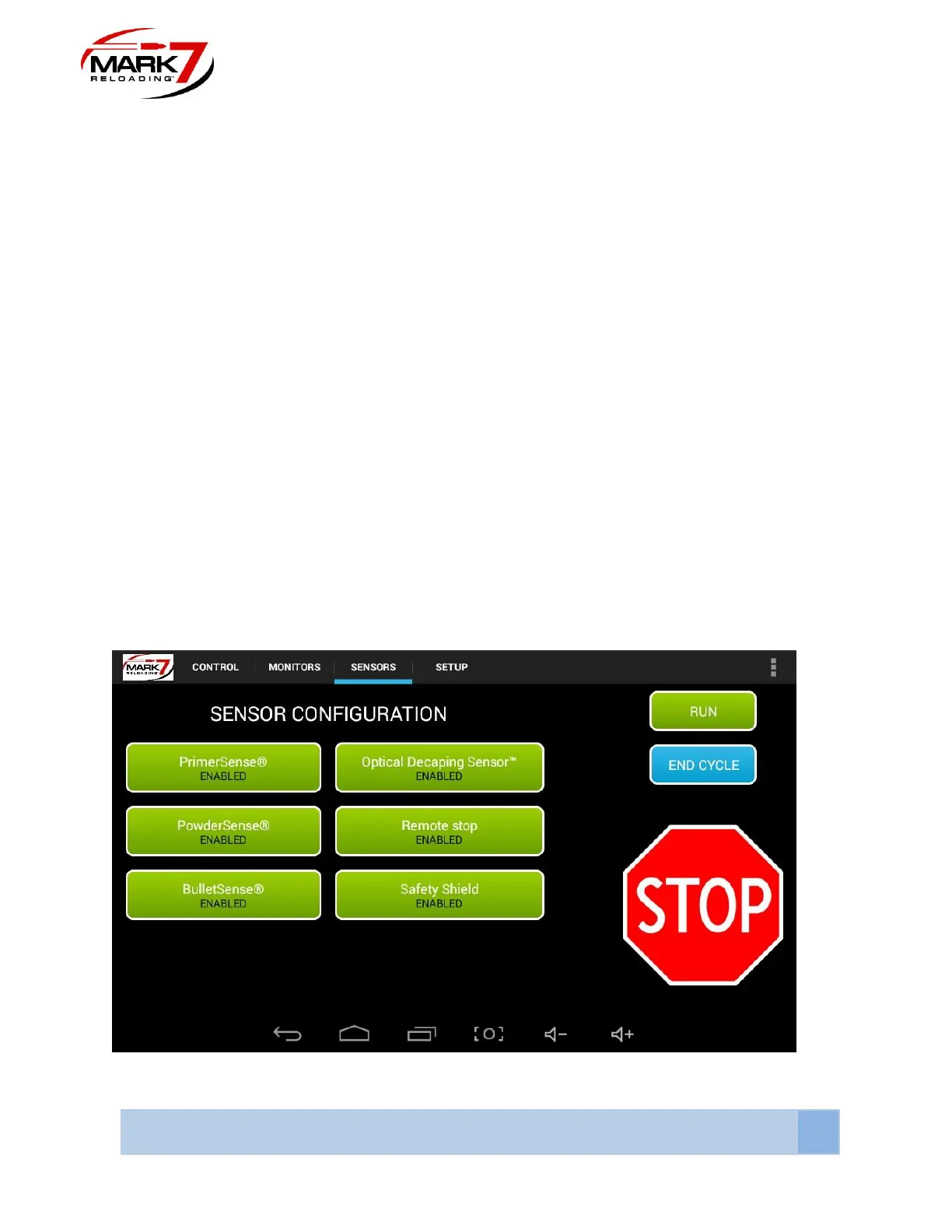
Sensors
Figure 51: Sensors Screen



 To Next Page