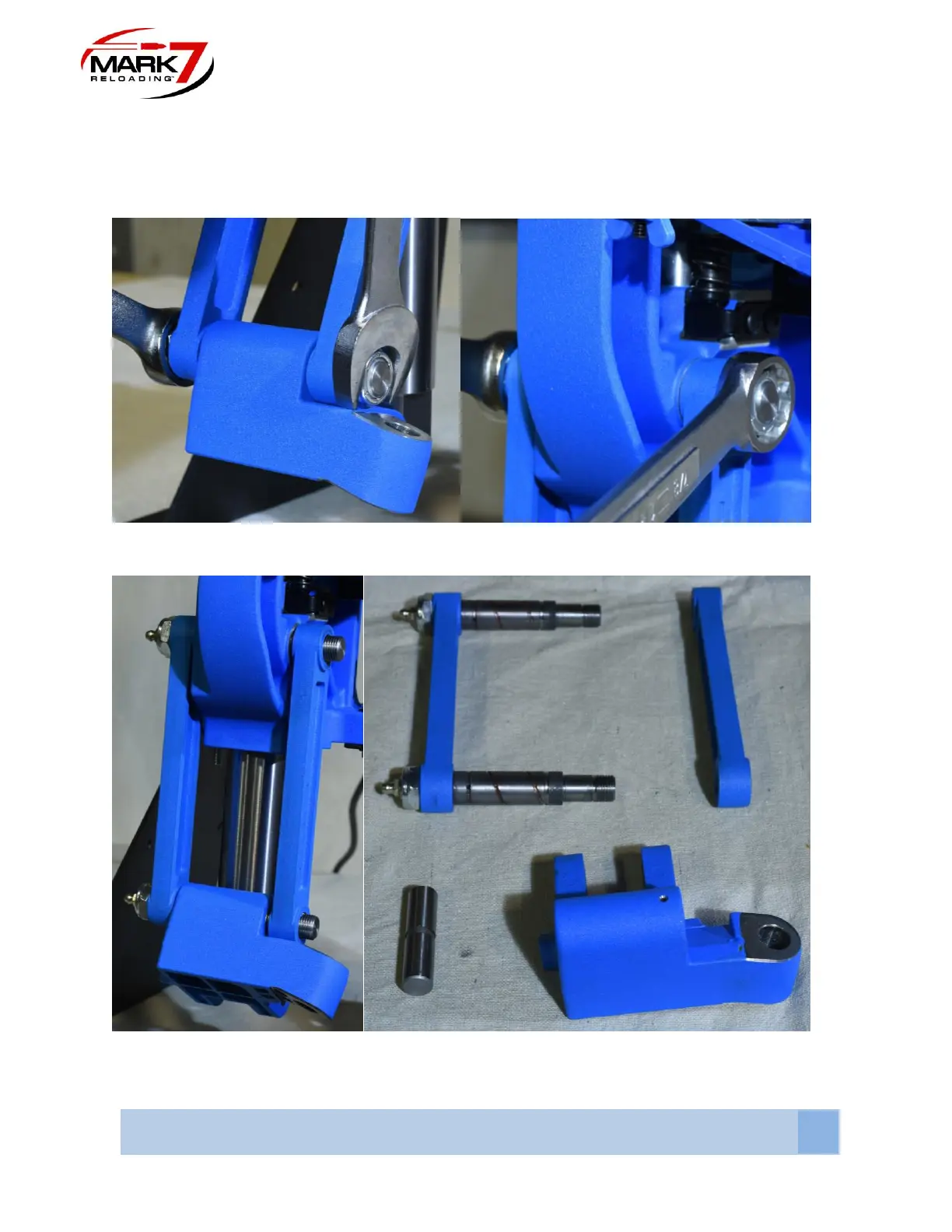
4. Removing Link Arms From 650 - Using 2X 7/8” or (22mm) wrenches remove the nuts on
the right light link arm. Slide off the right link arm, then pull out the left link arm attached with the
pins as an assembly as shown in the figure below.
Figure 7: Removing Link Arms (Remove Left Link Arm)
Figure 8: Link Arms, Knuckle and Pin Removed From 650.



 To Next Page