Masimo LiDCO Chapter 4: Operation
www.masimo.com 39 Masimo
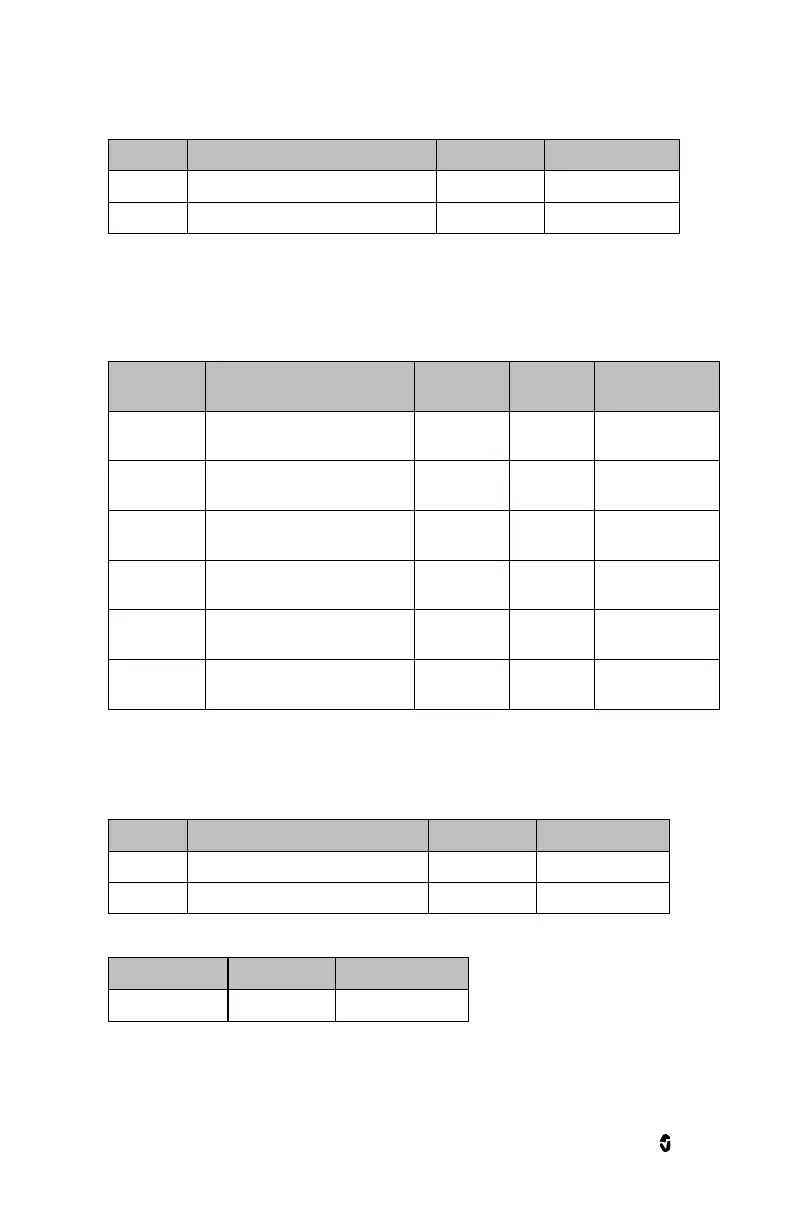
Trends
Highest PPV value that can be displayed
Lowest PPV value that can be displayed
Stroke Volume (SV)
Alarms
Upper limit that triggers an alarm
Off, or 10-495 in
steps of 5.
Lower limit that triggers an alarm
Off, or 5-490 in
steps of 5.
Value below High Limit to trigger
caution light
Off, or 5-30 in
steps of 5.
Value above Low Limit to trigger
caution light
Off, or 5-30 in
steps of 5.
Length of time that the audible
alarm remains silenced
* Masimo LiDCO has the ability to control alarm priority based on the clinical use case. When Audible
Alarms are set to Off, the alarm priority is Low. When Audible Alarms are set to On, the alarm priority is
Medium.
Trends
Highest SV value that can be displayed
Lowest SV value that can be displayed


 To Next Page